The grocery list app for a calm, happy home
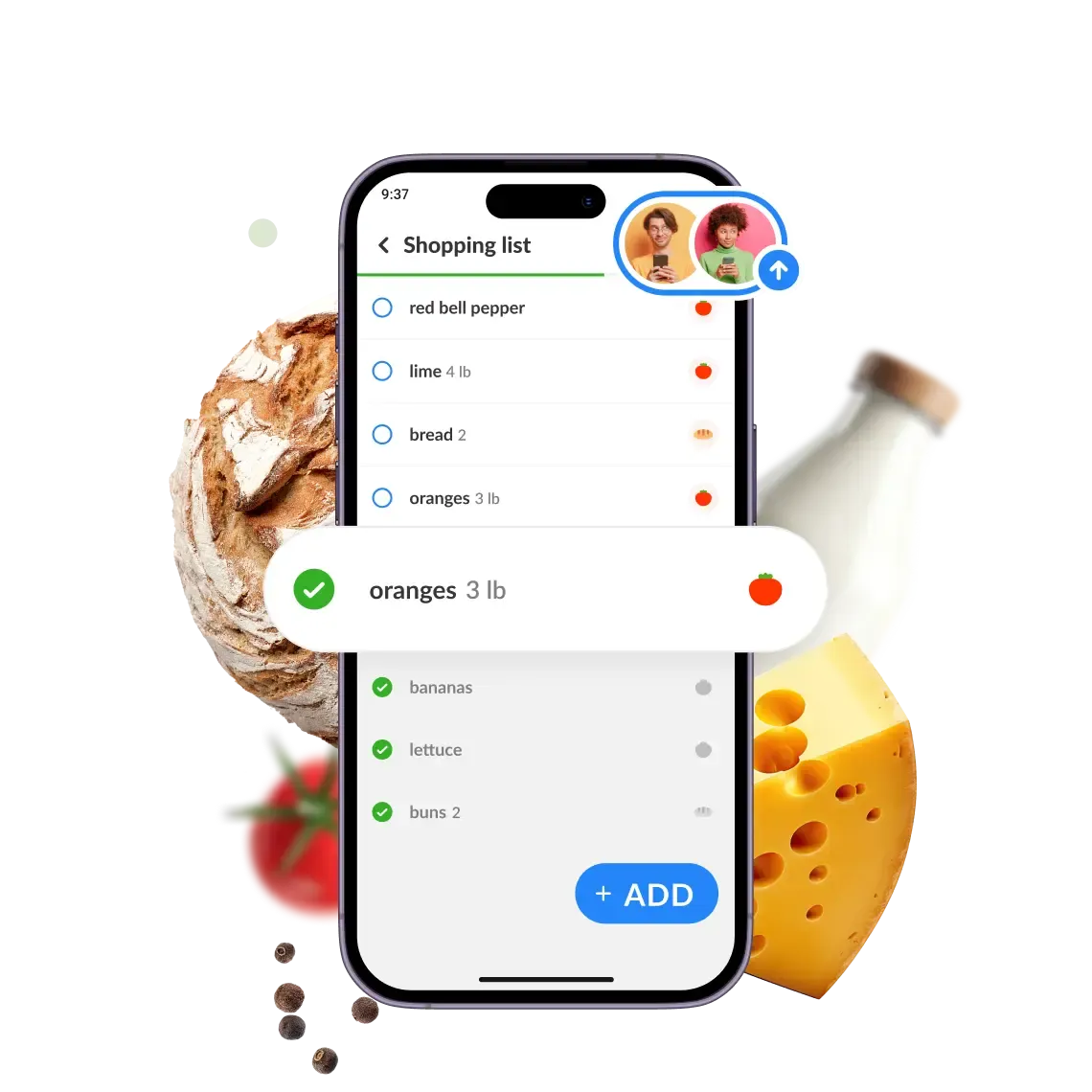
One shared shopping list for the whole family. Fewer worries, quicker shopping and lower spending.

Free, no account needed
-

No. 1 app in 20+ countries

-
4.7 from 457,147 ratings
-
30M+ downloads on Google Play and App Store
6+ reasons to plan shopping the Listonic way
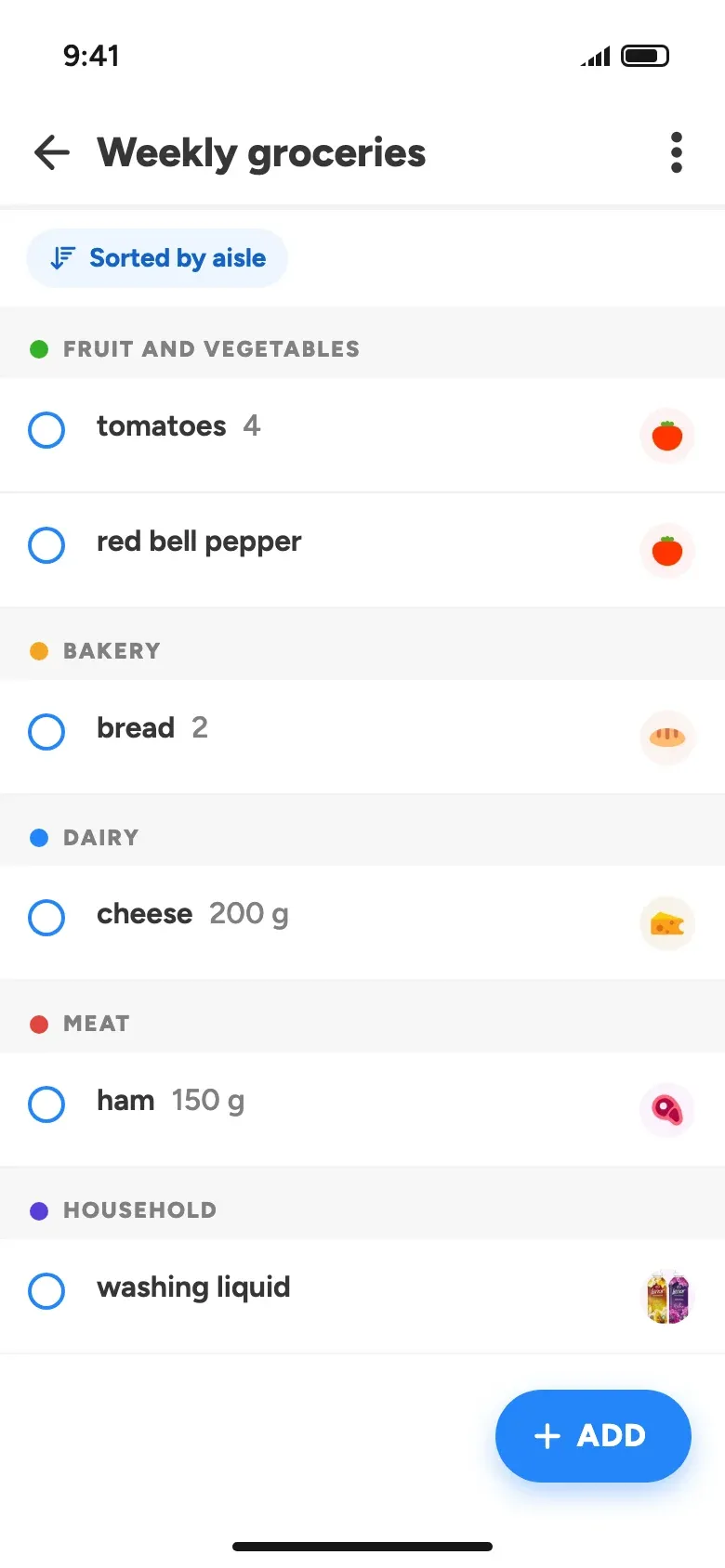
Organize your family shopping
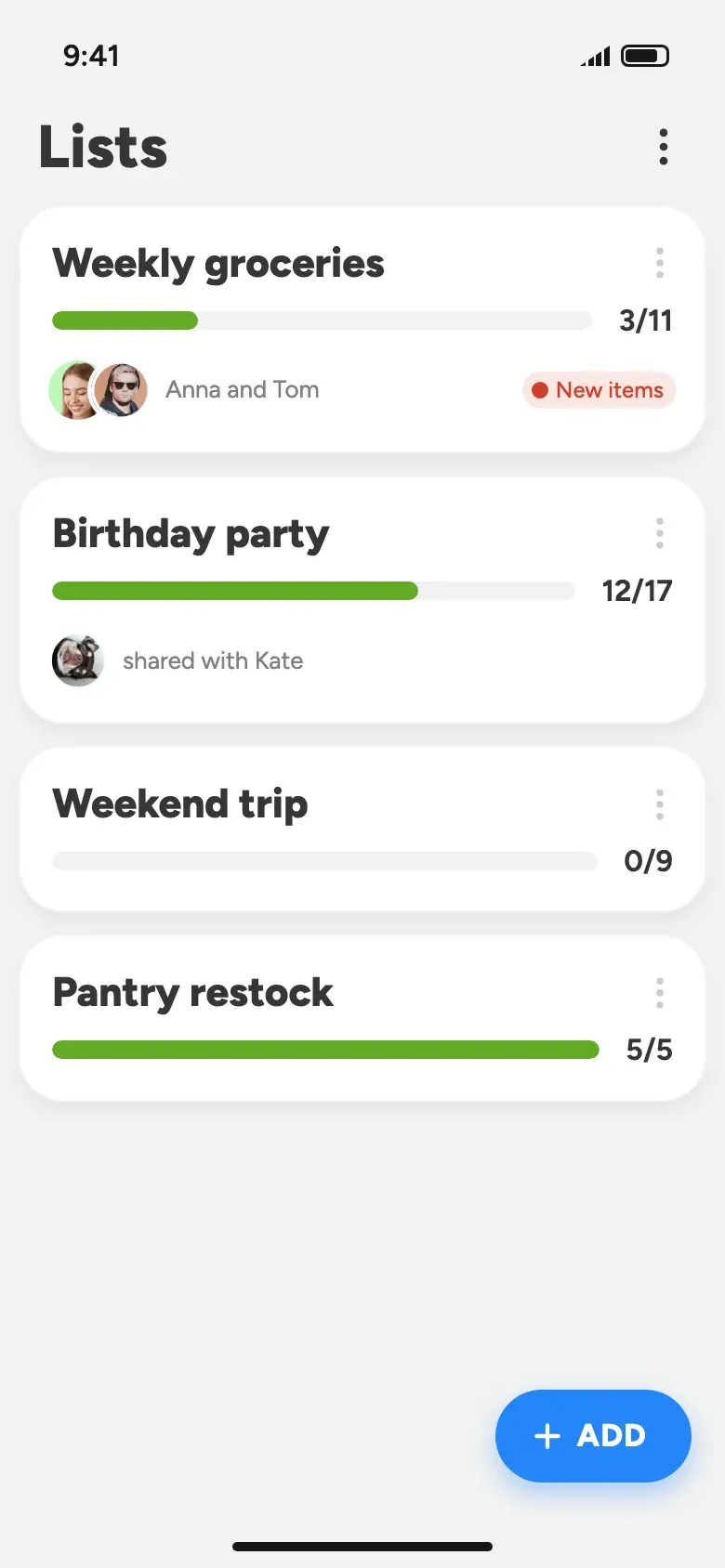
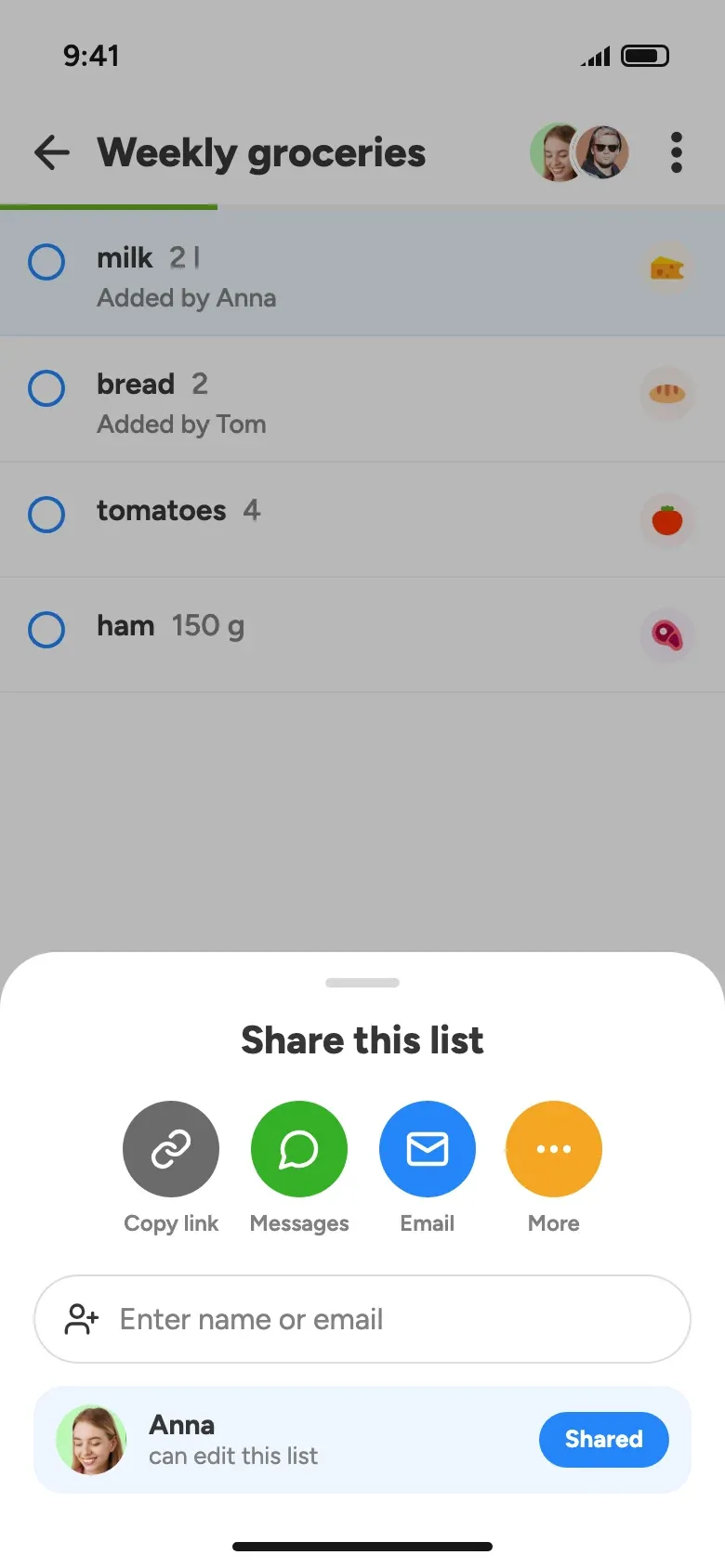
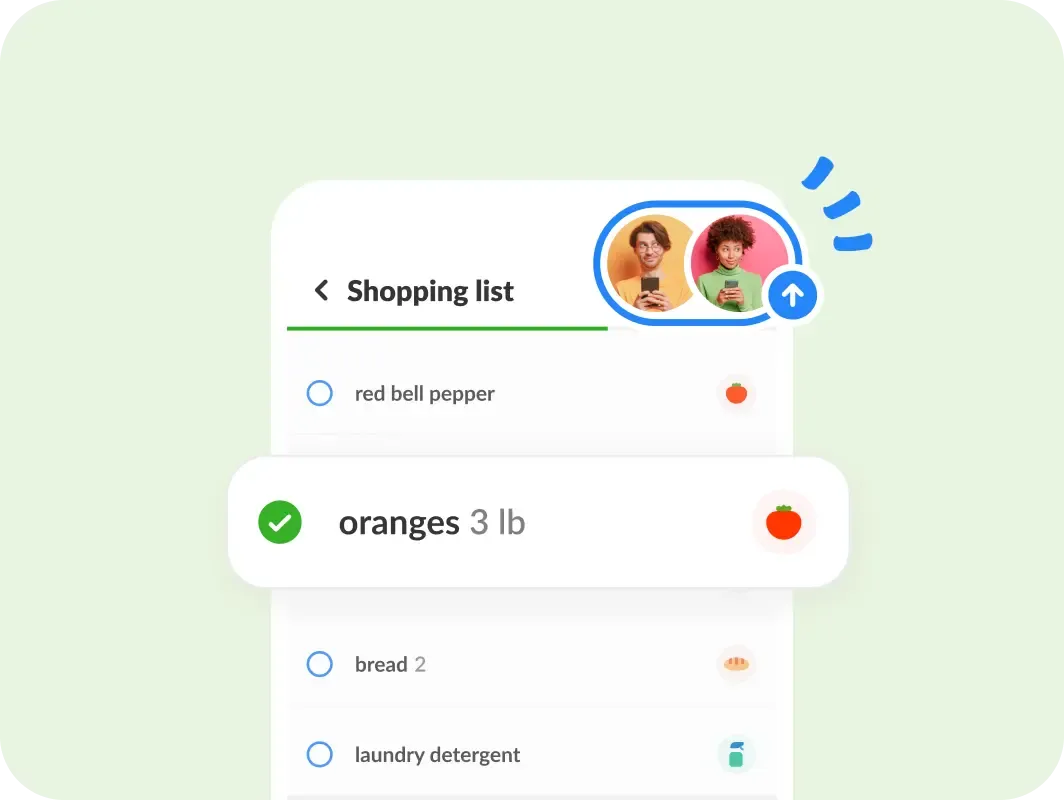
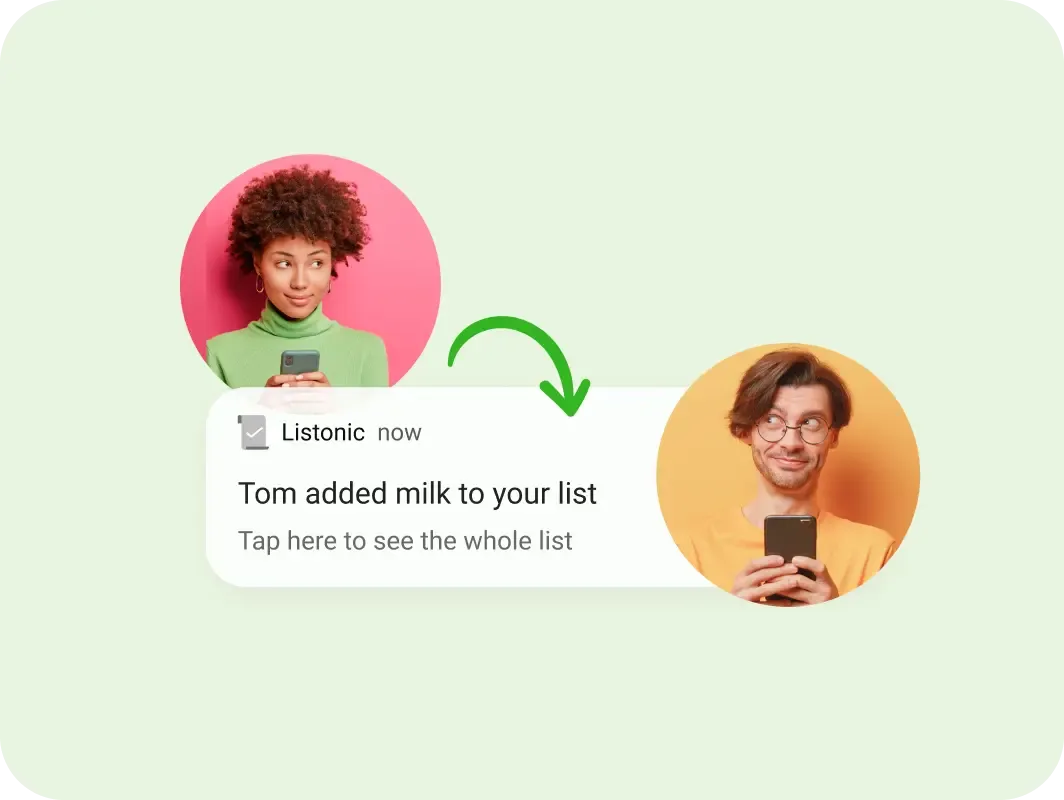
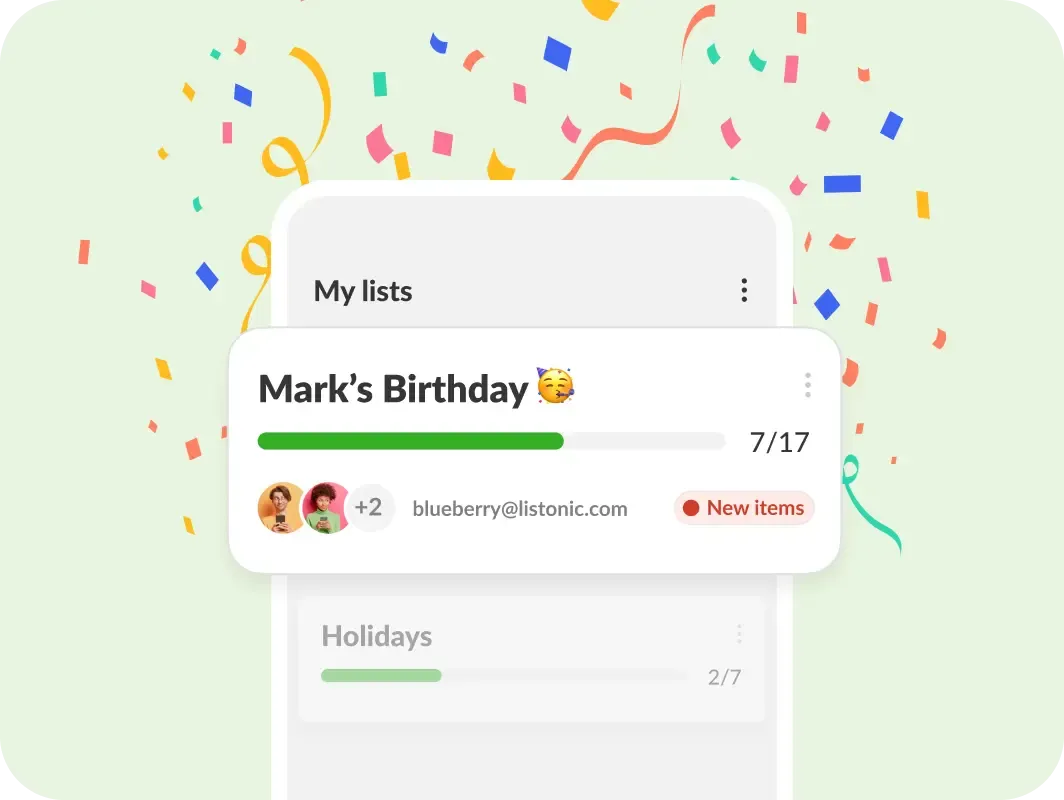
Everyone adds from their own phone, and a change one person makes shows up for the others right away.
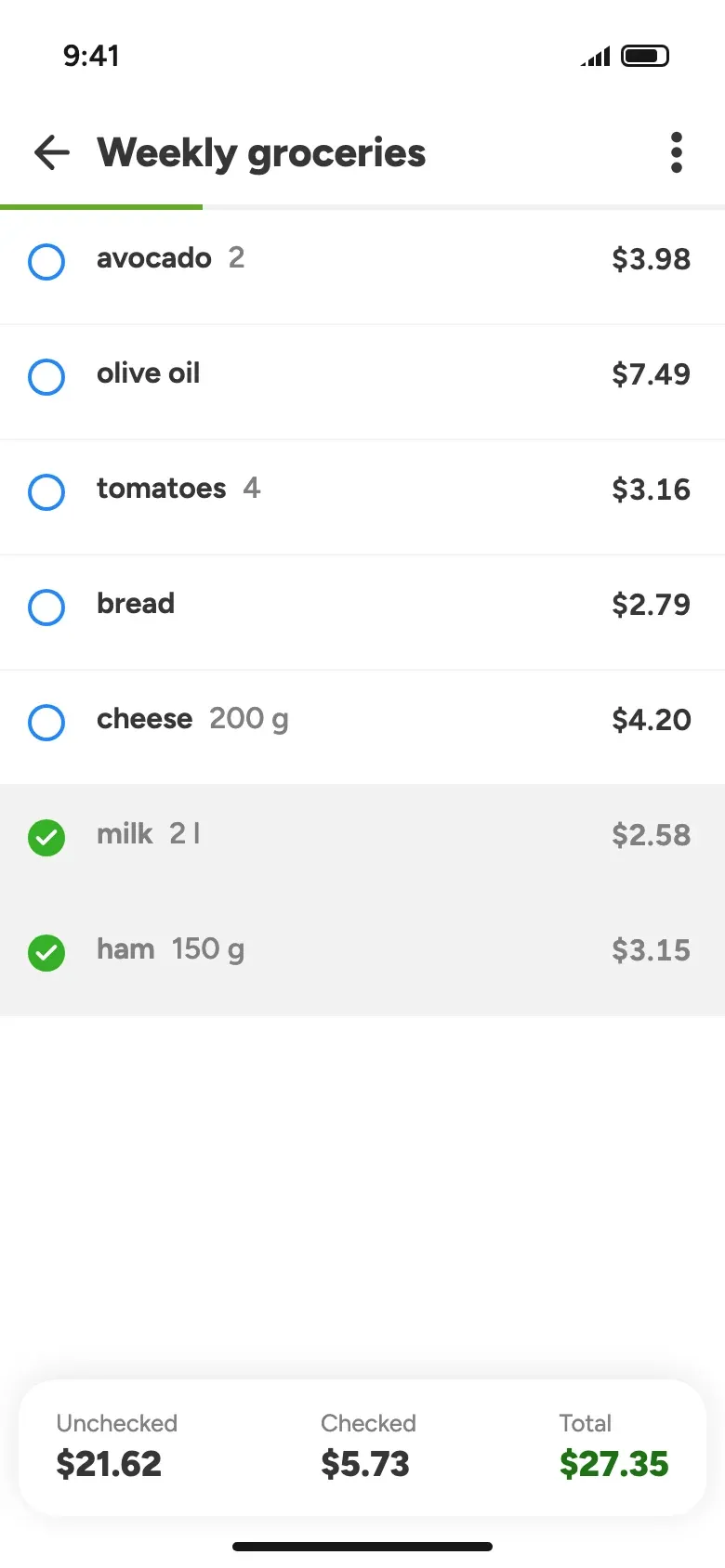
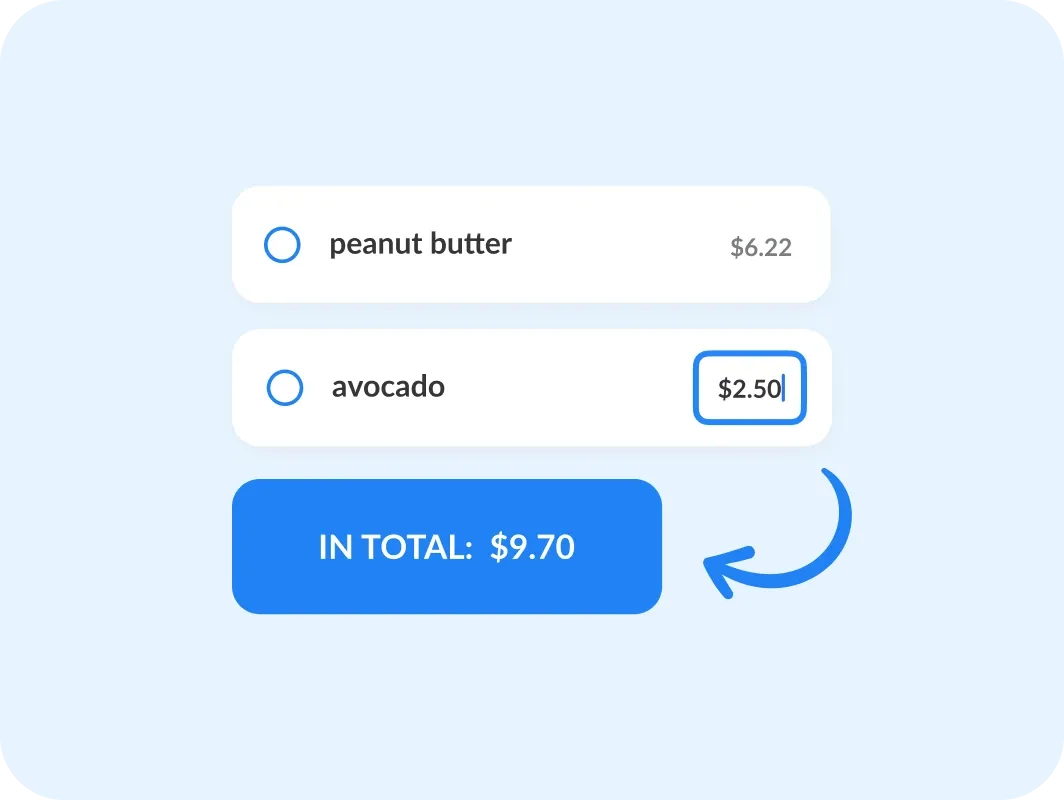
Cut down expenses
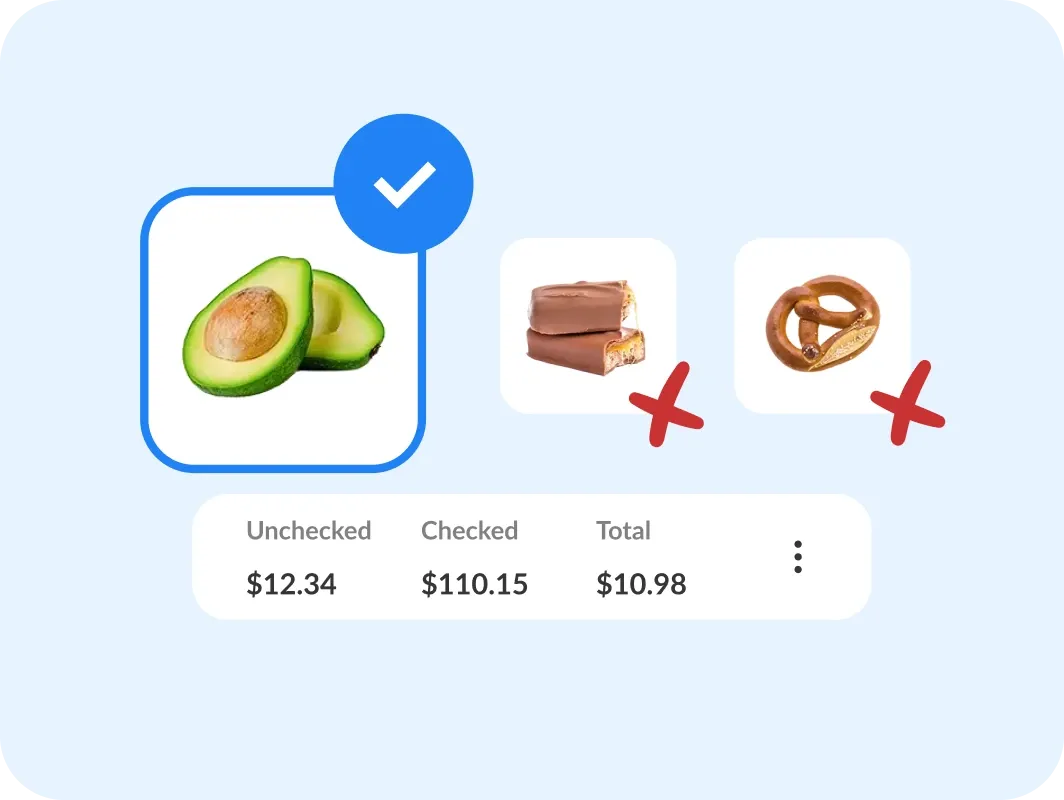
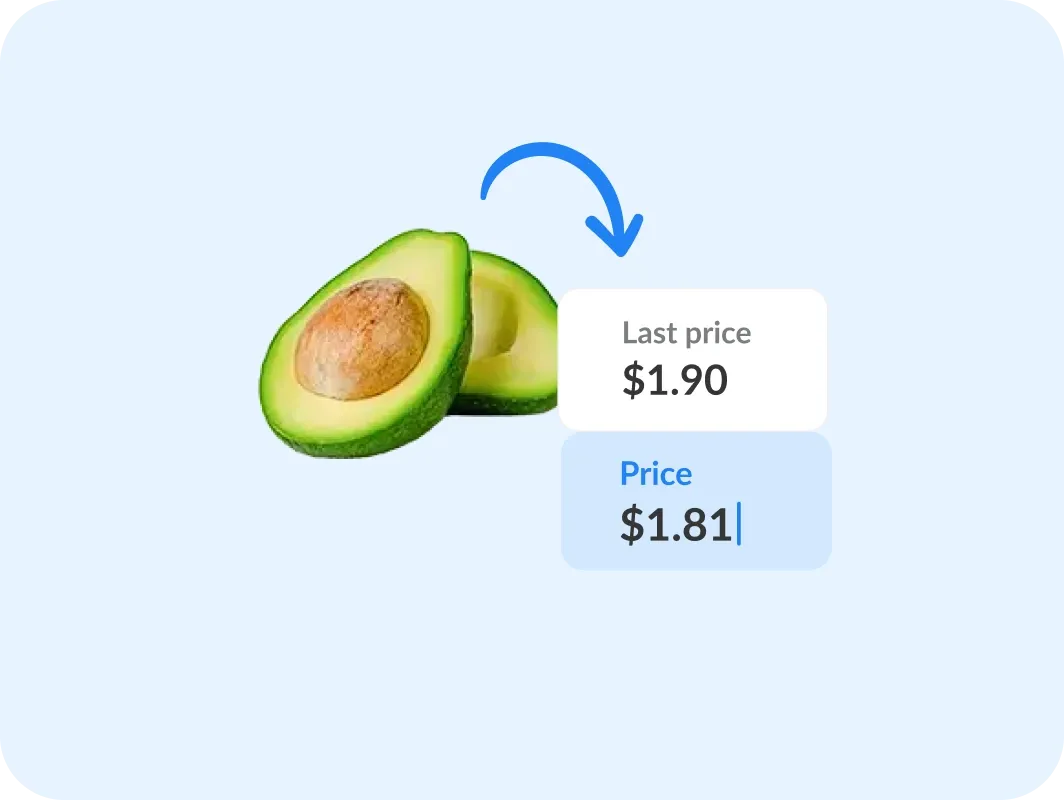
Add prices as you plan, and the list shows what the shop will cost before you reach the checkout.
Shortcut your way through the store
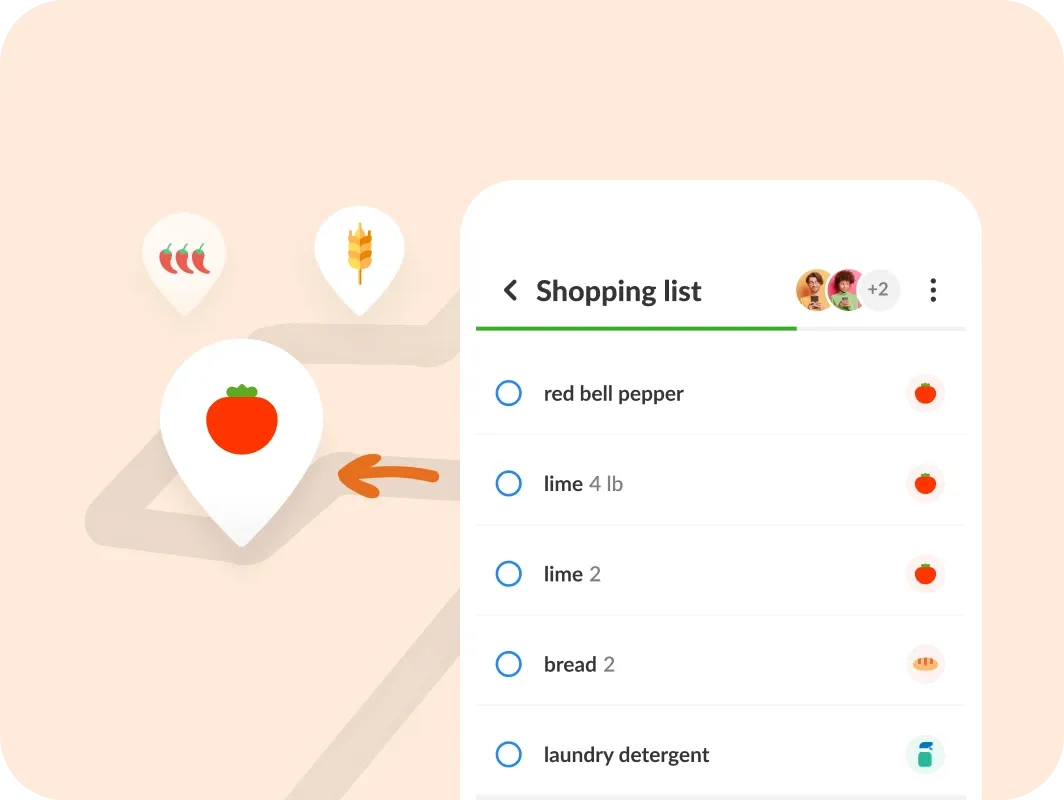
Your grocery list sorts itself, so in the store you follow one route without doubling back for the vegetables.
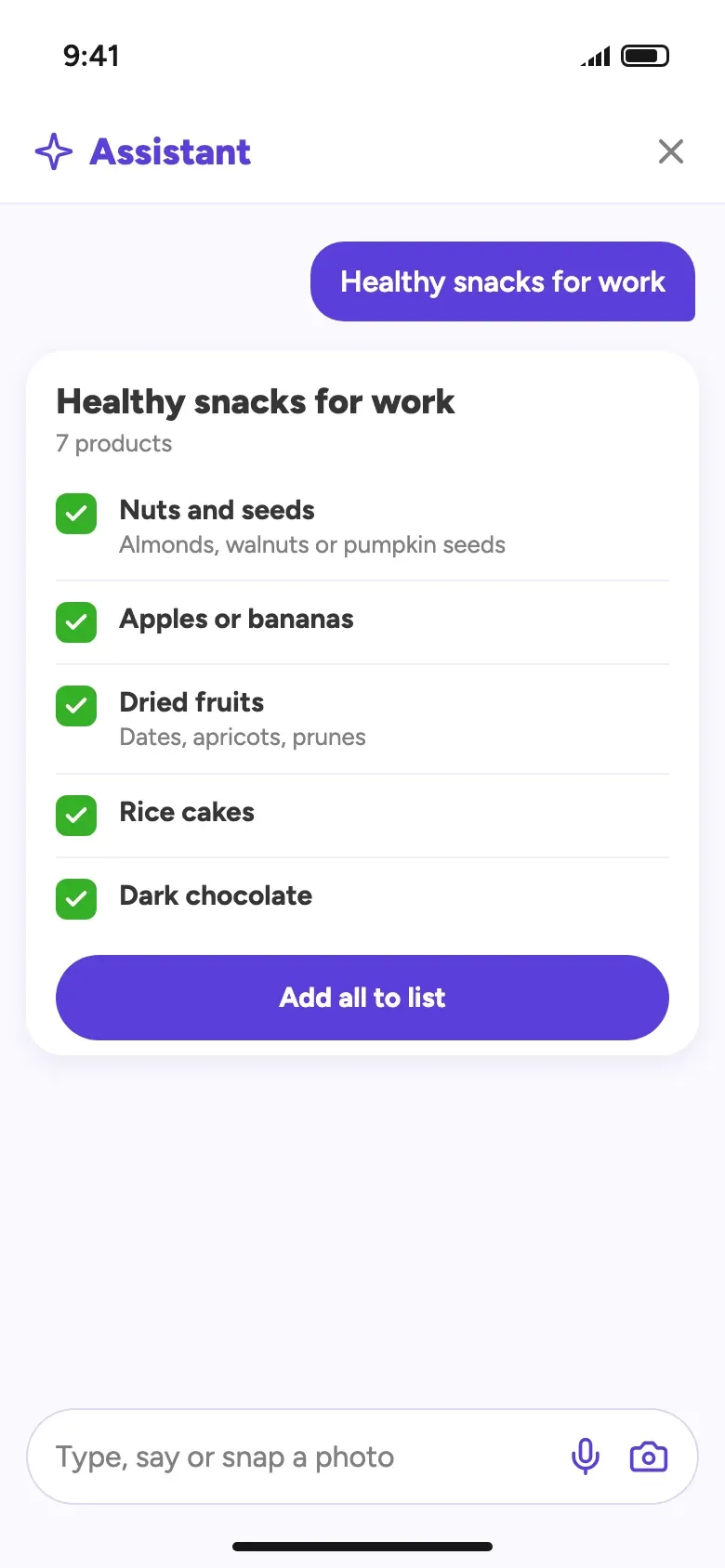
Your all-in-one AI assistant
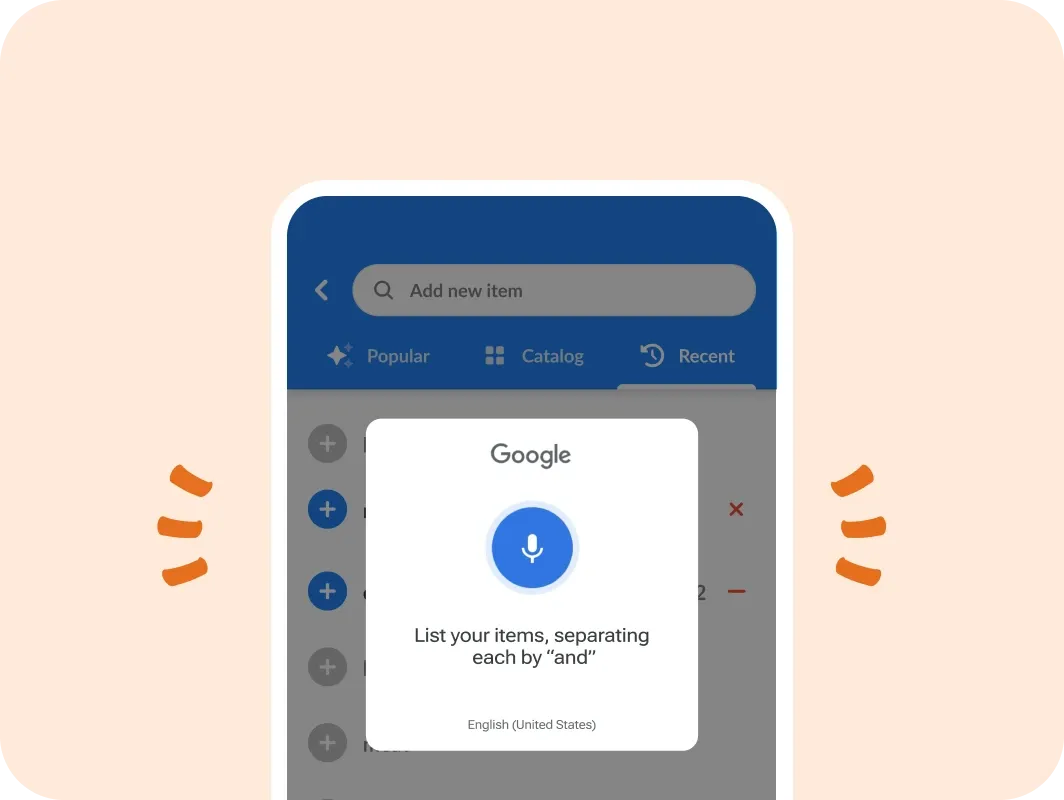
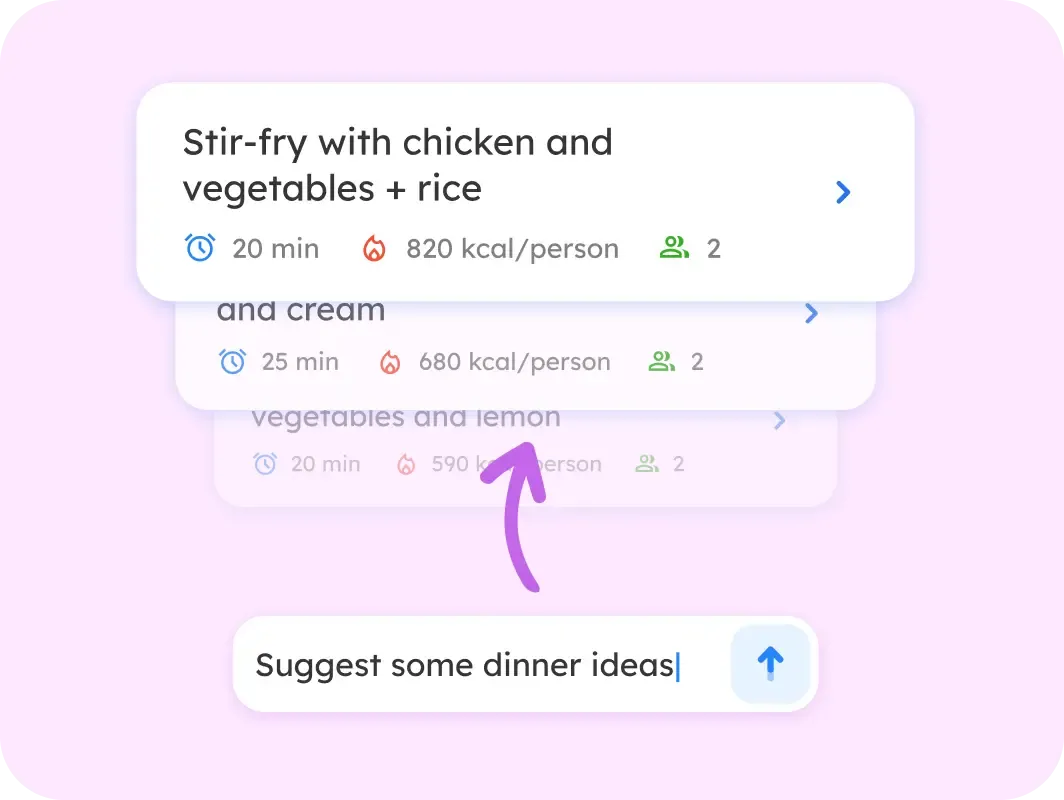
Type it, say it or snap a photo. The assistant builds a grocery list in seconds from the products you often buy.
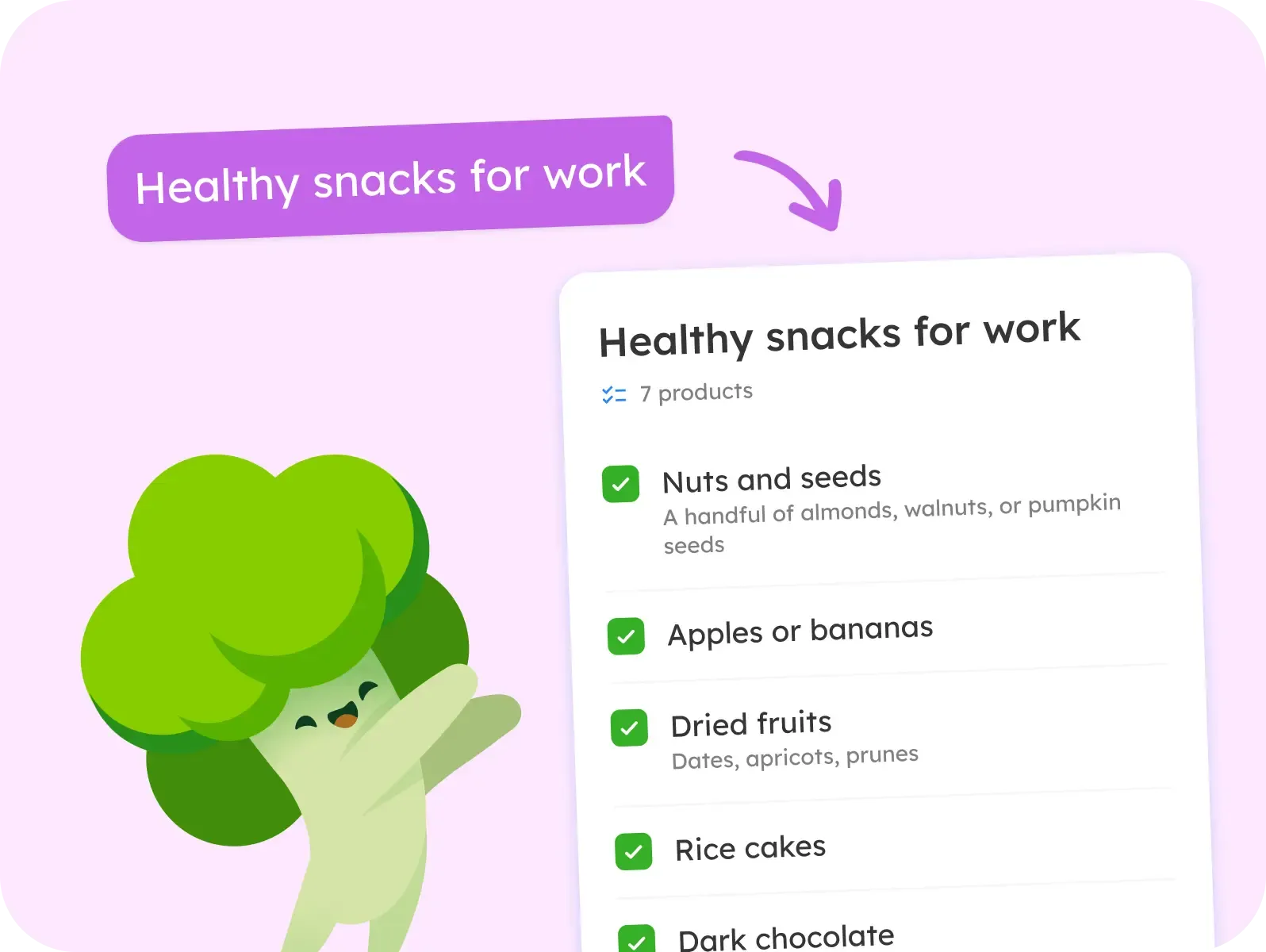

- Make a weekly grocery list
- What's in season now?
- Give 3 quick dinner ideas
- What should I buy on a budget?
- Suggest items I usually buy
- Can I freeze avocados?
Made to solve everyday shopping problems
- List sharing Plan together in real time and skip the double buys.
- Total cost calculator See your estimated spend before you shop.
- Smart sorting Items sorted by store layout or product type.
- Custom categories Organize the list your way.
- Voice input Add items hands-free while you cook.
- Home screen widget Your lists straight from the home screen.
- 40+ languages Use the app in your own language.
- Dark mode Easier on the eyes, kinder to the battery.
- Quick actions Shortcuts and gestures for every list.
- Notes A brand or a reminder next to any item.
- Pictures So whoever shops grabs the right product.
- Prices Track spending item by item.
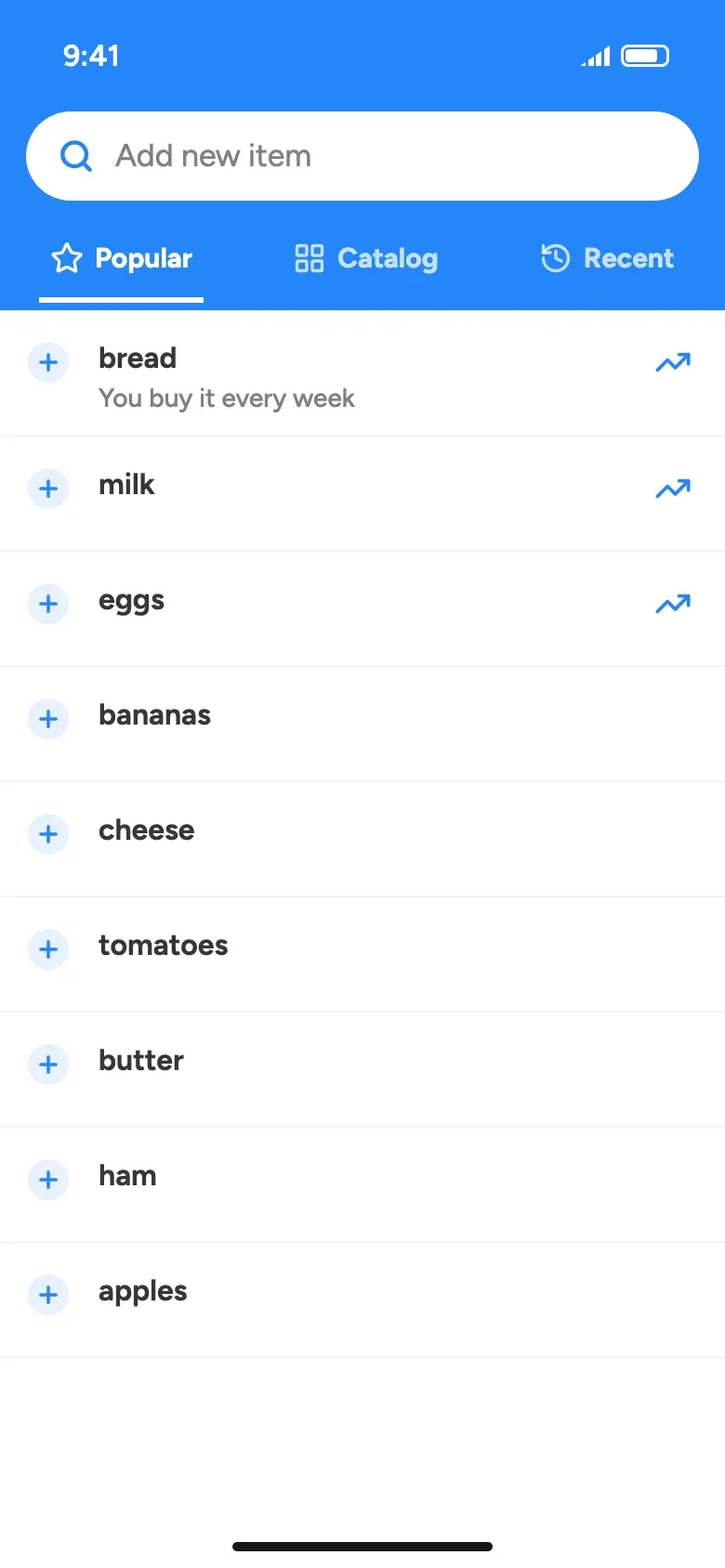
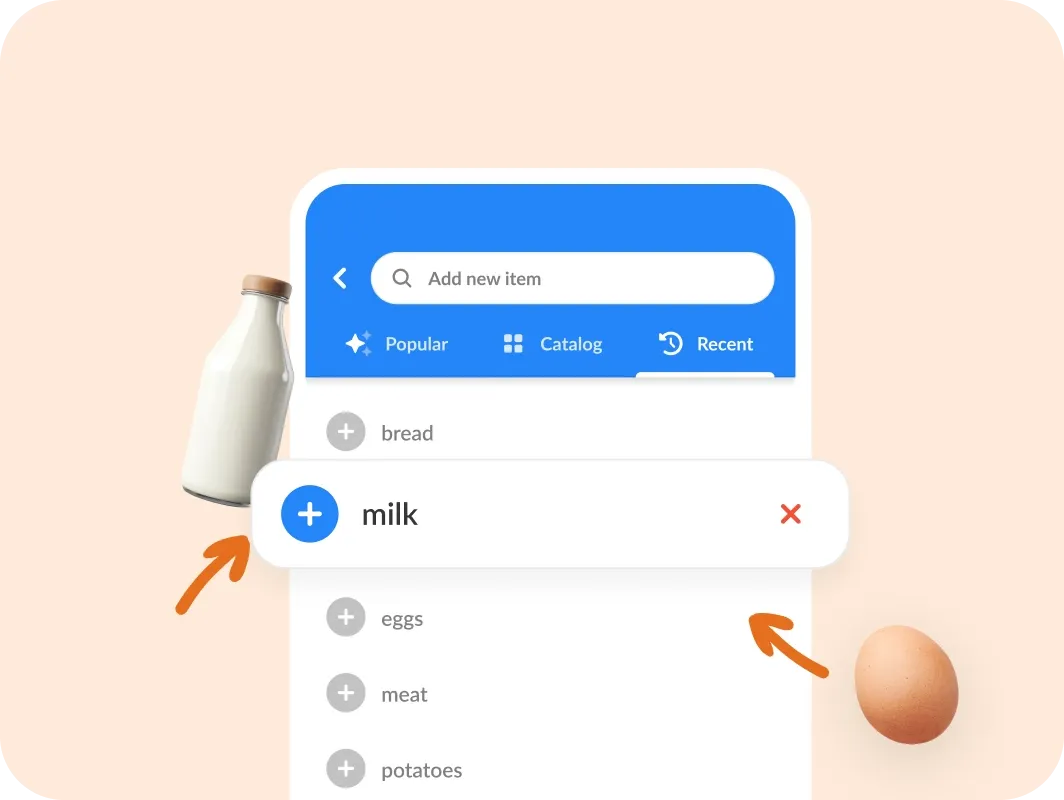
- Product suggestions Add popular items with one tap.
- Suggestions from history What you buy most, offered first.
- Notifications Know when someone updates a shared list.
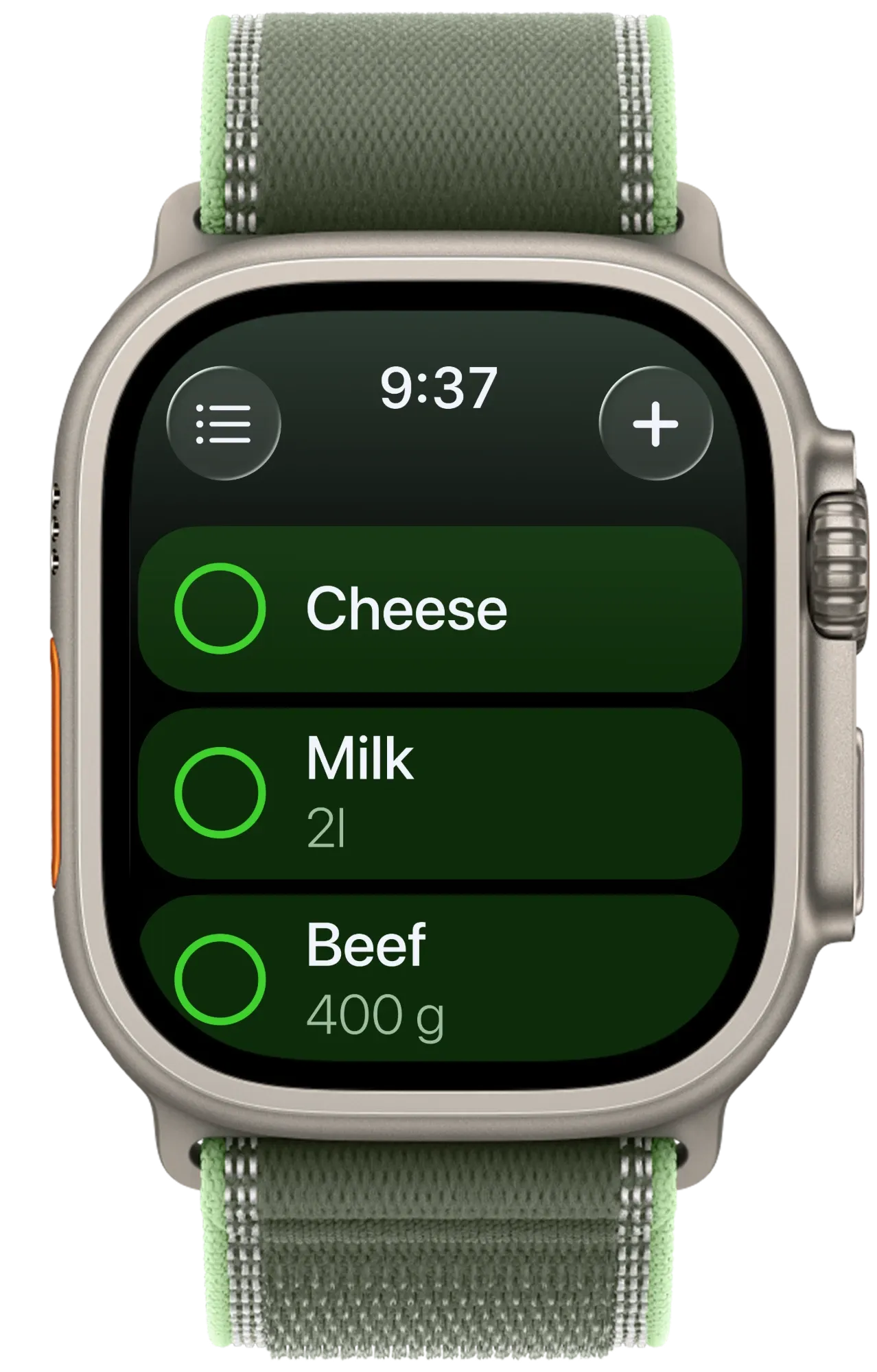
Your shopping list online, on every device
One account, every screen. Changes sync the moment you make them.
Frequently asked questions
What is Listonic?
Listonic is a smart grocery shopping list app designed to make shopping faster, easier, and more efficient. Its mission is to help you plan shopping, reduce food waste, and stay organized, whether you're at home or in the store.
How does Listonic help to save money and time when shopping?
Listonic helps you save money and time by making grocery planning quick and organized. The app suggests popular items, remembers your frequent purchases, and lets you sort products by store aisles. By avoiding duplicate buys and impulse purchases, you reduce food waste and stick to your budget.
Is Listonic app free?
Yes, it’s free to use, forever. You can access its core 20+ features without any cost. For those who want extra customization like different themes or an ad-free experience, there’s also a premium version available.
Is there an iOS/Android app?
Absolutely! Listonic is available as a free app for both iOS and Android devices. You can download it from the App Store or Google Play to take your smart shopping list wherever you go.
How does Listonic improve meal planning and budgeting?
Listonic makes planning meals and grocery shopping more intentional. You can prepare lists for specific recipes or days, track recurring items, and control spending by avoiding unnecessary extras.
Who is Listonic for?
Listonic is for anyone who shops for groceries; whether you’re a busy parent, a couple managing a household, a student, or a meal prepper. It helps you stay organized, save money, and shop smarter every time.
What makes Listonic different from other shopping list apps?
Listonic combines simplicity with smart features. It offers intuitive item suggestions, custom sorting by store sections, easy sharing, and automatic syncing, making shopping faster, more efficient, and enjoyable.
How do I create a grocery list in Listonic?
Creating a list in Listonic is quick and intuitive. After opening the app, tap New list: you can name it, choose a suggestion, or leave it as “New list” by default. You’ll be taken to your list immediately, where tapping “Add” lets you enter items using auto-complete or choose from popular products and our catalog.
Can I share my grocery list with family or roommates using Listonic?
Yes! Listonic lets you instantly share your grocery lists with family, roommates, or anyone you shop with. Lists update in real-time, so everyone stays in sync, whether they're shopping together or separately.
Can I use Listonic without creating an account?
Absolutely. You can use Listonic right away without signing up. For extra features like syncing across devices or backing up your lists, creating a free account is recommended, but it’s entirely optional.

Free, no account needed.
Make your first grocery list in a minute, on iPhone, Android or the web.