





A shared list makes family life easier
Invite your family to a list. Each person adds items from their own phone.
Shareable shopping lists
Check off items with a tap, add more by voice and shop aisle by aisle. Everyone at home sees the same list.

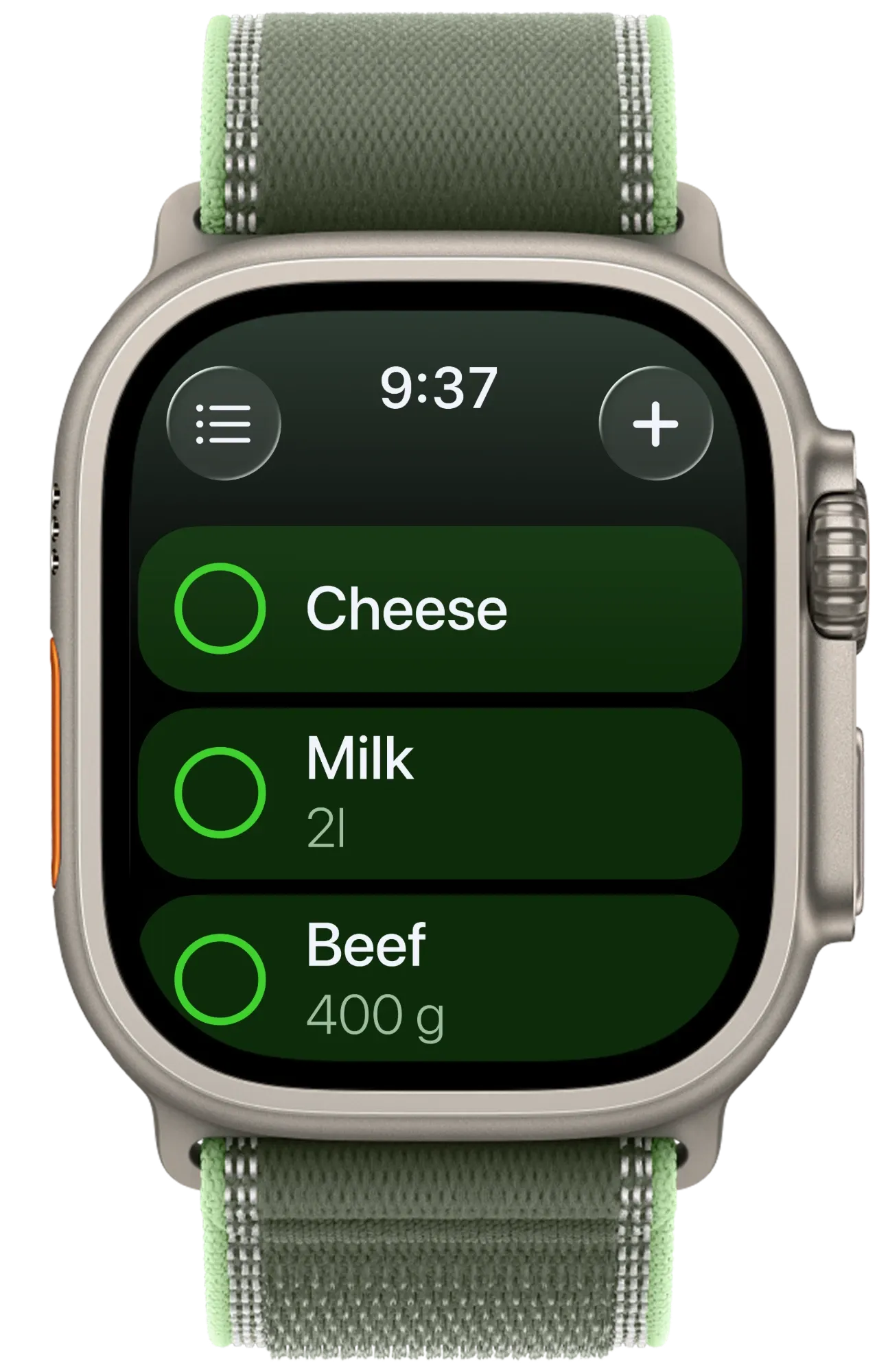
Each screen is made for a glance and one free hand.
All of these features come with Listonic Premium. Premium also removes ads and adds extra themes in the phone app.
Keep your basket in one hand and check items off with the other. Your list stays on your wrist, so you don’t have to hold your phone as well.
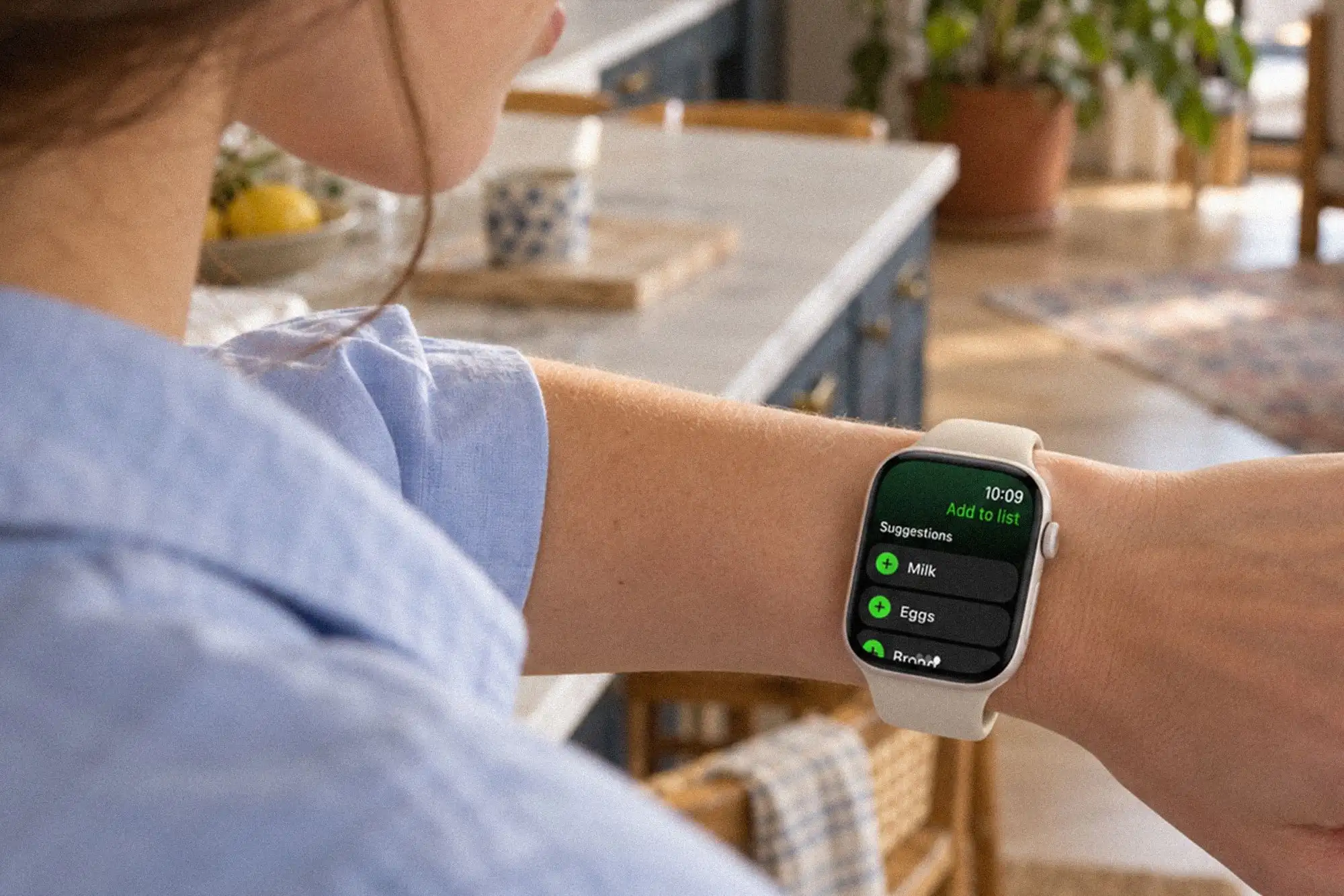
You remember the milk halfway through something else. Add it to your list from your wrist, right then and there.
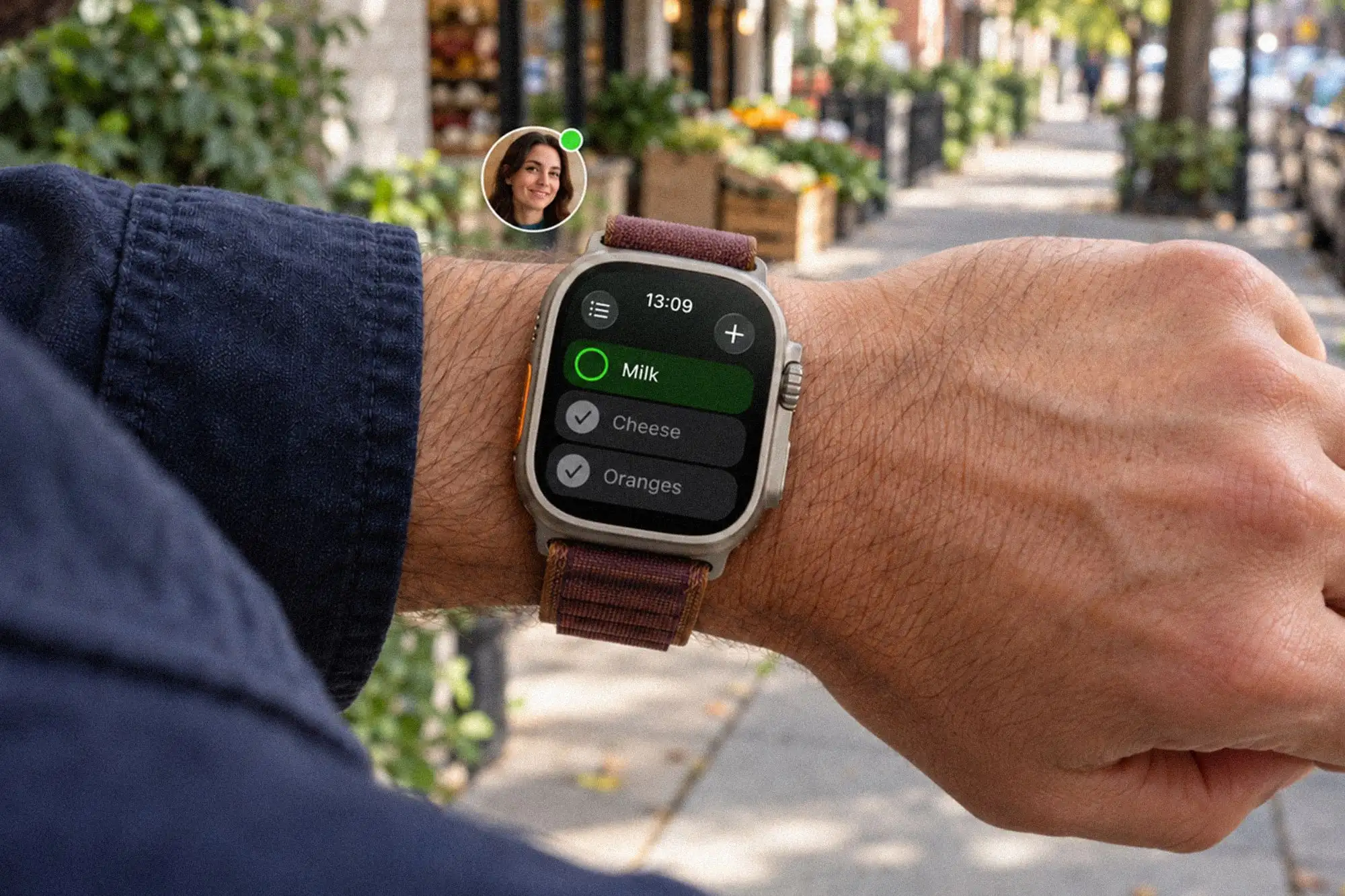
You’re on your way home when your partner remembers the milk. They add it to your shared list, and your watch lets you know, just in time for a quick stop at the shop.
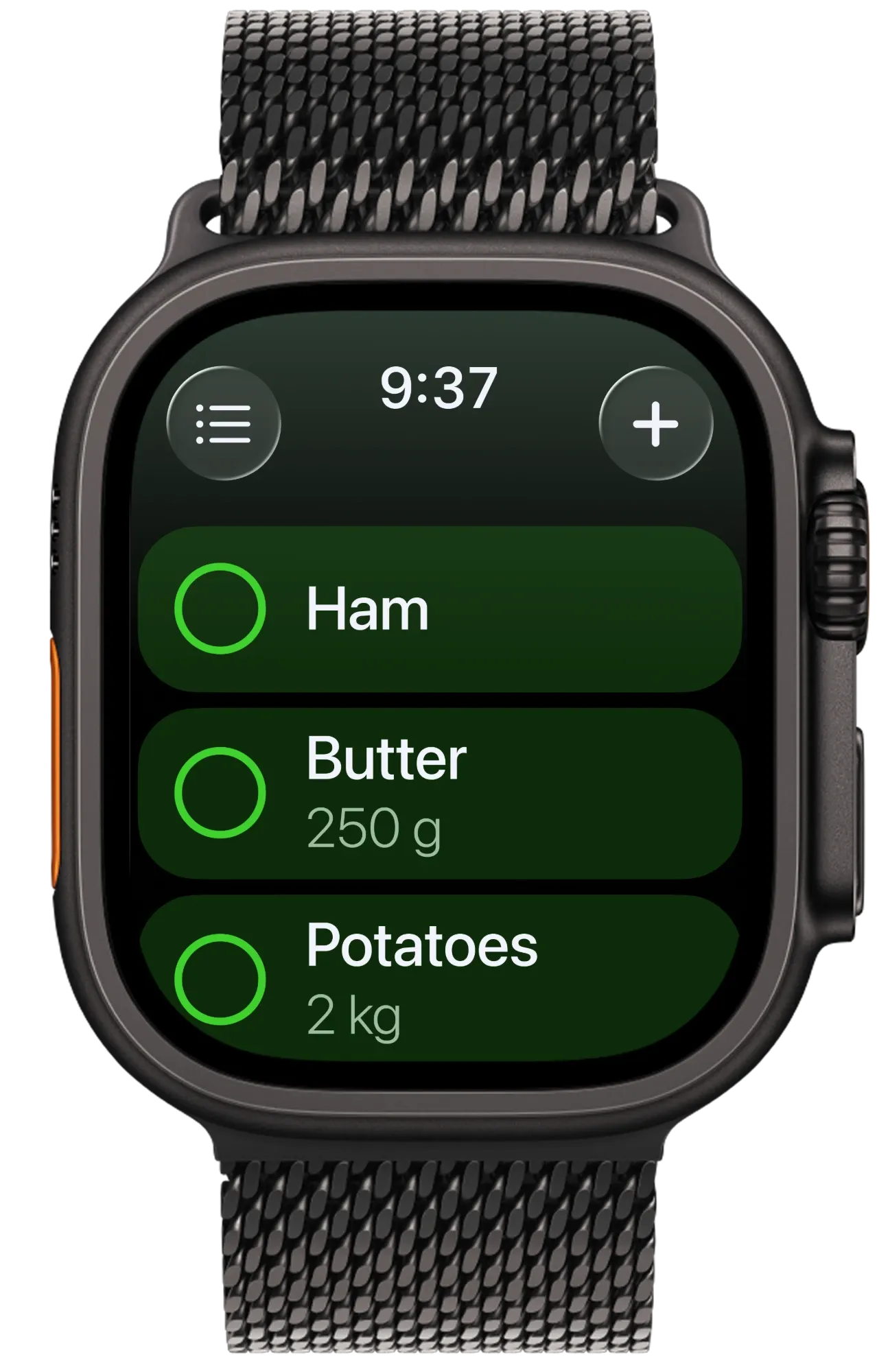
It’s one list on both. Make it at home, share it with the people you live with, and check it off in the store.
Happiness is homemade: it gets made in the small acts of care that keep a home running. Listonic is the shared shopping list that helps households take care of each other, one item at a time.
average from 457,147 ratings
downloads on Google Play and the App Store
app in 20+ countries
Invite your family to a list. Each person adds items from their own phone.
Shareable shopping listsItems are sorted by aisle, so you walk through the store once.
Smart sorting by aisleAdd prices to your items, and the list shows the total before the checkout.
Total cost calculationGet Listonic on the App Store and open it on your Apple Watch. Create a list on the watch, then say your items in one sentence or tap a suggestion. Lists you make on your iPhone are on the watch too. You can plan at home, where suggestions and your shopping history fill the list in quickly, and shop from your wrist.
Listonic for Apple Watch is part of Listonic Premium. The Listonic app on iPhone is free. Premium adds the watch app, removes ads, and adds extra themes. Every watch feature comes with it: one-tap check-off, voice input, suggestions, instant sync, new-item alerts, and the five complications.
Say one item or a whole list in a single sentence. Dictation runs on the watch. You can also tap a suggestion. Suggestions come from popular products and your shopping history. Everything you add syncs right away to everyone on the list.
Yes, you can check items off on your watch as you shop. Tap an item to check it off. The list is grouped aisle by aisle, and everyone on a shared list sees what is already in the cart. The rows are large, and the Digital Crown scrolls the list, so your other hand stays on the cart.
Yes, if they’re on the same shared list. Shared lists show up on the watch, and every change syncs instantly with everyone on the list. The watch also tells you when someone adds products or shares a list with you. To share a list, invite your family to it, and each person adds items from their own phone.
Yes, a list holds anything you say or type. Listonic is built for shopping, so suggestions and the aisle order work best with groceries. You can keep several lists, for example one for groceries and one for errands, and switch between them on the watch.
There are five complications. They keep your list on the watch face. Tap one to open the list. To add one, touch and hold the watch face, tap Edit and choose Listonic.
Listonic for Apple Watch needs watchOS 10.0 or later. That is Apple Watch Series 4 and newer, every Apple Watch SE, and every Apple Watch Ultra. An older Apple Watch that can’t update to watchOS 10.0 can’t run the app.
The watch app is available in more than 30 languages, with VoiceOver and Dynamic Type support. VoiceOver reads the list aloud, and Dynamic Type lets you make the text larger.
Get Listonic on the App Store and open it on your Apple Watch.