Grocery cost calculator inside your shopping list
Listonic adds a list up as you build it and remembers every price you type, so the next time you add milk the cost is already there. What you have checked off is totalled separately from what is left, which tells you while you are shopping how much has gone. Quantities feed into the line total, saved prices carry over to shared lists, and all of it uses the prices you entered rather than prices from any store.
Key takeaways
- Listonic totals a shopping list while you build it, so the estimated cost is ready before you leave the house rather than at the register.
- A price typed once is remembered and filled in the next time that item appears on any of your lists.
- Checked-off items are totalled separately from what is still to buy, which is what tells you how much of the budget is already spent.
- Every figure is a price you entered yourself: Listonic does not look up or compare what a product costs in any particular store.
Most people find out what the groceries cost at the register. A grocery cost calculator that lives in the list itself moves that moment forward: Listonic adds the list up while you’re building it, and remembers every price you type so you rarely type one twice.
What the grocery cost calculator actually adds up
Put a price against an item and it joins a running grocery list total. Add another item, the total moves. Delete one, it moves back. There’s no separate budgeting screen to open and no calculator app to switch to, because the number sits on the list you’re already looking at.
The point isn’t arithmetic, it’s timing. Knowing a cart will come to $140 while you’re still at the kitchen table is a decision you can act on. Knowing it at the register is just news.
Add prices to a grocery list once, then stop typing them
This is the part that makes it stick. The first time you put a price on oat milk, Listonic saves it against that product. Every later list that includes oat milk arrives with the price already in place.
So the effort curve runs the right way: the first few shops need typing, and after that a grocery list app with prices in it mostly fills itself.
- Tap an item on your list.
- Enter the price you paid.
- Add a quantity if you’re buying more than one.
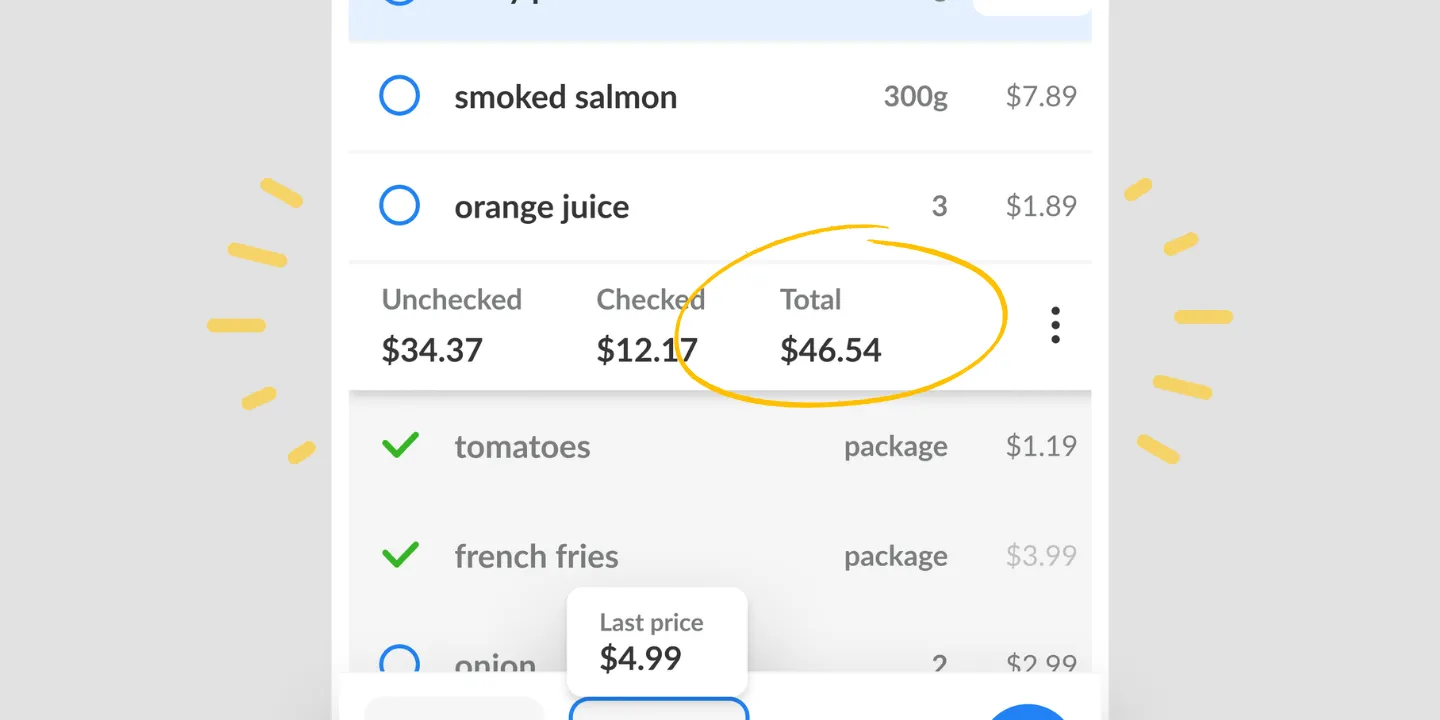
- The line total and the list total update as you go.
You only revisit a price when the real one has changed, which is also how you catch a genuine discount: if the shelf says less than Listonic remembers, that’s a real drop rather than a sign shouting SALE.
What you’ve spent, and what’s still to buy
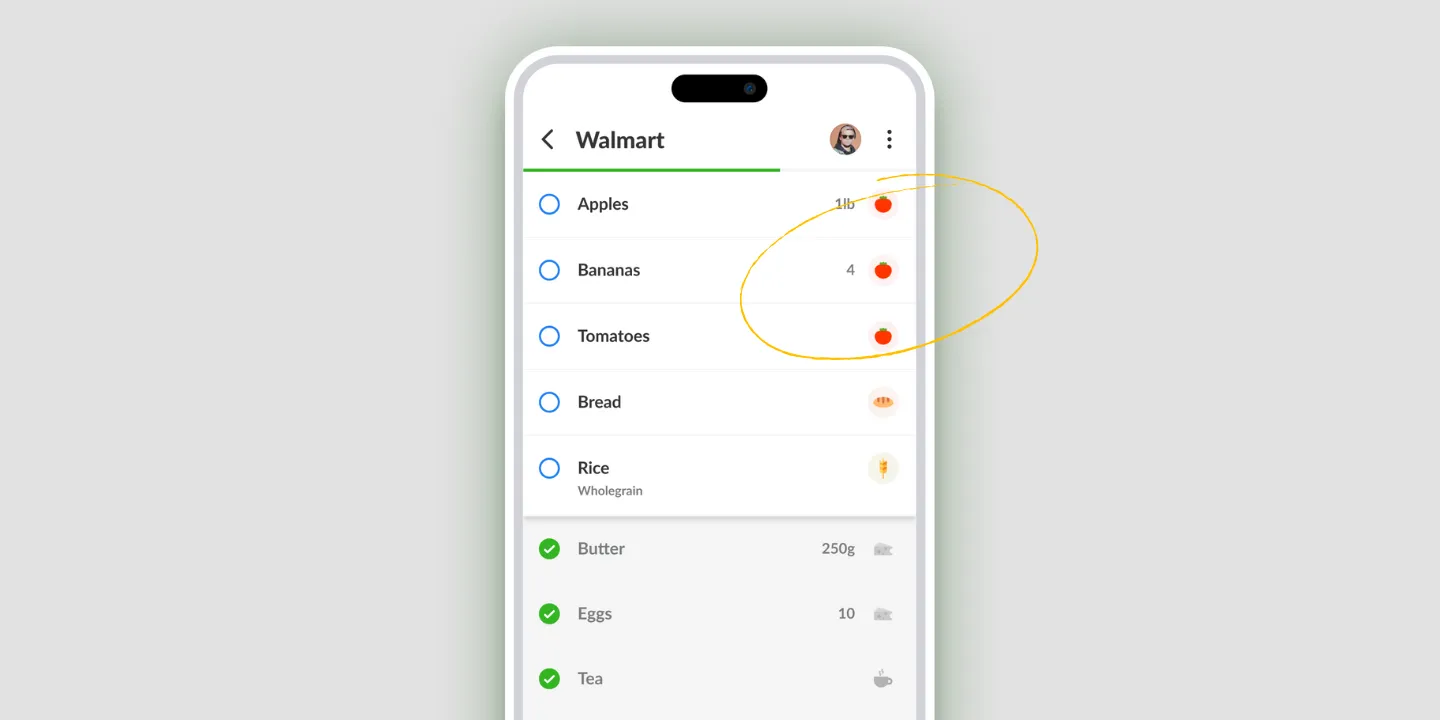
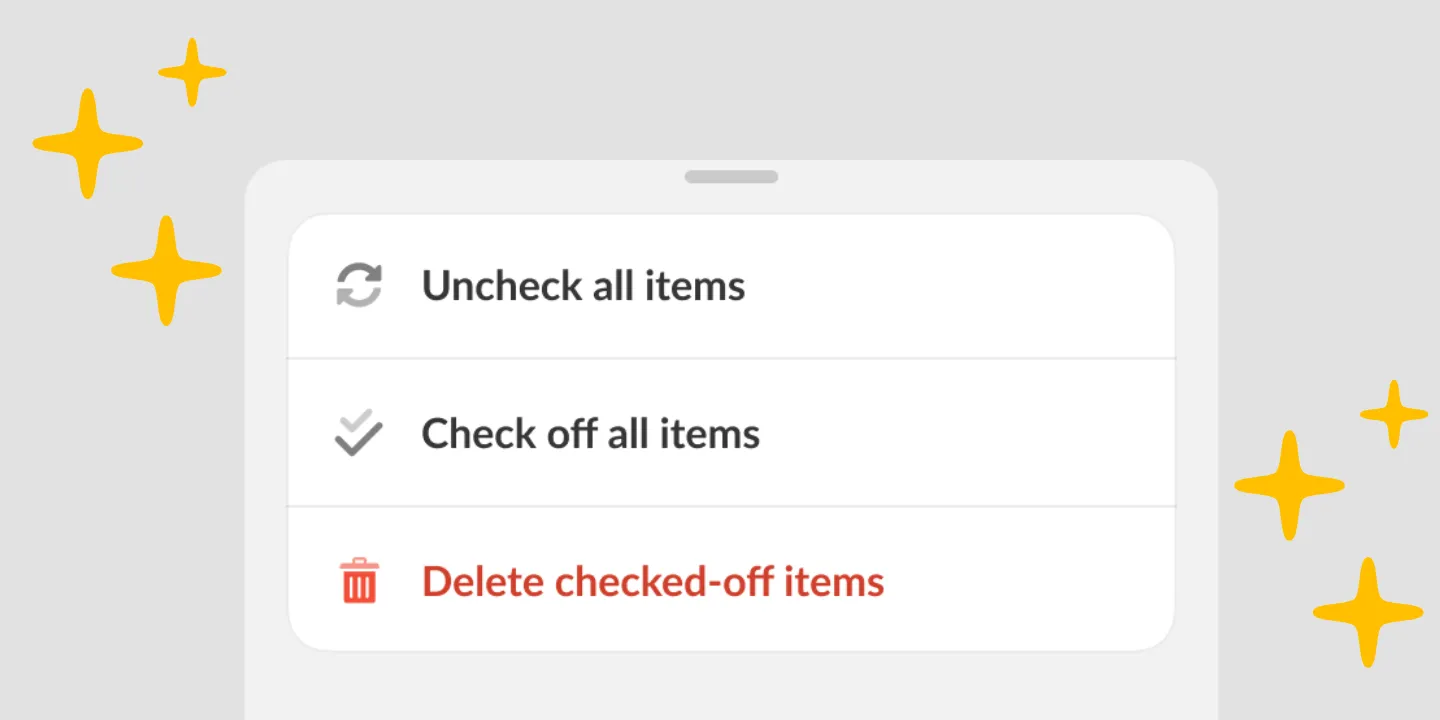
Listonic totals checked-off items separately from the ones still on the list. That single split is what turns a total into something you can use while shopping, because it answers the only budget question that matters mid-aisle: how much is gone, and how much is still coming.
It’s also the honest way to track grocery spending in an app that isn’t watching your bank account. The numbers are yours, entered by you, so they say what you actually put in the cart.
Quantities and units, so the total isn’t a guess
A price per item stops being useful the moment you buy two. Give an item a quantity, 2 bottles or 1.5 kg, and Listonic multiplies it out for the line before adding it to the list.
That matters most for the shops where quantities move week to week: cooking for guests, a bulk run, a meal plan that needs a kilo of something instead of a packet.
A shared list shares the total
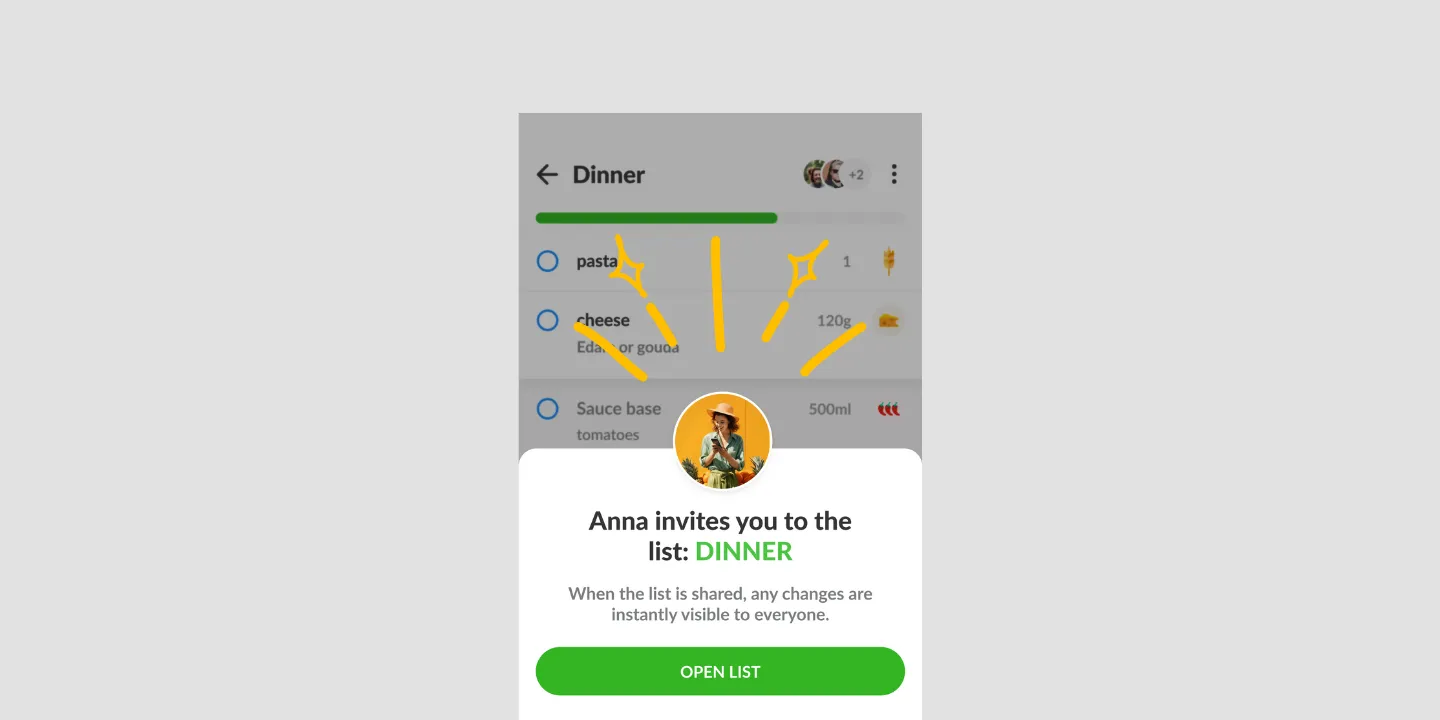
Saved prices carry into shared lists, so a household doesn’t each build its own price history. Everyone on the list sees the same running total as it changes, which means the person in the store and the person at home are looking at the same number.
Where the cost calculator works
| Platform | Cost calculator |
|---|---|
| Android | Yes |
| iPhone and iPad | Yes |
| Web app (app.listonic.com) | Yes |
Prices are saved to your account rather than to one phone, so a price entered on a phone is there on the tablet later.
What it doesn’t do
It doesn’t know what things cost in your store. Every figure on the list is a price you typed. Listonic doesn’t fetch this week’s shelf price from a supermarket, and it can’t tell you whether Aldi or Kroger is cheaper for the same cart. If comparing stores is what you came for, this feature won’t do it.
It doesn’t track a market price over time. Remembering what you paid is not the same as following what a product costs across shops. Listonic does the first.
It doesn’t read prices off a receipt. You can photograph a receipt and have the AI assistant turn it into a list, but the prices still come from you.
It doesn’t manage a monthly budget. This is a cart total, not a spending planner. It tells you what this trip will cost, not what you have left for the month.
How it compares to other list apps
For how Listonic’s price handling stacks up against the budgeting in other list apps, see our head-to-head comparisons of the main grocery list apps.
FAQ
How does the grocery cost calculator in Listonic work?
Type a price against any item and Listonic folds it into a running total for the whole list, updating as items go on and come off. The estimated cost of the trip is therefore ready while you are still at the kitchen table.
Does Listonic remember prices between shopping trips?
A price entered once is saved against that product. The next time it lands on any of your lists the price is already filled in, and you only touch it when the real price has moved.
Can I change a price that went up?
Any price can be edited at any time, and the list total recalculates the moment you do. That is the same action you use when something is on sale, so the total reflects what this trip will cost rather than what the last one did.
Does the total take quantities into account?
Give an item a quantity, such as 2 or 1.5 kg, and Listonic multiplies it by the saved unit price for the line total. The list total is the sum of those lines, so buying three of something reads as three.
Can everyone on a shared list see the total?
Price tracking works on shared lists, and the running total is visible to everyone on one. Whoever is in the store can see where the cart stands against the budget without anyone having to text about it.
Does Listonic compare grocery prices between stores?
No. Listonic totals the prices you type in and remembers them for next time; it does not fetch what an item costs at a particular supermarket this week or rank stores by price. If you want to know which store is cheaper, Listonic will not answer that.
Is the cost calculator on both Android and iPhone?
The total and the saved prices behind it are in the Android and iPhone apps and sync across the devices on your account, so a price added on a phone at home is there on the tablet later.