AI meal planner and grocery list assistant
Listonic’s AI assistant turns a written message, a photo, or a voice note into a structured shopping list, so a picture of your fridge or a line like "dinner for 4" comes back as a list you can shop from. As an AI meal planner it plans a week of meals and hands you the grocery list for it, turns any recipe into a list, and answers cooking questions in dozens of languages. It runs in the Android and iPhone apps, and the lists it builds sync everywhere else Listonic does.
Key takeaways
- Listonic’s AI assistant builds a shopping list from a typed message, a photo, or a voice note, sorted into the same categories as every other list in the app.
- Ask it for a week of meals and it returns the meal plan and the grocery list that covers it in one answer, so planning and shopping stop being two separate jobs.
- A photo works on a recipe card or a receipt as well as on the inside of a fridge, and the ingredients come back as a list nobody had to retype.
- The assistant lives in the Listonic apps for Android and iPhone, under the Assistant tab; the lists it creates then sync to the web app like any other list.
Tell it what you need, show it what you have, or ask it what to cook. The Listonic AI assistant turns any of the three into a shopping list you can take to the store, and if you ask for a week of meals it gives you the plan and the AI grocery list that goes with it.
3 jobs the AI assistant does in one place
Most list apps help you write a list. This one helps you decide what should be on it. You start from a sentence, a photo, or a voice note instead of an empty list, and the assistant does the part that takes longest: working out what the meal or the occasion actually needs, then writing it out in a form you can shop from.
That covers three jobs people usually keep in three different places. It builds a list from whatever you give it. It plans meals, whether that’s a week, a diet, or a dinner for four, and produces the grocery list for that plan. And it answers the questions that come before both, from “what can I make with this” to “what’s in season right now”.
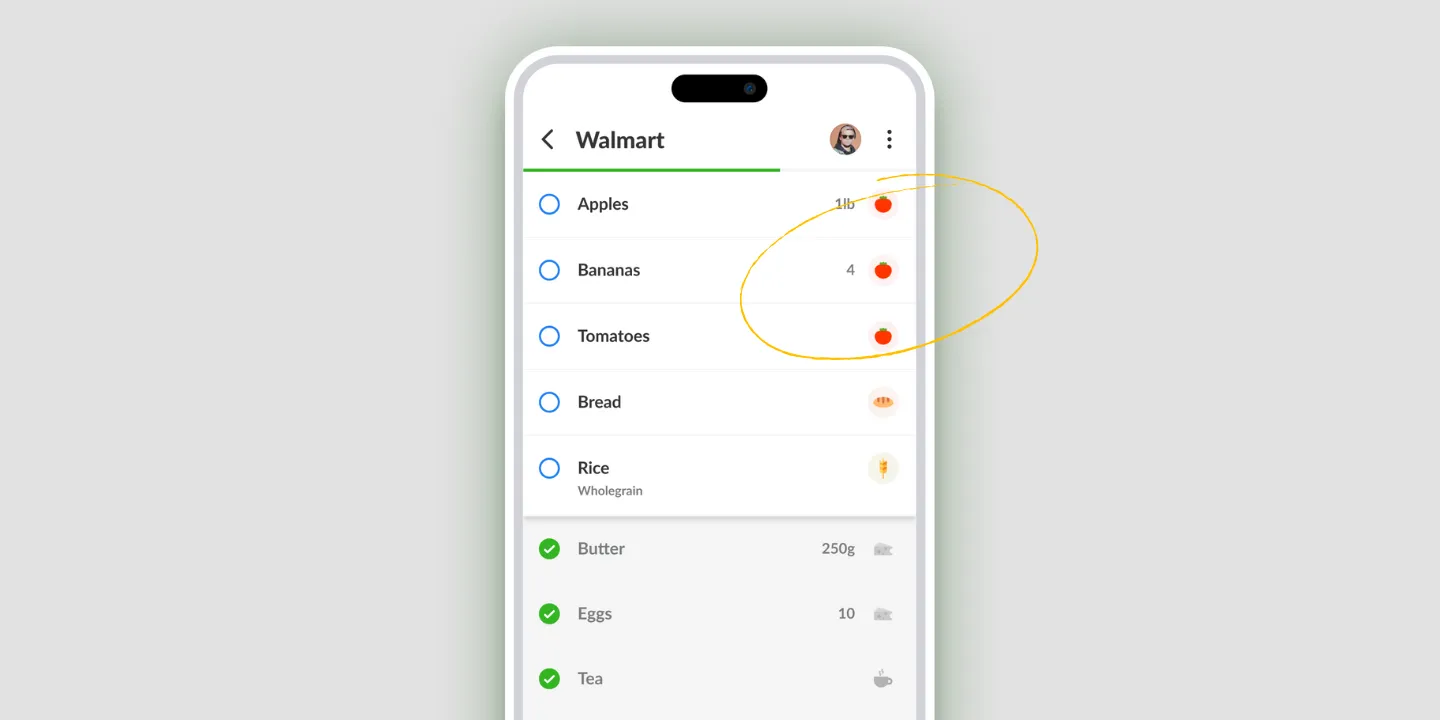
The output isn’t a block of text. It’s a Listonic list: items sorted into categories, ready to share with the household, synced to every device you use, and ready to check off while you walk the store.
How the AI assistant builds your list
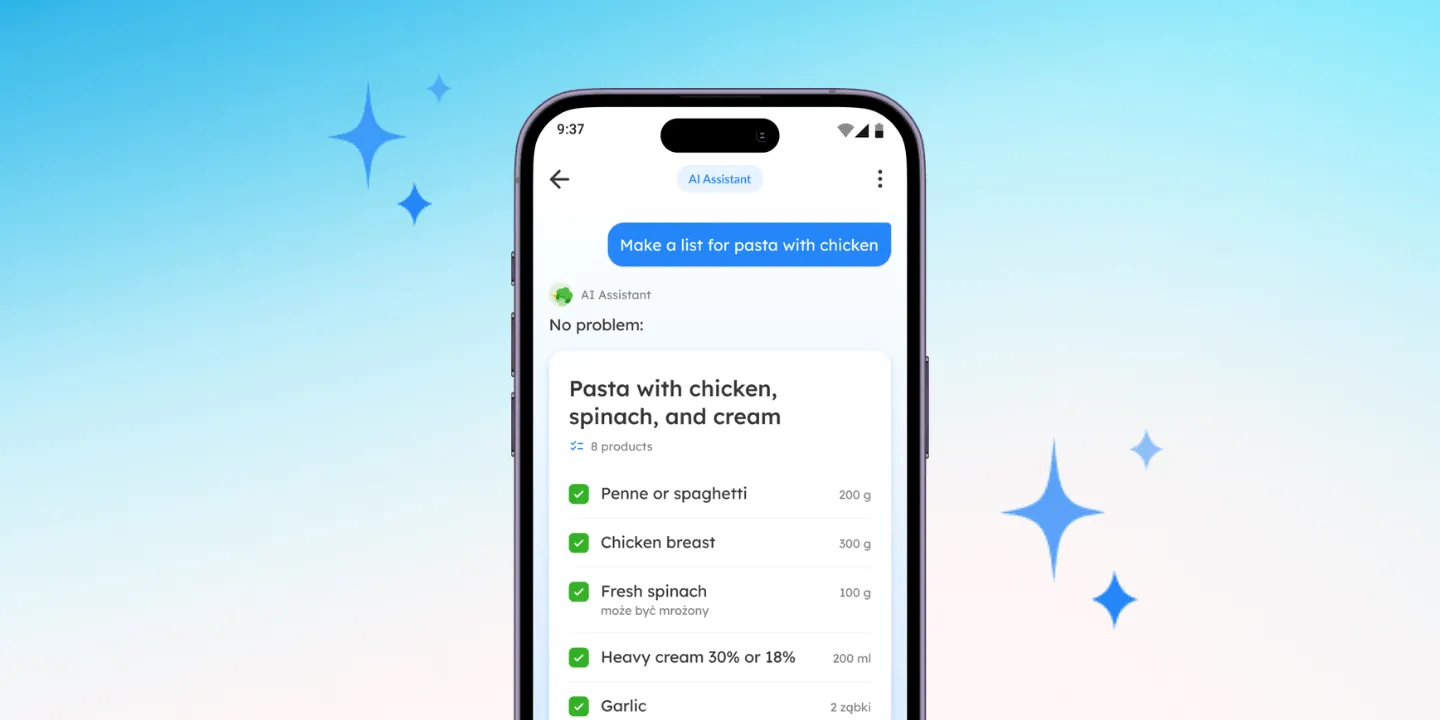
You open the assistant inside the app and give it something to work with, typed, photographed, or spoken. It reads what you gave it, works out the items, and writes them into a list, grouped by category the same way the rest of the app groups them.
Nothing’s locked in. The list it produces is an ordinary Listonic list from the moment it appears. Add to it, delete from it, rename it, add quantities and notes, share it. If the assistant misread something, or you wanted two of an item rather than one, you fix it the way you’d fix any list.
The more you use it, the closer its suggestions get. It reads your past lists, so it learns what you actually buy and adjusts what it offers over time.
Start a list from a message, a photo, or a voice note
Three ways in, and they all end in the same place. Used this way the assistant is a grocery list generator: you give it the intent, it gives you the items.
Write to it. A sentence is enough. “Dinner for 4”, “barbecue for the weekend”, “the usual weekly groceries”. The assistant fills in what those actually need rather than waiting for you to list it.
Send it a photo. A picture of the inside of your fridge or your pantry shelf tells it what you already have, so what comes back is what you’re missing rather than a generic list. A photo of a recipe card or a receipt works the same way, and what’s written on it becomes the list.
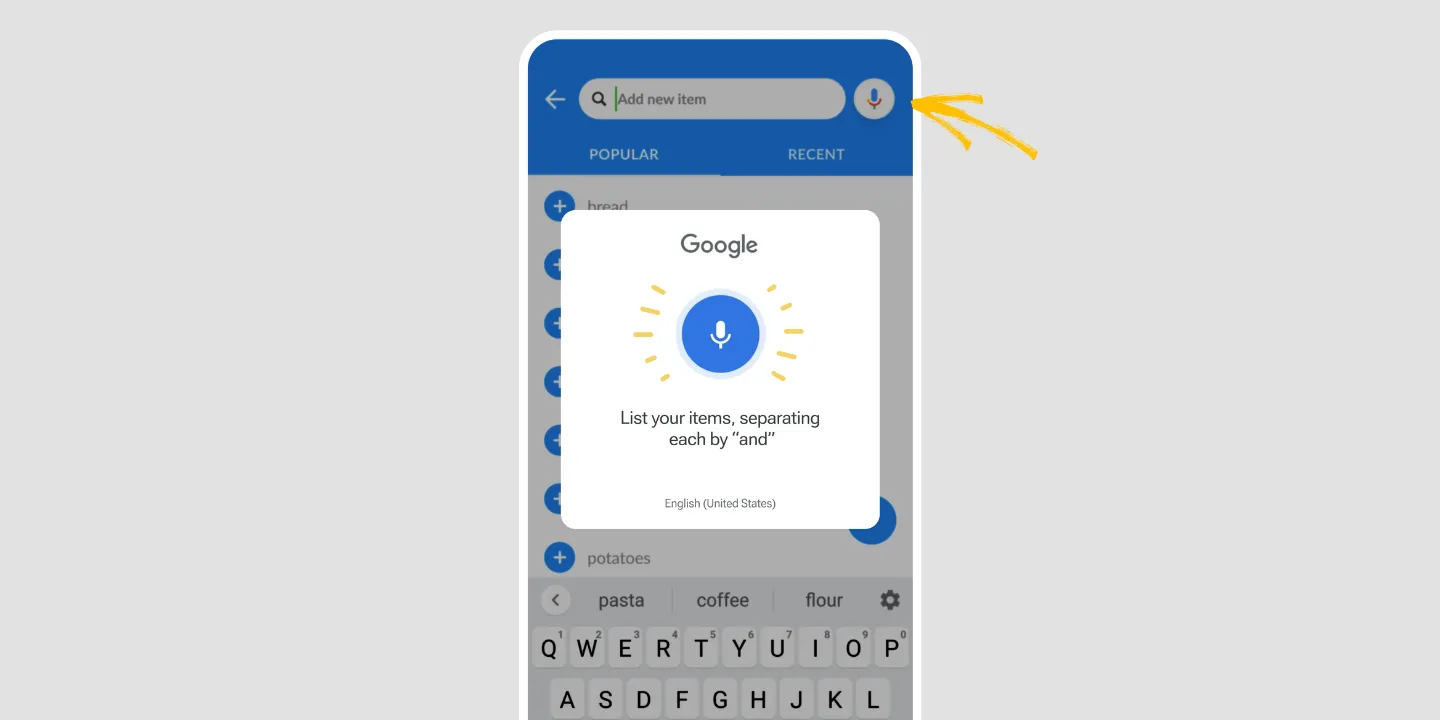
Record a voice note. Speak it while your hands are busy, walking out of the kitchen or standing in front of an open cupboard, and it arrives as a written, sorted list.
You can do any of this in dozens of languages, Polish, English, Spanish, and German among them, so you ask the way you’d normally write rather than learning a set of commands.
Whichever you use, the steps are the same:
- Open the Listonic app on your phone and go to the Assistant tab. If it isn’t there yet, update the app first.
- Type your message, attach a photo, or record a voice note.
- Read back what it produced and change anything that’s off.
- Save it as a new list, or add it to a list you already have.
AI meal planner: a week of meals and the grocery list for it
This is the part that saves the most time, because everywhere else the planning and the shopping are the same job done twice.
Ask for a week of meals and say what matters: a diet you’re following, the ingredients you want to use up, how many people are eating, how much time you have on a weeknight. The assistant returns the meals and the grocery list that covers them in one step, so you’re not copying ingredients out of seven recipes by hand.
That’s the difference between a meal planner app and a meal planning app with a grocery list attached. A plan you can’t shop from is half the job. Here the plan and the list arrive together, and the list is the one you’ll actually use in the store.
It works the same way for a smaller ask. A single dinner, a weekend, a party, a holiday table: here’s what to make, here’s what to buy.
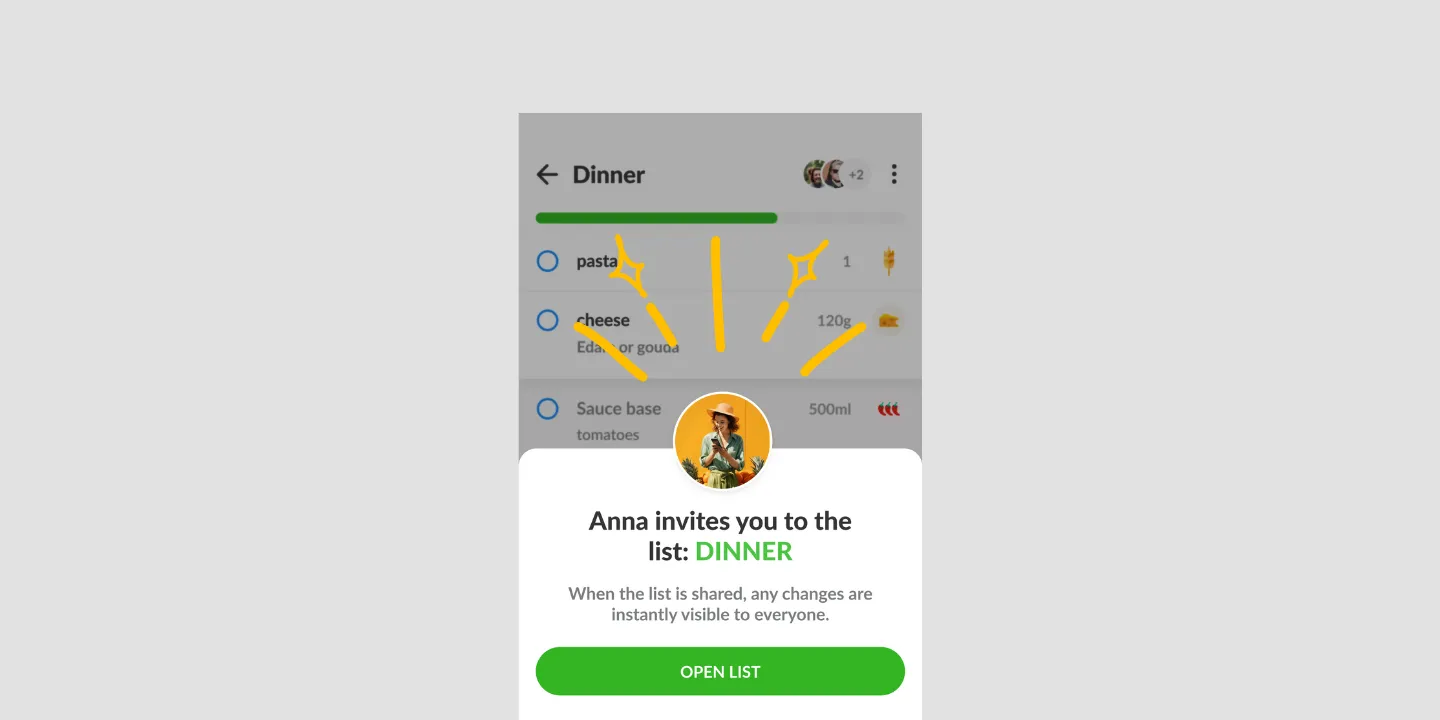
And because the list lands in Listonic rather than in a document, the rest of the household can see it, add to it, and check things off while you’re still deciding on Thursday.
Turn a recipe into a grocery list
Give the assistant a recipe and it pulls out the ingredients and writes them into a list. The recipe doesn’t have to be typed: photograph a recipe card and it reads the ingredients off the page.
Ask it for a recipe instead, based on what you have, on a photo of your fridge, or on something as loose as “quick and seasonal”, and anything it suggests can become a shopping list without retyping a word.
This is also where it answers the smaller questions that come up while you decide: what’s in season now, what goes well with what, what you can use instead of the thing you’ve run out of, and which swap is the cheaper one.
ChatGPT grocery list vs. a list in the app
A general chatbot will happily write you a grocery list. The difference is what you’re left holding.
ChatGPT gives you text. It’s a good list, and then you copy it somewhere: into a notes app, into a message to your partner, or by hand into a list app. Any change you make afterwards lives in whichever copy you happened to edit.
Listonic’s assistant writes into the app. The list it makes is sorted into categories, shared with whoever you share lists with, synced to every device at once, and tickable in the store. Ask for a change and it changes the list, not a paragraph describing the list.
It also starts from something a general chatbot doesn’t have: your own shopping history, which is what lets it suggest the products you really buy rather than a reasonable stranger’s version of them. Listonic encrypts that history end to end, along with the photos and voice notes you send the assistant, and uses it to sharpen the suggestions rather than for anything else.
Both know what goes into a bolognese. Only one of them is still useful at the shelf.
An AI list is an ordinary Listonic list
An AI-built list isn’t a separate kind of list. It uses the same categories, the same sharing, the same real-time syncing, and the same notes and quantities as a list you typed yourself, so the assistant speeds up the start without taking away any of the control you have afterwards.
Is the AI assistant free?
Yes. The assistant is part of the free Listonic app rather than a paid add-on, so you can plan meals and build lists with it without paying for anything. Premium is the ad-free tier with the extras on top, not a gate in front of the AI.
So Listonic works as a free meal planning app with a grocery list attached, and Premium is what you move to when you’d rather not see the ads.
Where the AI assistant works: Android and iPhone
| Platform | AI assistant |
|---|---|
| Android | Yes |
| iPhone | Yes |
| Web app (app.listonic.com) | No, but the lists it makes sync there |
The assistant is the one part of Listonic that’s phone-only, and that’s worth saying plainly rather than burying: you can’t start a conversation with it on a laptop. What it produces isn’t stuck on the phone, though. A list you build on the bus is on the web app, and on everyone else’s phone, by the time you get home, exactly like a list you typed.
What it doesn’t do
It doesn’t buy anything. The assistant plans and writes lists; ordering, delivery, and checkout happen wherever you shop, not here.
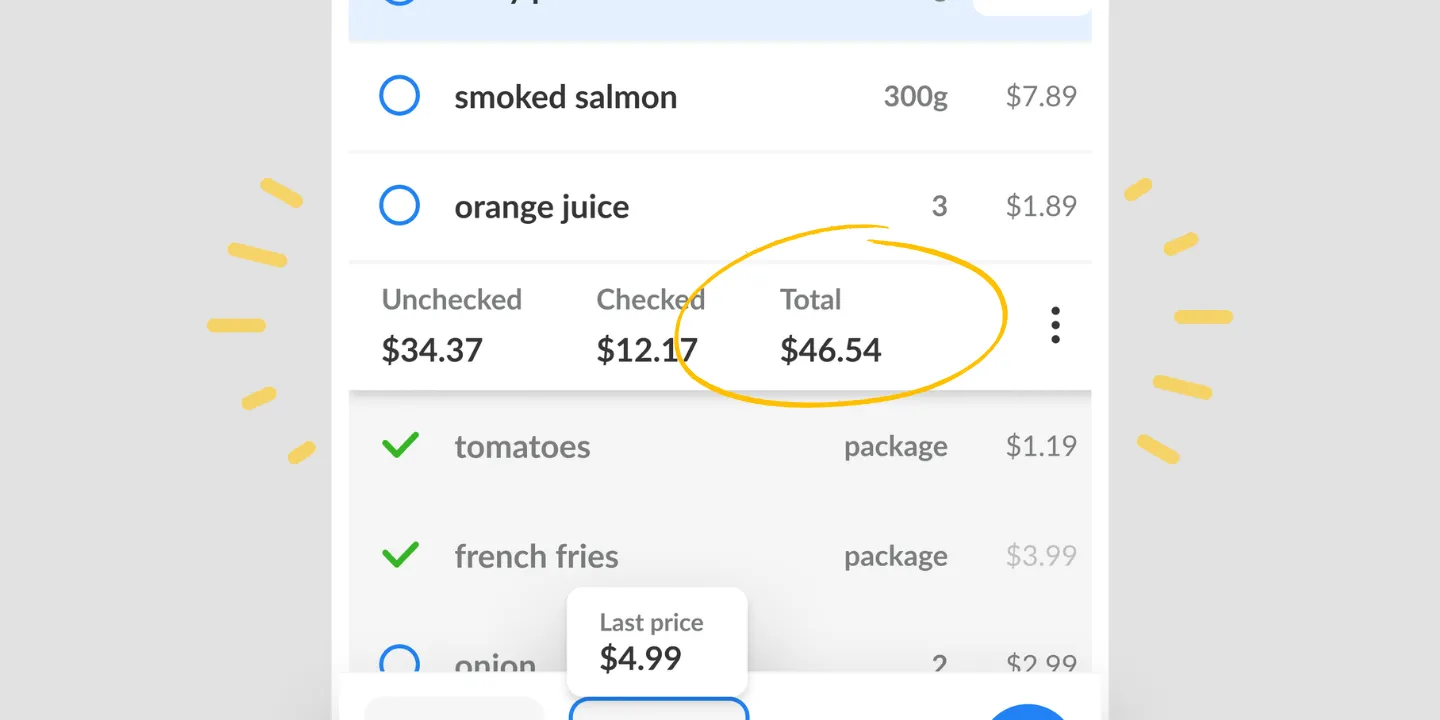
It doesn’t look up what something costs in your store. Listonic tracks prices and totals, but the prices are the ones you enter. The assistant won’t tell you what milk costs at your supermarket this week.
It doesn’t run on a smart speaker. Voice input is dictation inside the app rather than an Alexa or Siri integration, so it’s your phone listening, not the kitchen.
How it compares to other list apps
For how Listonic’s assistant stacks up against the meal planning and recipe features in other apps, see our head-to-head comparisons of the main grocery list apps.
FAQ
Can AI make a grocery list for me?
Yes, Listonic’s AI assistant writes the grocery list for you. Type what you need, send a photo, or record a voice note, and it comes back as a structured shopping list sorted into categories. A line like "dinner for 4" is enough to start it off.
Is there an AI meal planner that also makes the grocery list?
Listonic’s AI assistant is an AI meal planner that produces the grocery list as part of the same answer. Ask it for a week of meals and say what matters: a diet, a budget, how many people are eating, the ingredients you want to use up. The plan and the list that covers it arrive together.
Can it turn a recipe into a shopping list?
The Listonic assistant converts a recipe into a shopping list, whether you write the recipe out, ask it for one based on what you already have, or photograph a recipe card. Nothing gets retyped.
How is this different from asking ChatGPT for a grocery list?
ChatGPT hands you text that you then copy somewhere. Listonic writes the list into the app itself, sorted into categories, shared with your household, synced across devices, and ready to check off in the store.
Is the Listonic AI assistant free?
The AI assistant is free to use. It sits in the free Listonic app rather than behind Premium, so you can plan meals and build lists with it without paying. Premium is the tier that removes the ads and adds the extras on top.
Do I have to type my list out for the AI?
Typing is only one of the three ways in. You can write to the Listonic assistant, send it a photo (the inside of your fridge, a recipe card, and a receipt all work), or record a voice message, and any of the three comes back as a structured list.
Does the AI assistant work in the Listonic web app?
The AI assistant runs in the Listonic apps for Android and iPhone, not in the web app at app.listonic.com. Lists it creates sync to the web app the moment they exist, so you can open, edit, and share them on a laptop. The phone is where you start them.
What languages does the AI assistant understand?
The Listonic assistant understands dozens of languages, Polish, English, Spanish, and German among them. You ask in whichever language you normally write in, rather than learning a set of commands.
Does it work with the rest of Listonic?
AI-built lists are ordinary Listonic lists. They use the same categories, sharing, real-time syncing, notes, and quantities as a list you typed out yourself.