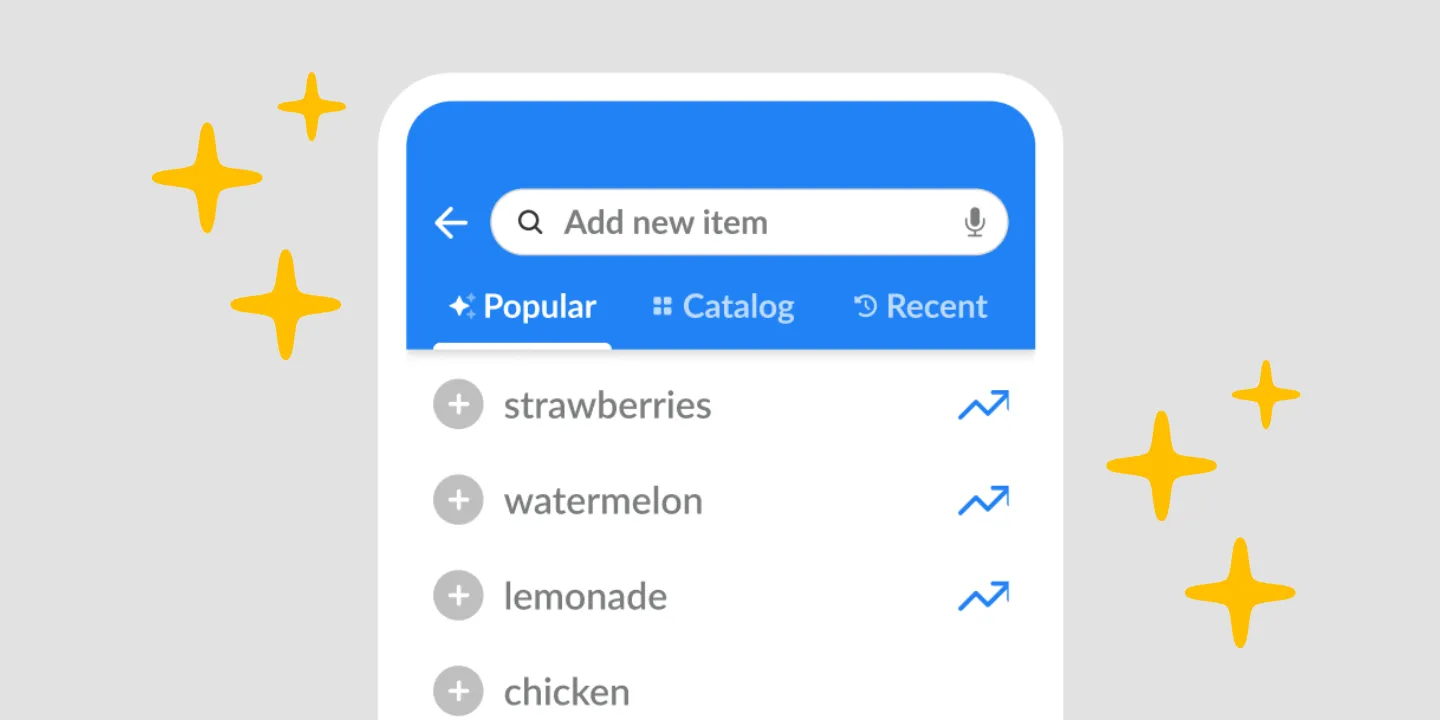
Grocery list suggestions before you type anything
Listonic shows commonly added products the moment you open a list, so the basics go on with a tap instead of being typed, and an empty list stops being a blank page. Combined with your own shopping history, the suggestions mix what people generally add with what you buy yourself, which is what makes them useful in the first week and in the fiftieth.
Key takeaways
- Suggestions appear before you have typed anything, so a new list opens with something on it rather than as an empty field.
- What is offered mixes commonly added products with items from your own shopping history, so it is useful on day one and more accurate later.
- Adding a suggested product is one tap, which is the point: milk should not need to be spelled for the hundredth time.
- Suggestions are a prompt, not a generated list: the AI assistant is the feature that writes a whole list from a sentence, a photo, or a voice note.
An empty list is a worse prompt than a half-full one. Listonic opens a new list with grocery list suggestions already on screen, so the first thing you see is products to tap rather than a blank field and a cursor.
What’s offered before you type a word
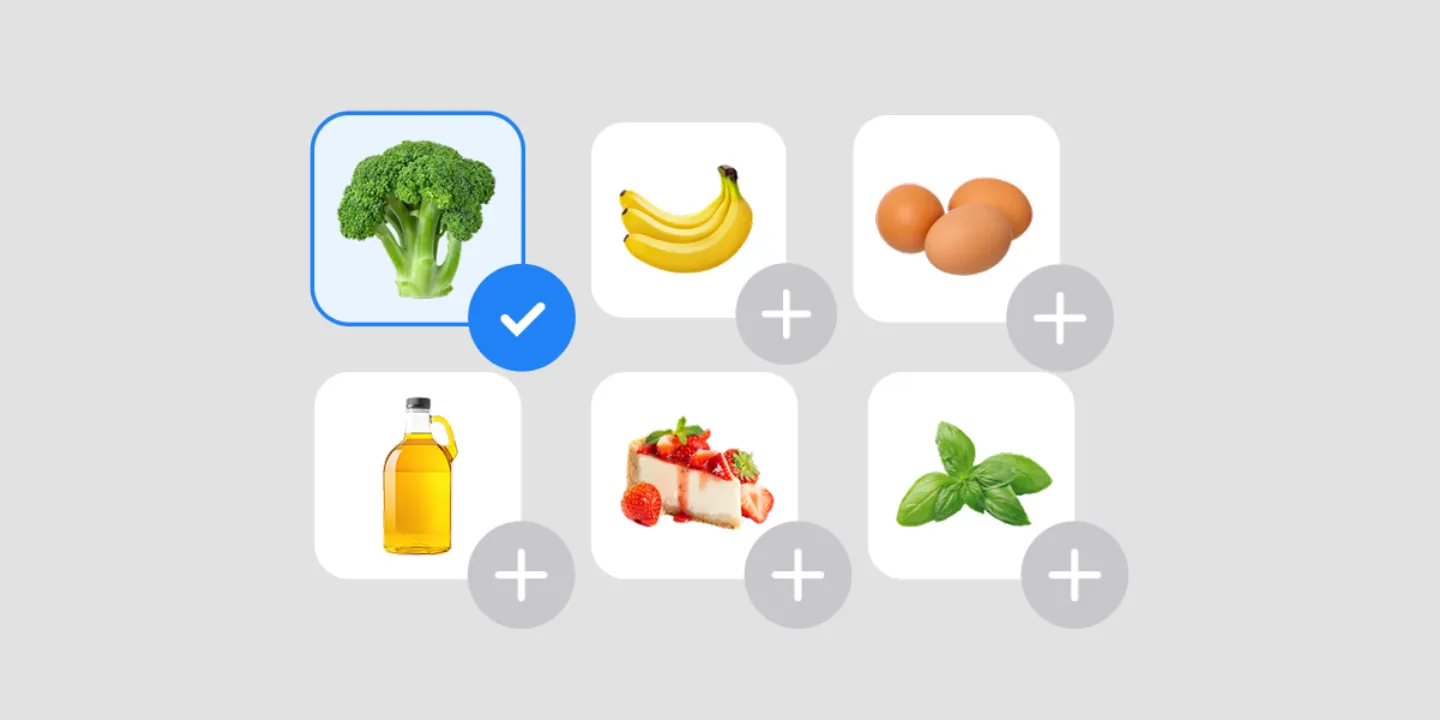
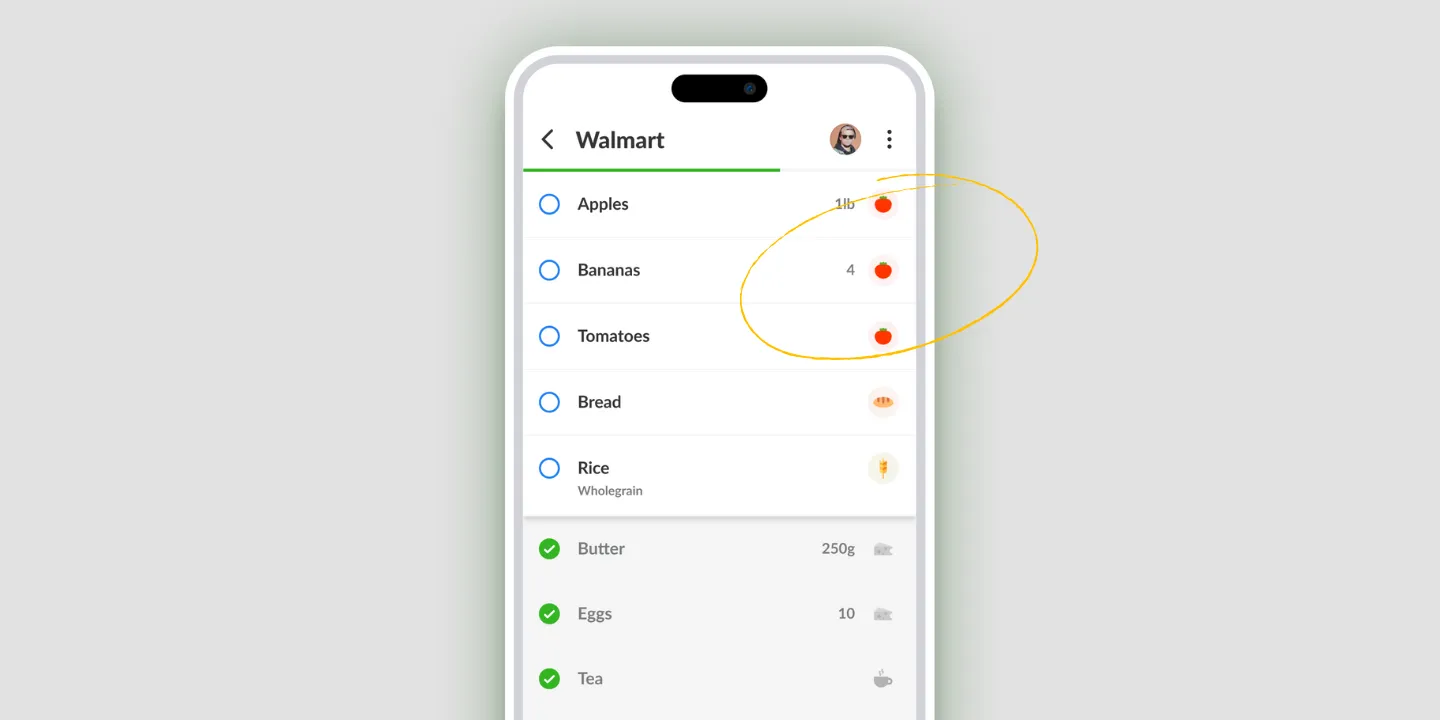
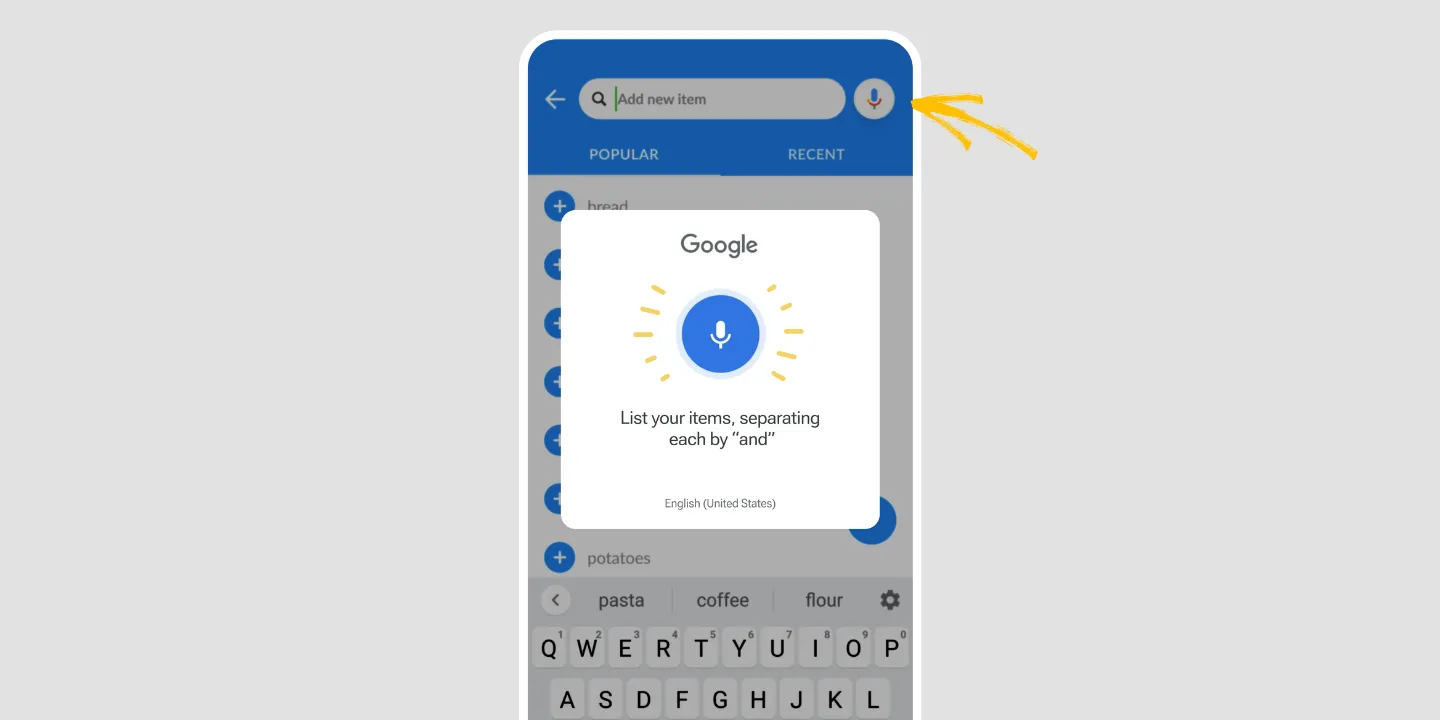
Open the add-item screen and commonly added products are already there. Milk, bread, eggs, the things that end up on most lists most weeks.
None of it is a guess about you specifically, and that’s deliberate. Before the app knows anything about your shopping, popular products are the best available answer, and they’re right often enough to save typing.
Adding one is a tap. That’s the entire interaction, and it’s the reason the feature exists: writing “milk” for the hundredth time is work a phone should have absorbed by now.
Popular products, then your own
Suggestions shift as the app learns. Your shopping history feeds into the same surface, so what you’re offered moves from what people in general buy towards what you buy.
The two answer different problems and both are worth having. Popular products cover the first week, when Listonic knows nothing about you. History covers the fiftieth, when it knows more about your weekly staples than you’d bother listing.
When a suggestion is the thing you needed
Suggestions earn their place in two moments.
Opening a list with nothing in mind. You know you need to shop. You cannot think of a single item. A screen of ordinary groceries is a better starting point than an empty one, and usually three of them are right.
The thing you forget every time. Everybody has one. It sits in the suggestions whether or not you remembered it, which is a cheaper fix than trying harder to remember.
Suggestions are a prompt, not a generated list
Worth separating, because Listonic has both and they feel similar for about five seconds.
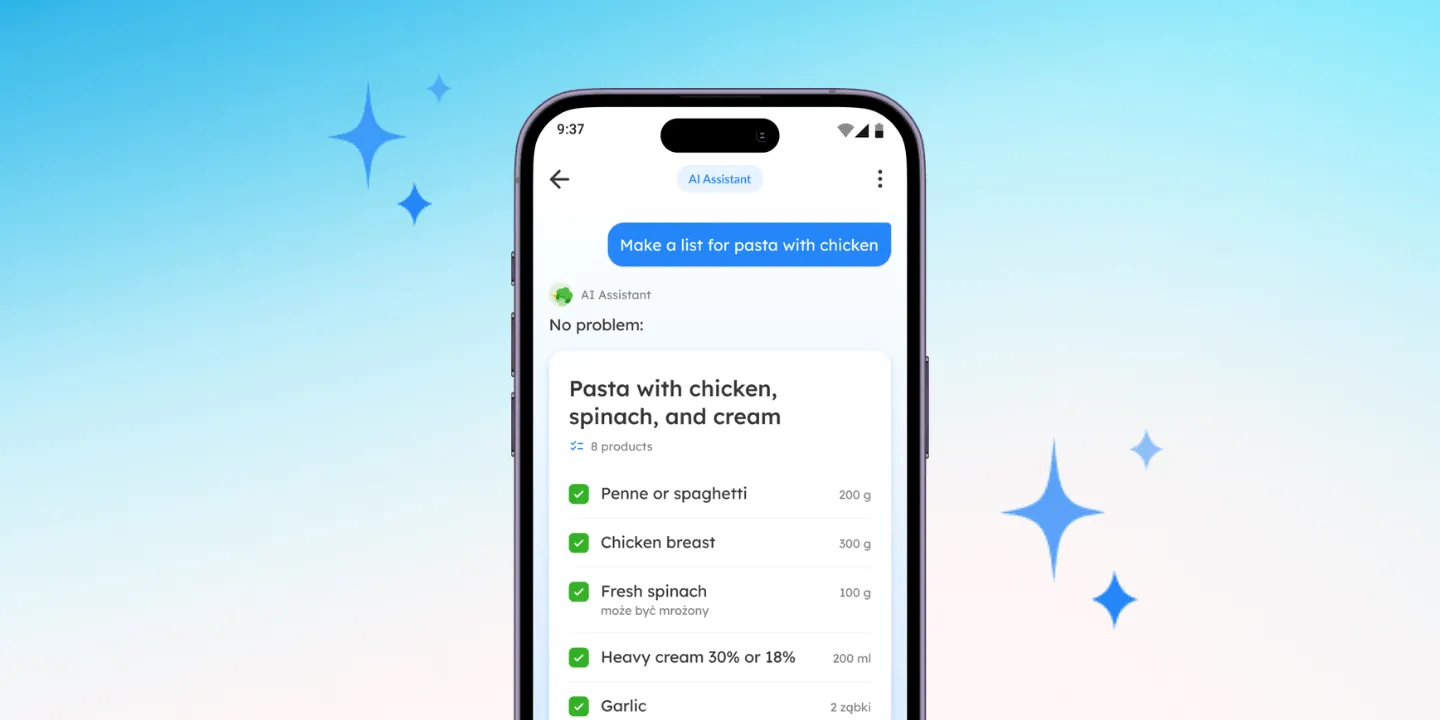
A suggestion offers one product at a time, while you stay the one building the list. The AI assistant works the other way: you describe a meal, a week, or an occasion, and it writes the whole list for you to edit.
Reach for suggestions when you’re already adding things and want the typing removed. Reach for the assistant when you don’t yet know what should be on the list at all.
Where suggestions work
| Platform | Product suggestions |
|---|---|
| Android | Yes |
| iPhone and iPad | Yes |
How it compares to other list apps
For how Listonic’s suggestions hold up against the way other apps prompt you, see our head-to-head comparisons of the main grocery list apps.
FAQ
What appears when I open a new list in Listonic?
Commonly added products are offered straight away, ready to tap, with nothing typed first. A new list therefore opens with a starting point rather than as an empty page.
Do the suggestions know what I usually buy?
Popular products appear on their own, and your shopping history feeds in alongside them, so what you are offered gradually shifts from what people in general add towards what you actually buy.
Do I have to search for basics like milk every time?
Everyday items sit in the suggestions at the front of the add-item screen, so adding milk is a tap rather than a search. Searching is for the things that are not ordinary.
How are suggestions different from the AI assistant?
Suggestions offer one product at a time while you build a list yourself. The Listonic AI assistant does the opposite: you describe what you need and it writes the whole list. One is a prompt, the other is a draft.
Are product suggestions free?
Suggestions are part of the free Listonic app. There is nothing to switch on and no limit on how many suggested products you add.