Shared grocery list app for families and roommates
A shared Listonic list updates on every device the moment anyone touches it, and everyone else gets told, so two people can split a grocery run without buying the same thing twice. Anyone on the list can add items, notes, photos, and prices, and the running total moves for everyone. Sharing is free, there is no cap on how many people are on a list, and the list keeps working in a store with no signal.
Key takeaways
- A shared Listonic list syncs in real time: an item added in the kitchen shows up on the other person’s phone in the aisle, with a notification saying what changed.
- Sharing by link needs no account on the other end; only an email invitation requires that both people have one.
- Sharing is part of the free app, with no cap on how many people can be on a single list.
- Only 9.46% of active American lists were shared with anyone in Listonic’s own 2023 to 2024 data, the lowest of the twelve countries measured, against 21.28% in Denmark.
One list, everyone who shops from it, and no more texting a photo of the fridge. A shared grocery list app puts the household on the same list instead of on four versions of it, and in Listonic every change shows up on everyone else’s phone as it happens.
What a shared shopping list app does that a group chat can’t
A group chat is where a list goes to get lost. Somebody types “milk”, somebody else answers about the weekend, and by the time you’re in the aisle the list is forty messages up.
A shareable grocery list app keeps one copy. Everyone on it sees the same items in the same order, and when one person checks off bread, it goes gray on everyone else’s screen instead of getting bought twice.
That’s the whole difference, and it’s worth being blunt about how few people use it. In Listonic’s own data for the 12 months to May 31, 2024, 9.46% of active American lists were shared with at least one person. That’s the lowest of the 12 countries measured, against 21.28% in Denmark and 21.05% in Poland. Americans shop as households as much as anyone. They just don’t put the household on the list.
How to share a shopping list in Listonic
Four steps, and the third one decides whether the other person has to sign up for anything.
- Open the list you want to share in the Listonic app.
- Tap the sharing icon at the top.
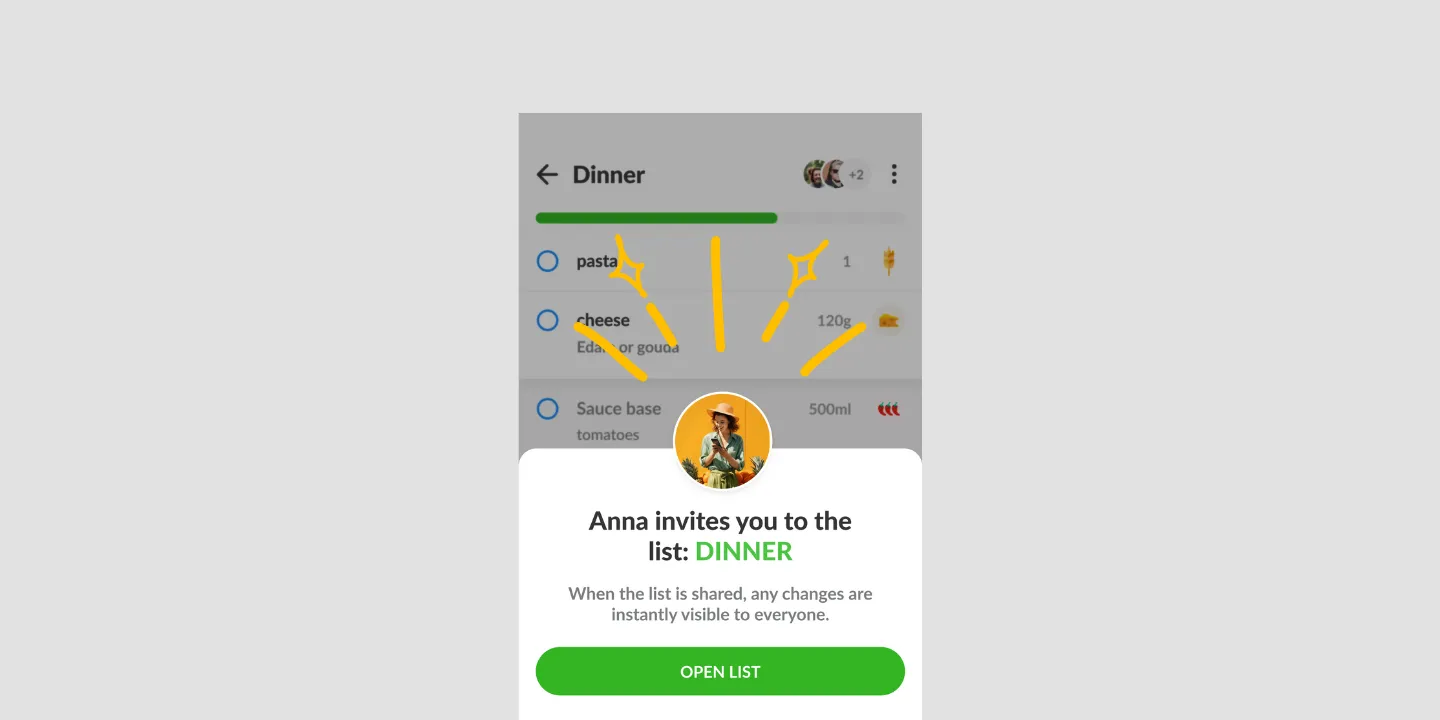
- Enter an email address, or send a link through WhatsApp, text, or anywhere else you can paste one.
- Whoever opens it can add items and check things off right away.
The link route is the one to reach for when you don’t want a conversation about installing things. As a grocery list sharing app Listonic doesn’t ask the other person to sign up before they can help: the link opens the list, and that’s it. An email invitation is the single route where both sides need an account.
Family grocery list app: one list the whole house edits
The reason a family grocery list app is a different thing from a list app you happen to share is that the people on it aren’t shopping together. One person is in the kitchen finding out the pasta ran out, another is already in the store.
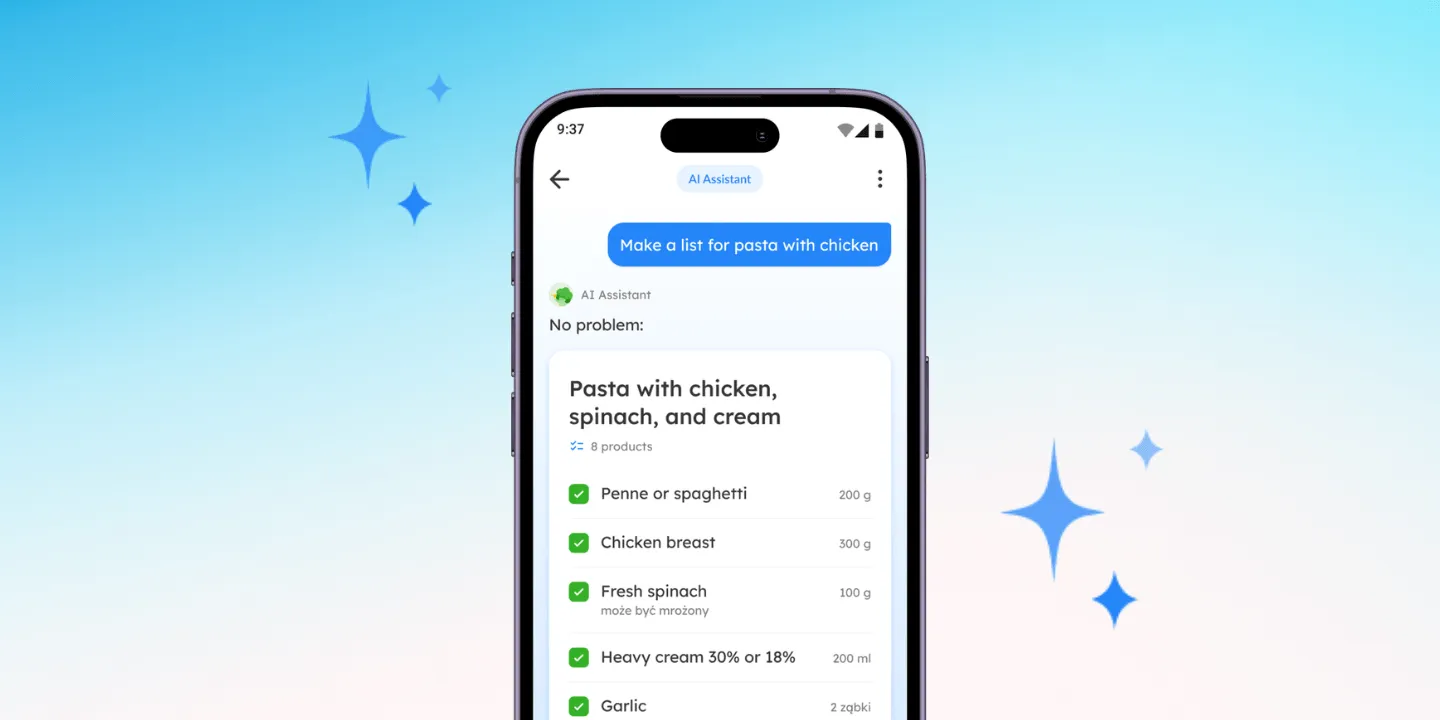
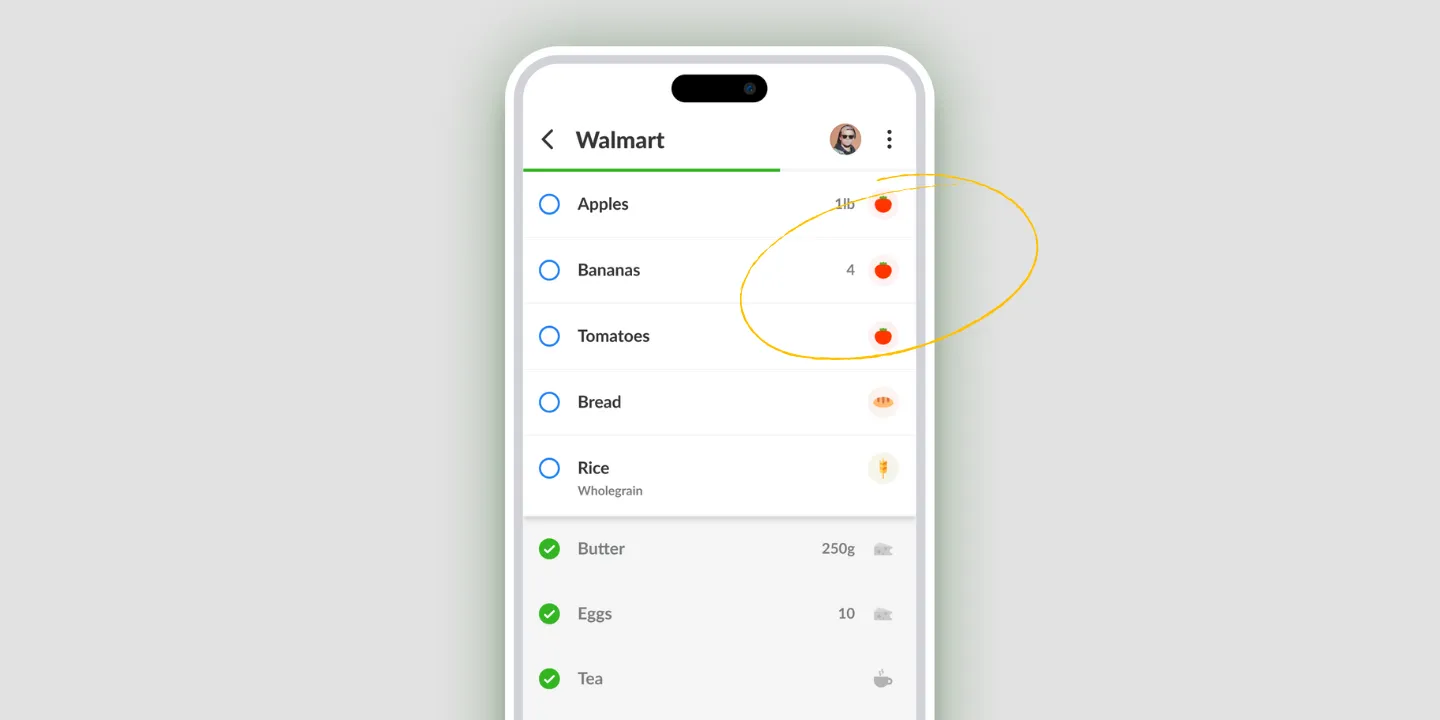
So the list has to take input from whoever notices, not from whoever is shopping. Anyone on it can add an item, leave a note on it, attach a photo, or tick it off. Teenagers add the snacks they actually want. Whoever gets to the store first sees all of it.
It works the same way as a shopping list app for family members who don’t live together, which is the case people forget: a parent’s list and an adult child’s list can be the same list, and the weekly grocery run for both gets done by whoever is out.
Everyone sees the same list, the moment it changes
Changes land instantly on every device on the list. No refresh, no “did you get my message”, no calling from the dairy aisle. When a grocery list app is shared this way, two people can split a store between them and neither ends up with the second box of eggs.
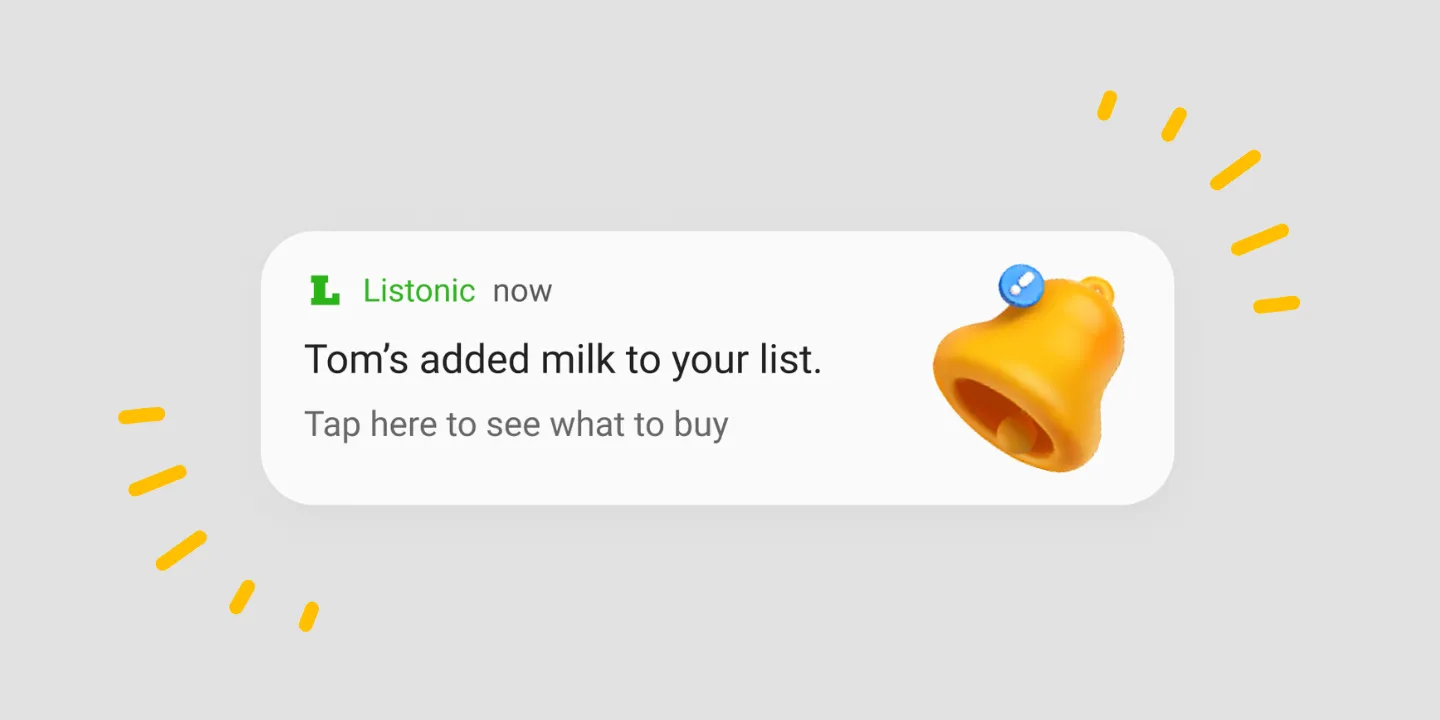
Listonic tells everyone what changed, too, not just that something did. The notification names the item and the person, so an unexpected jar of capers is traceable to whoever wanted it.
It keeps working in a store with no signal
Supermarkets eat phone signal, usually somewhere around the freezers. Listonic works offline: the shared list opens, items check off, and edits hold. The moment the connection comes back, everything you did syncs out to everyone else, and everything they did syncs in.
Prices, notes, and photos on a shared list
A shared list gets vague fast, because the person writing the item isn’t the person reading it. “Bread” means something different to the two of you.
Three things fix that, and anyone on the list can use all three:
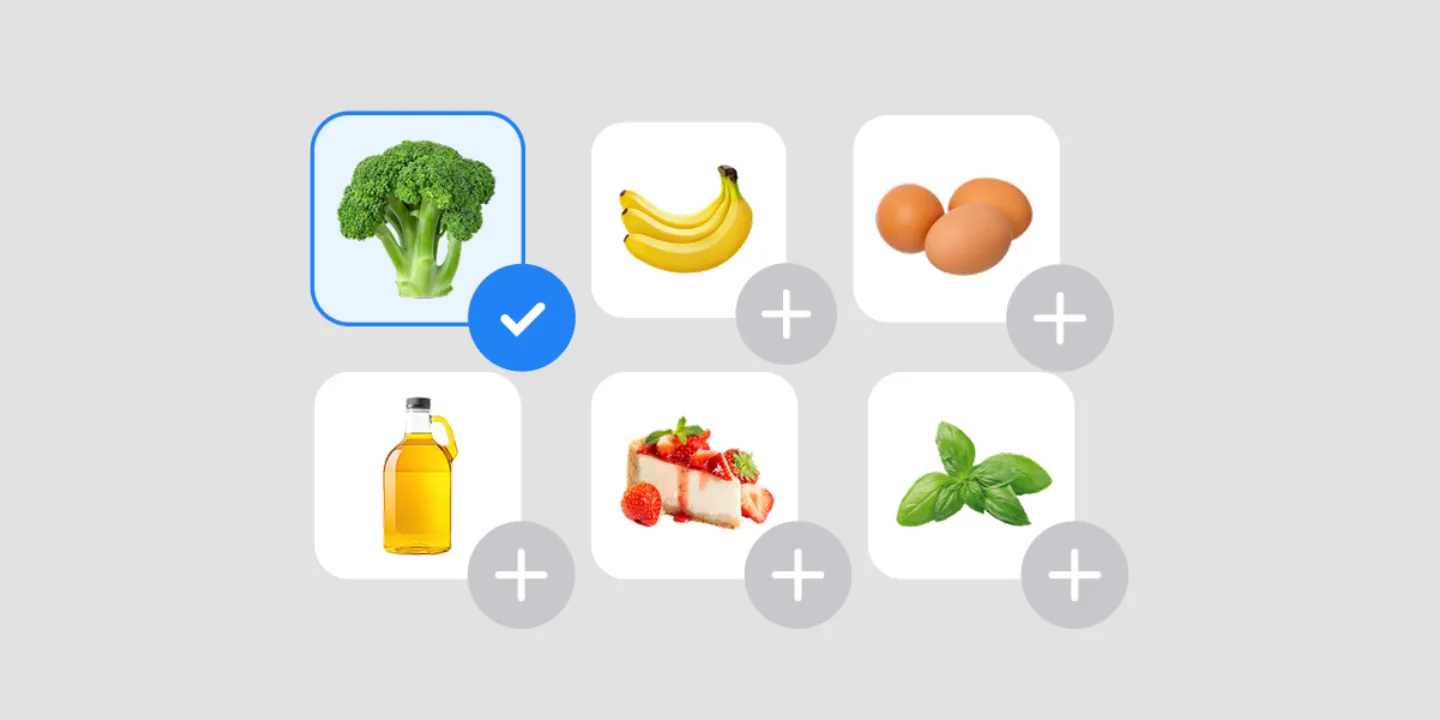
A photo. Attach a picture of the exact brand, size, or packaging. Nobody has to guess between six near-identical jars.
A note. Quantity, a substitute you’ll accept, which store it’s cheapest at.
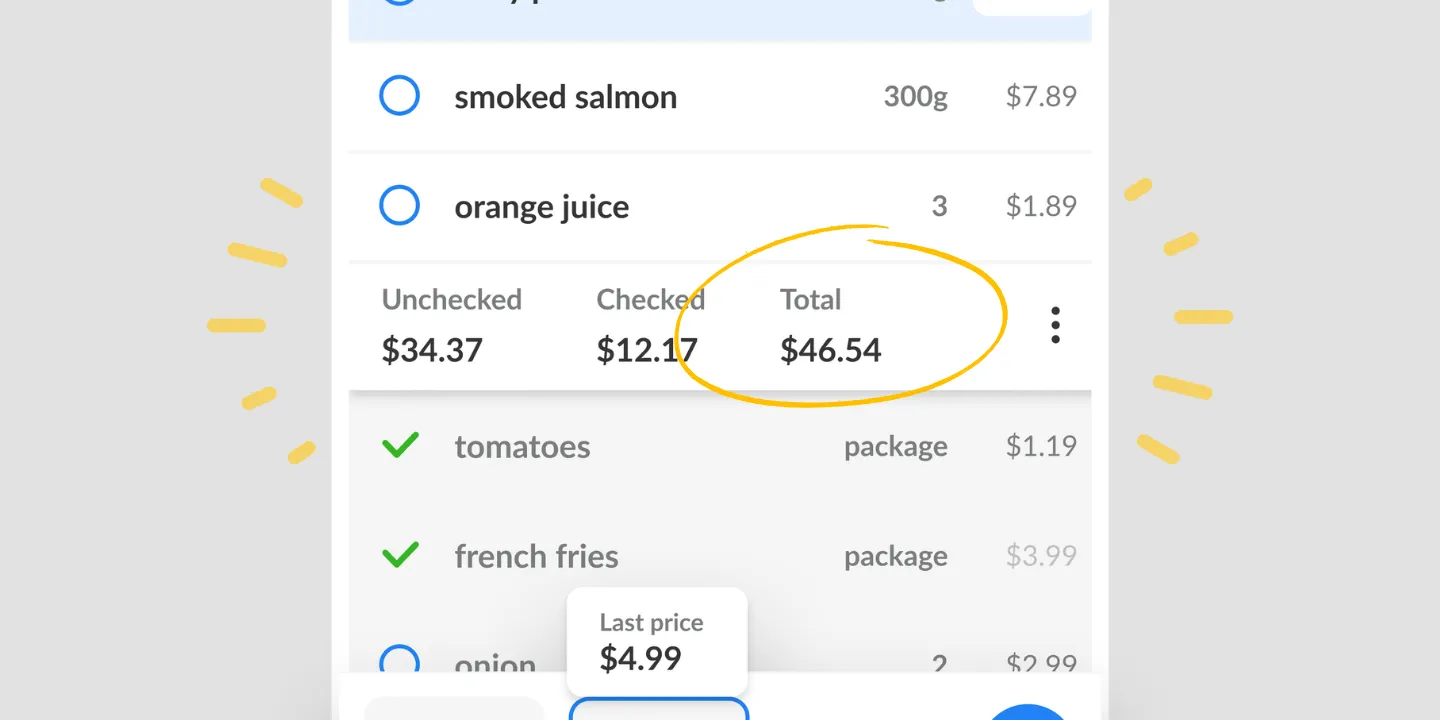
A price. Add what an item costs and the running total moves for everyone on the list, so the person shopping knows where they are against the budget without anyone having to ask.
Is a shared shopping list app free?
Yes. Sharing is part of the free Listonic app: unlimited lists, no cap on how many people are on one, and no trial that expires. Premium removes the ads and adds extras on top, and sharing isn’t one of them, so nothing about splitting a grocery run with your household sits behind it.
Where shared lists work
| Platform | Shared lists |
|---|---|
| Android | Yes |
| iPhone and iPad | Yes |
| Web app (app.listonic.com) | Yes |
A list shared between an Android phone and an iPhone behaves the same in both directions, which matters more than it should: households rarely all buy the same phone.
What sharing doesn’t do
It doesn’t give people different permissions. Everyone on a shared list can edit all of it. There’s no view-only member and no owner-approves-changes step, so share with people you’d hand the pen to.
It doesn’t merge two lists you already have. Sharing puts other people on one existing list rather than combining separate ones, so pick which list is the household list before you invite anyone.
It doesn’t buy anything or place an order. The list is the plan; the store is still the store.
How it compares to other shared list apps
For how Listonic’s sharing holds up against the sharing in Cozi, AnyList, OurGroceries, and the rest, see our head-to-head comparisons of the main grocery list apps.
FAQ
How do I share a shopping list in Listonic?
Open the list in the Listonic app, tap the sharing icon at the top, and either enter an email address or send a link through WhatsApp, text, or anywhere else you can paste one. Whoever opens it can view and edit the list straight away.
Does the other person need a Listonic account?
A link works without one. Send the list as a link and the other person can open it, add items, and check things off without signing up for anything. An email invitation is the one route that needs an account on both sides.
Will I get notified when someone changes the list?
Listonic sends a notification whenever anyone on a shared list adds an item, edits a product, or checks something off, and it says what changed and when rather than only that something did.
How many people can share one list?
There is no cap on how many people a single Listonic list can be shared with, which is what makes it work for a household, roommates, a group planning an event, or a family spread across several homes.
Is a shared shopping list app free?
Sharing in Listonic is free. It is part of the free app rather than a paid tier, with no limit on lists and no limit on the people you share them with. Premium removes the ads and adds extras on top, and none of them are sharing.
Does sharing work between Android and iPhone?
A Listonic list shared between an Android phone and an iPhone stays in sync both ways, so the two people on it see the same list without either of them switching phones. Tablets and the web app show the same list too.
Does a shared list work if I lose signal in the store?
Listonic keeps working offline. You can open a shared list, check items off, and edit it with no connection, and everything you did syncs to everyone else the moment the signal comes back.
Can I add photos and prices to items on a shared list?
Anyone on a shared Listonic list can attach a photo to an item to pin down the exact brand, size, or packaging, and anyone can add a price. The running total then updates for everyone on the list, not only for the person who typed it.
Can I stop sharing a list?
Tap the letter icon at the top of the list, find the person you want to remove, and select Remove member. They lose access to the list immediately.