Sort a grocery list by aisle, category, or A to Z
Listonic sorts a shopping list by category, alphabetically, or in an order you arrange yourself, and you can switch between them at any time. Arranging items in the order you walk your own store is what cuts the backtracking, because the list then runs in the same direction you do. Combined with custom categories, the list mirrors that particular store rather than a generic layout.
Key takeaways
- Listonic offers three sort orders for a shopping list: grouped by category, alphabetical, and a manual order you arrange yourself.
- Sorting a grocery list by aisle means putting it in the order you walk your own store, so you stop crossing back for the thing you missed.
- The sort order can be switched at any time and does not change what is on the list, only the order it appears in.
- Listonic holds no aisle map of any particular supermarket: the store-specific order is one you set yourself, and custom categories are what carry it into later lists.
A shopping list written in the order things occurred to you sends you back across the store three times. A shopping list written in the order the store is laid out does not. Listonic sorts either way, plus alphabetically, and switching takes a tap.
Three ways to sort a shopping list
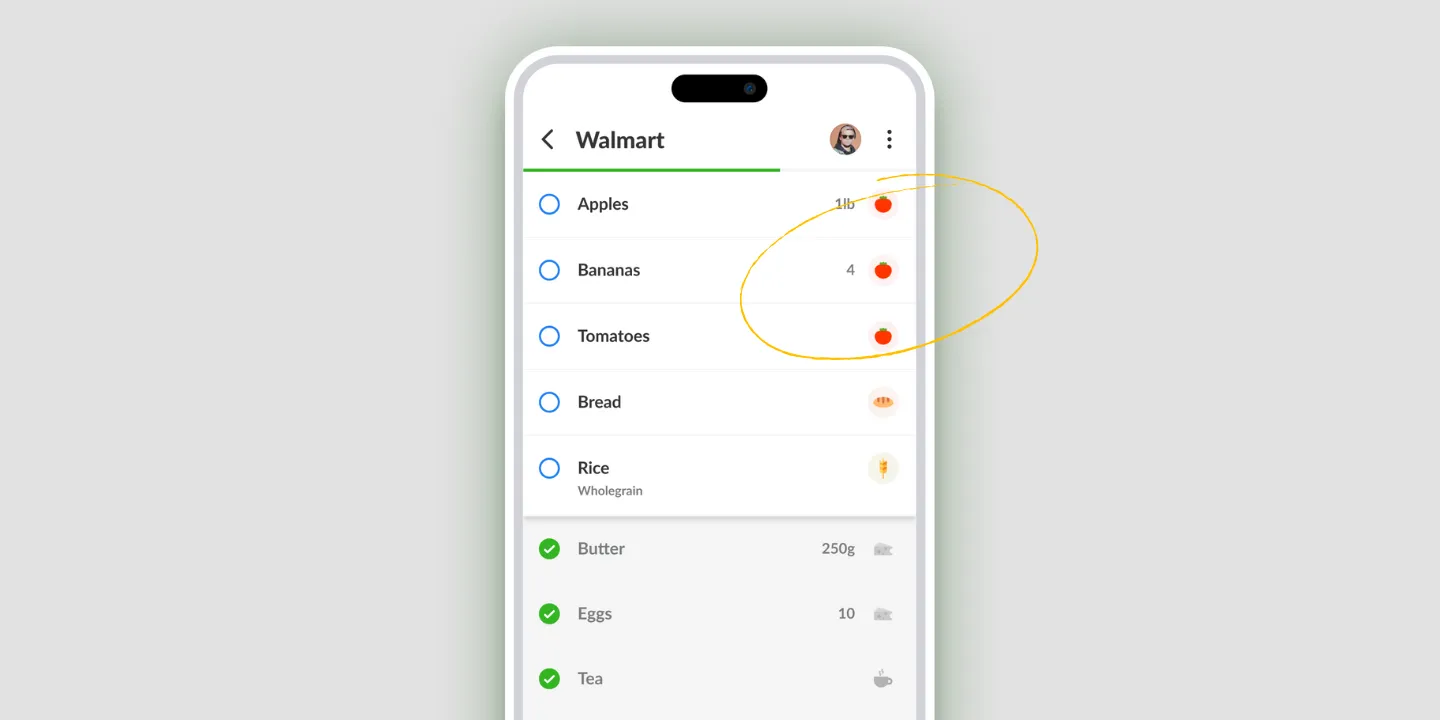
By category. Items group themselves into produce, dairy, bakery, and the rest, which is roughly how most stores are arranged. This is the sort that needs no setup.
Alphabetically. Useful when the list is long and you’re looking for one specific thing rather than walking the whole store.
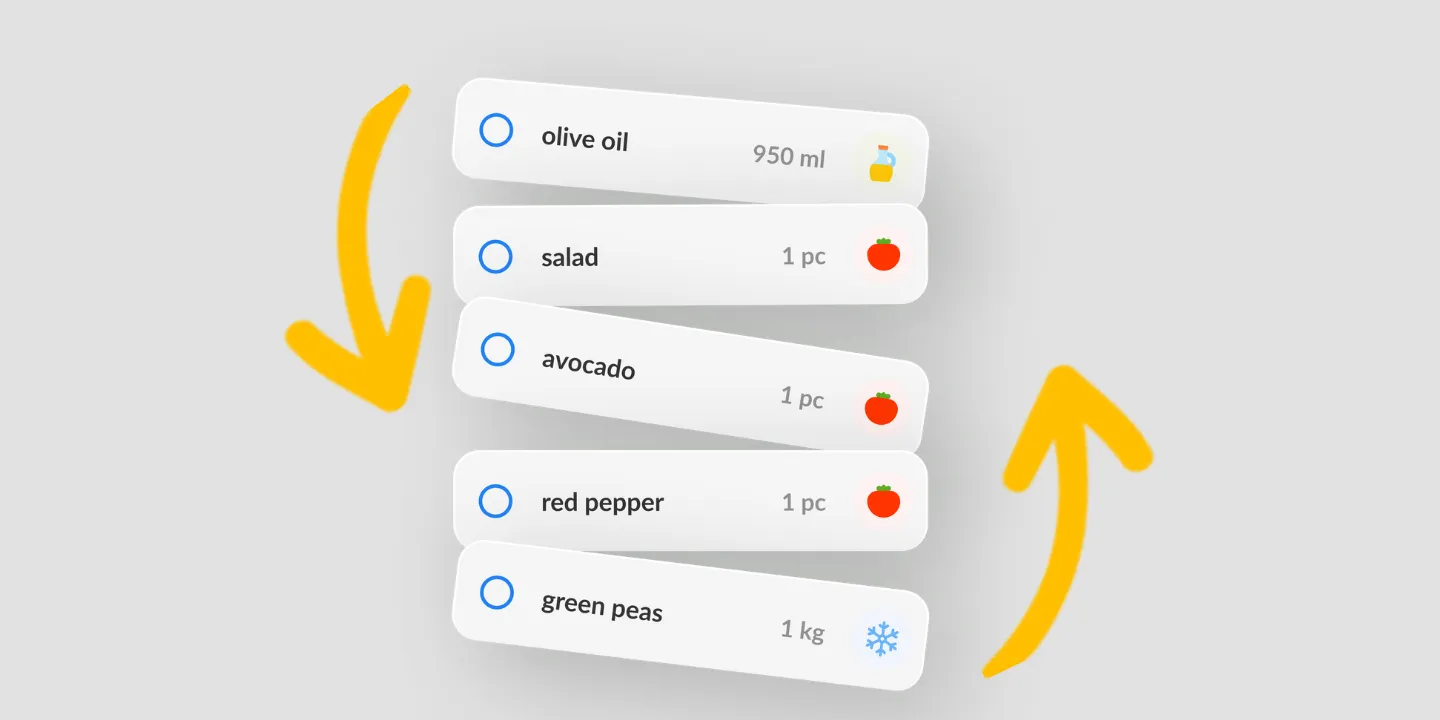
Your own order. Drag items into whatever sequence you want. This is the one that matches a real store, and it’s the reason the other two exist as fallbacks rather than as the answer.
Switching between them changes the order and nothing else. Items, quantities, notes, prices, and what you’ve already checked off all stay exactly as they were.
Grocery list by aisle: match the store you actually shop in
Category sorting gets you close, because produce tends to sit with produce. It doesn’t get you all the way, because your store puts bread by the entrance and the one near your office doesn’t.
That gap is what the manual order is for. Walk your usual store once with the list open, drag items into the sequence you pass them, and from then on the list runs in the same direction you do. The backtracking stops, and so does the part where you’re already at the register when you remember the yogurt.
- Open the list.
- Open the sort options.
- Pick category, alphabetical, or your own order.
- For your own order, drag items into the sequence you walk.
Custom categories make a store-shaped list stick
A dragged order is per list. Categories are what make the arrangement outlive it.
Name your own groups after the parts of the store you actually think in, then let the list group into them every time. Custom categories plus a chosen sort order gives you a list shaped like one particular store rather than a generic supermarket, without rearranging anything by hand next week.
What it doesn’t do: it has no map of your store
Worth being plain about, because it’s the other thing people mean when they ask for a grocery list by aisle.
Listonic doesn’t know that rice is in aisle 7 at your branch. There’s no database of supermarket layouts behind it, no store picker that rearranges your list for a named chain, and it can’t tell you which aisle anything is in before you get there.
What it does is remember the order you set. The result looks the same on the shelf, and it costs one walk through the store to set up.
Where sorting works
| Platform | Sorting |
|---|---|
| Android | Yes |
| iPhone and iPad | Yes |
How it compares to other list apps
For how Listonic’s sorting holds up against aisle and category ordering in other apps, see our head-to-head comparisons of the main grocery list apps.
FAQ
Is there an app that organizes your grocery list by aisle?
Listonic does it by letting you arrange the list in the order you walk your store. It is not an automatic layout for a named supermarket: you set the running order yourself, and custom categories named after the parts of your store are what carry that shape into the next list.
What sorting options does Listonic have?
Three: grouped by category, alphabetical, or a custom order you drag into place. Switching between them is instant and changes only the order, never the contents of the list.
Does Listonic know the aisle layout of my supermarket?
No. Listonic has no map of any particular store and cannot tell you which aisle the rice is in at your branch. What it can do is hold the order you arranged, which is the same result once you have walked the store yourself.
Can I combine sorting with my own categories?
Custom categories and a chosen sort order work together, so you can name groups after the parts of the store you actually think in and then have the list run in that sequence.
Does changing the sort order lose anything on the list?
Nothing is lost when the sort order changes. The same items, quantities, notes, prices, and checked-off states are all still there, arranged differently.