Custom categories named the way you shop
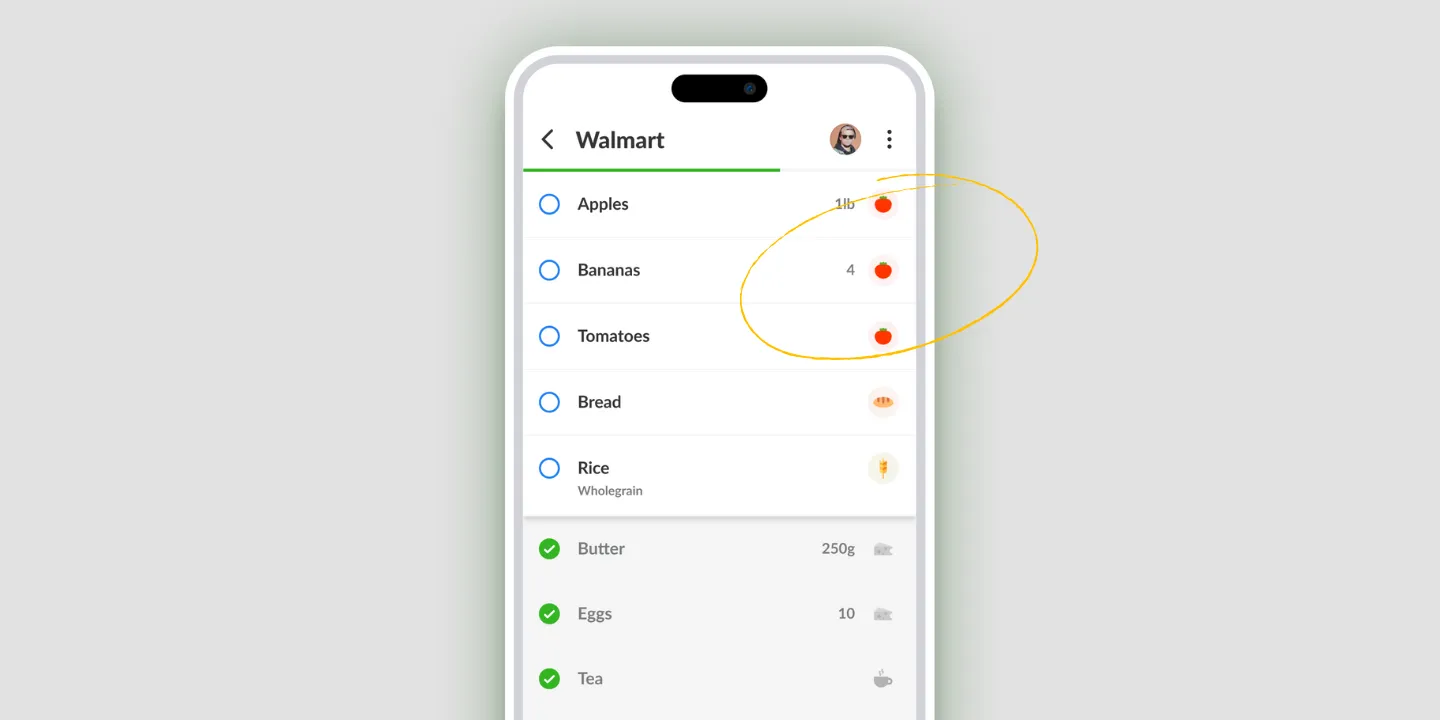
Listonic lets you create categories with your own names and icons, so items group the way you shop rather than the way a store is arranged. "BBQ night", "Kids’ lunch" and "Pantry staples" are all valid categories, and so is "Surprise party". Color-coded icons make a long list quicker to scan, and custom categories sit alongside the automatic grouping rather than replacing it.
Key takeaways
- A custom category takes a name you choose and an icon you pick, so a group can be an occasion or a meal rather than a type of food.
- Custom categories sit alongside Listonic’s automatic grouping instead of replacing it, so you add them only where the standard set falls short.
- Icons make a long list faster to scan, because a group is recognized before it is read.
- Naming a group is a different job from fixing where an item files itself, and from choosing the order groups appear in.
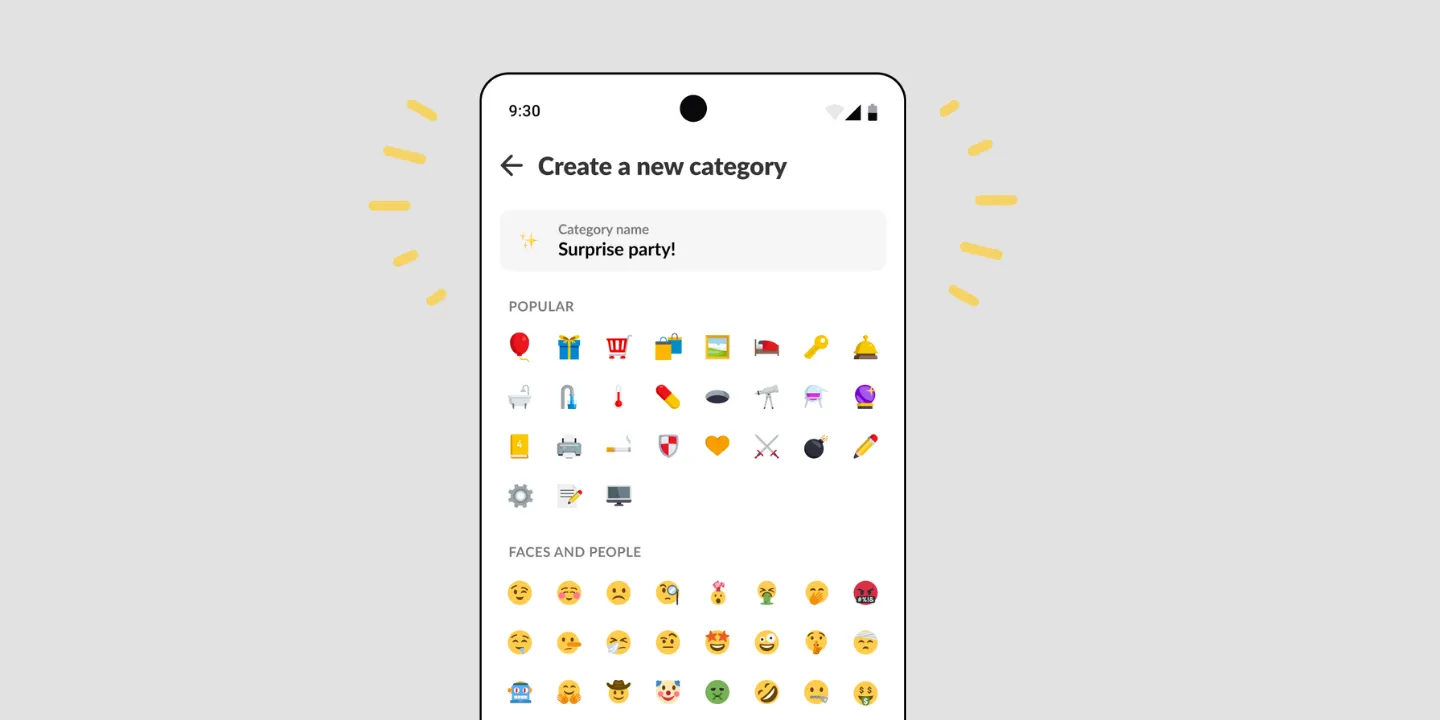
The useful categories often aren’t food types. “BBQ night” is a category. So is “Kids’ lunch”, “Pantry staples”, and the one on this page’s own screenshot: “Surprise party”. None of those is a section of a supermarket, and all of them are how a real list gets thought about.
Name a group after what it’s for
Create a category, give it a name, pick an icon. That’s the whole thing.
What it buys you is grouping that cuts across food types. A barbecue needs meat, bread, salad, and charcoal, which live in four different parts of any store and in four different automatic categories. As one group called “BBQ night”, it’s a thing you can see, check, and be done with.
The same goes for a week of packed lunches, a restock of the pantry, or the specific pile of stuff for one event. These are the groups automatic categorization can’t guess, because they exist in your head rather than in the product.
Icons are read faster than words
Pick an icon and the group gets recognizable before it’s legible. On a list of thirty items that’s most of the benefit: the eye finds the section it wants without reading four headings on the way.
It matters more on a long list than a short one, which is the same as saying it matters most on the lists that are hardest to work through.
They don’t replace the automatic grouping
This is worth being clear about, because it’s the part people get wrong.
Listonic already sorts ordinary products into ordinary categories on its own, covered on products by category. That keeps working. A custom category is an addition for the cases the standard set has nothing to say about.
So the sensible use is narrow. Don’t rebuild produce and dairy under your own names. Add the two or three groups you keep wishing existed.
Naming groups, filing items, ordering the list
Three related things, three different pages, and the difference is worth thirty seconds.
This page: which groups exist, and what they’re called.
Products by category: where an item files itself, and how to correct it when it’s wrong.
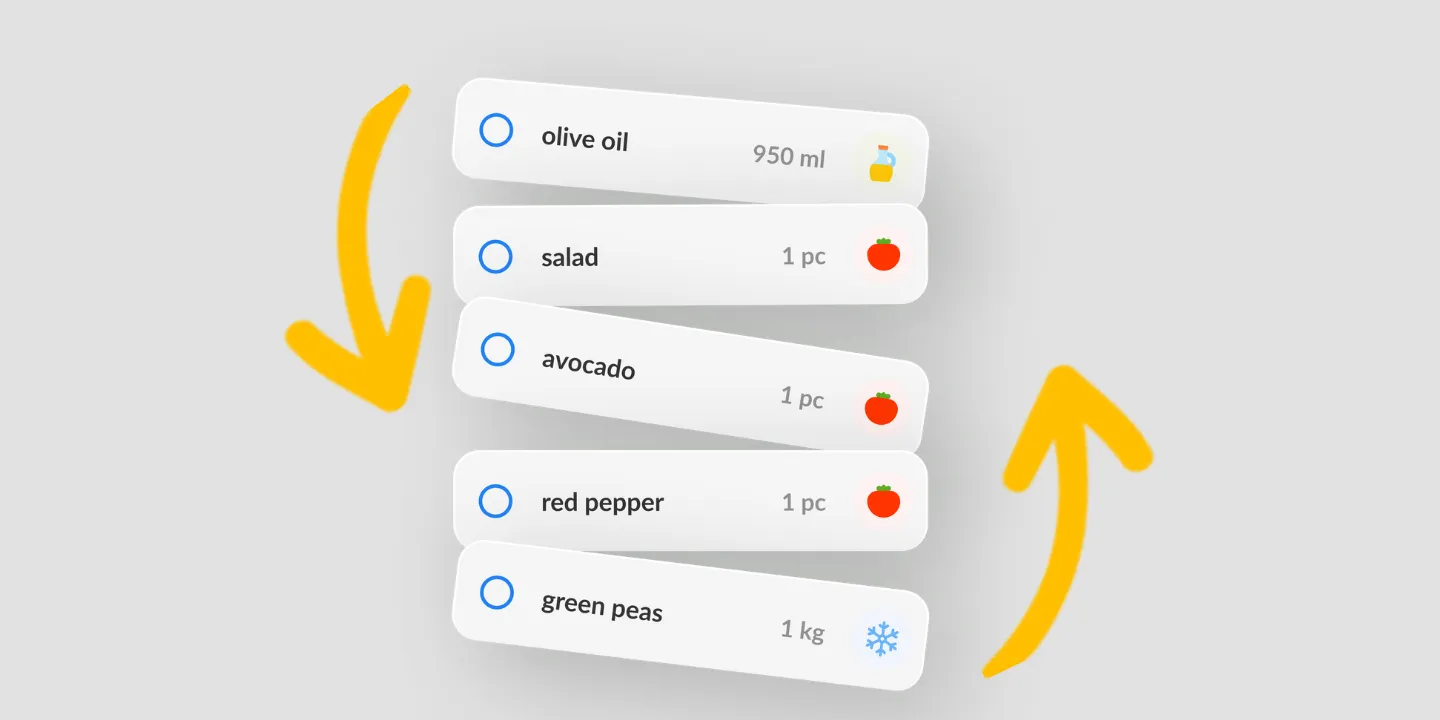
Sorting: what order the groups appear in, which is how a list gets shaped like the store you walk.
Where custom categories work
| Platform | Custom categories |
|---|---|
| Android | Yes |
| iPhone and iPad | Yes |
How it compares to other list apps
For how Listonic’s categories hold up against the way other apps let you group a list, see our head-to-head comparisons of the main grocery list apps.
FAQ
Can I name my own categories in Listonic?
Categories can be created with any name you like and given an icon, which is what lets a list group around "BBQ night" or "Kids’ lunch" rather than around produce and dairy.
Do custom categories replace the automatic sorting?
They sit alongside it. Listonic keeps grouping ordinary products by type on its own, and a custom category is what you add where that grouping has nothing useful to say.
What is a custom category actually useful for?
Occasions and meals, mostly: a barbecue, a party, a week of school lunches, the pantry restock. Those cut across food types, which is exactly what automatic grouping cannot do.
Why do the icons matter?
An icon is recognized faster than a word, so on a long list the groups separate at a glance rather than needing to be read. That is most of the benefit on a list of thirty items.
Is this the same as changing the order of categories?
No. Creating a category decides what groups exist. The order they appear in is a sorting setting, and that is where a list gets arranged to match a store.