Shopping history: your usual items, suggested first
Listonic suggests what you buy most often and what you bought recently, putting those items first as you build a shopping list, so the weekly regulars are a tap rather than a typed word. Tap a suggestion again to raise its quantity, and delete anything you would rather not be offered. With voice input it checks your history as you speak.
Key takeaways
- Listonic offers your most frequent and most recent purchases first as you build a list, so the repeat part of a weekly grocery run is tapping rather than typing.
- Tapping the same suggestion again raises the quantity, which is how you get three of something without opening the item.
- Anything can be deleted from your history with one tap, and it stops being suggested.
- History is about what you personally buy; taking a whole earlier list across and seeing what shoppers in general buy are two other features.
You buy the same bread every week. Typing it every week is the part worth removing, and that’s what shopping history does: Listonic offers what you buy most often and what you bought recently, first, so the regular part of a list is tapping rather than typing.
A list that starts from what you already buy
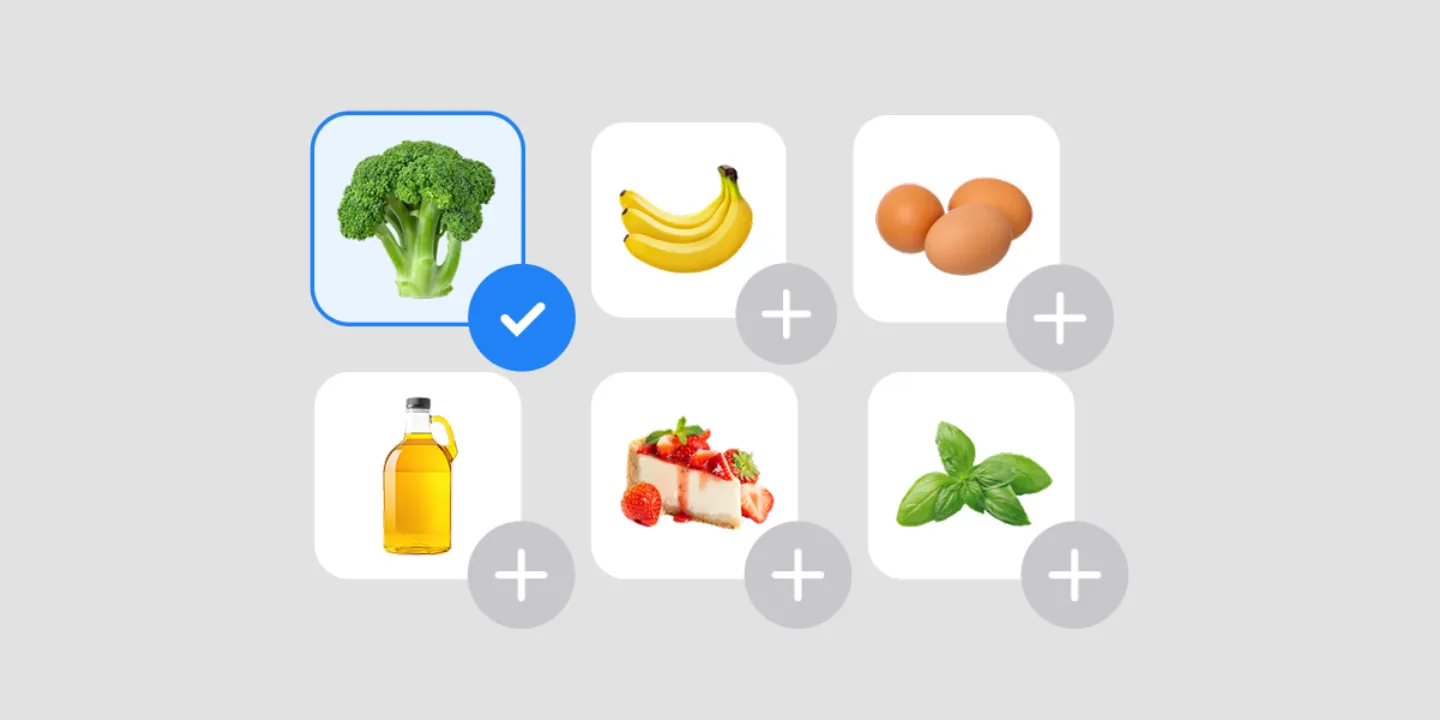
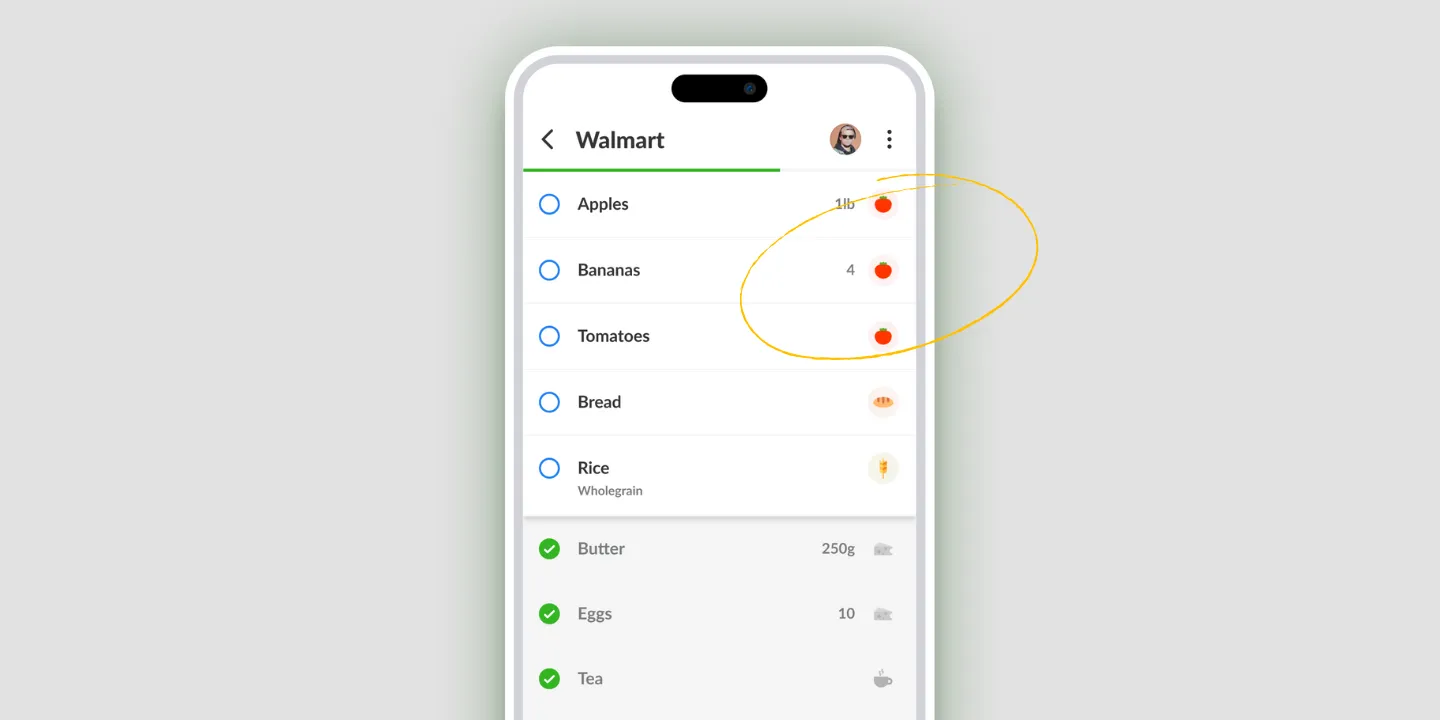
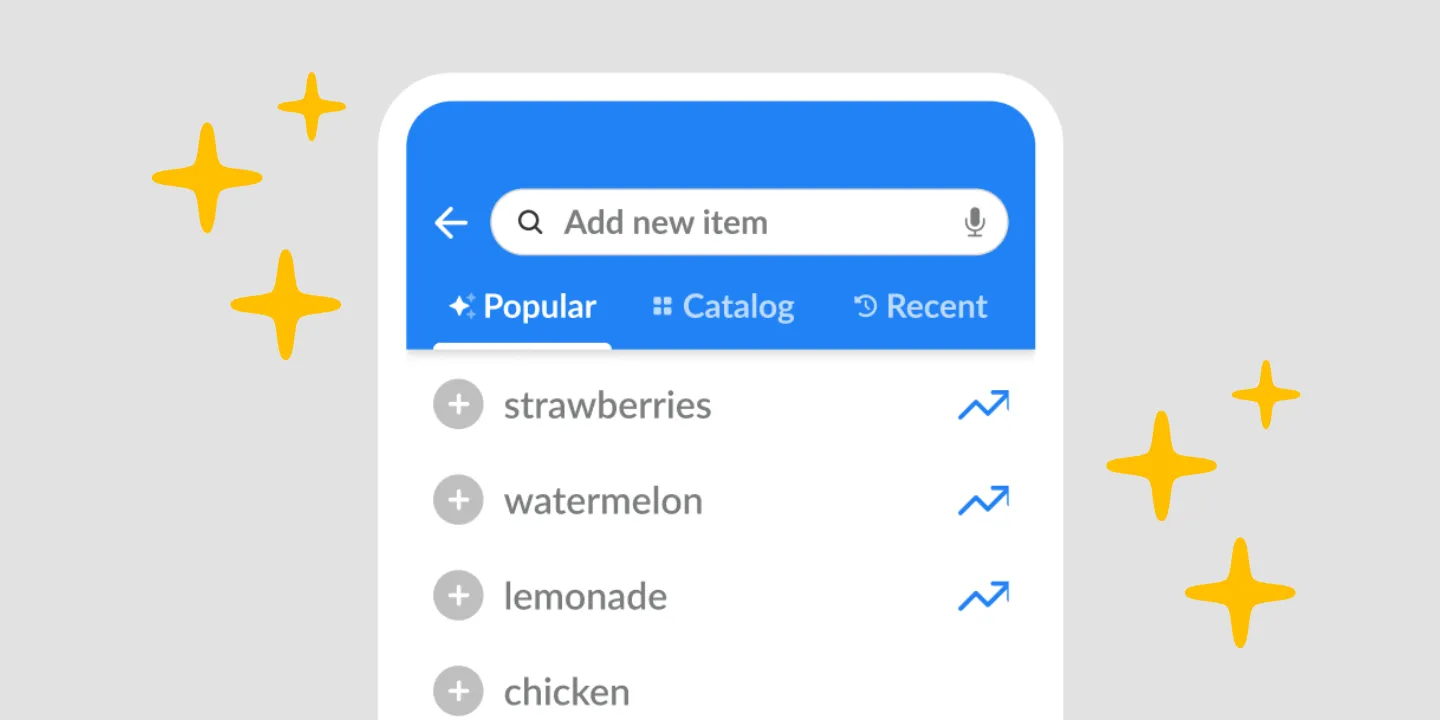
Open the add-item field and the suggestions are there before you type a character. Most frequent first, recent alongside them.
That matters because most of a weekly grocery run is the same week to week. The interesting part of a list is the three new things; the other twenty are the same twenty, and they’re the part that takes the time. Suggestions turn those twenty into twenty taps.
The longer you use it, the better the order gets, because the ranking comes from your own buying rather than from a generic list of common groceries.
Tap again to add more than one
Tap a suggested product a second time and the quantity goes up. A third tap makes it three.
It’s a small thing that removes a fiddly one: getting three bags of flour onto a list without opening the item, finding the quantity field, and typing a number.
Delete anything you’d rather not be offered
What you buy is your business, and Listonic treats it that way: any item can be removed from your history with one tap, and it stops appearing in suggestions.
That’s worth knowing for the obvious reasons, and for one less obvious one. A one-off purchase for a party can otherwise sit in your suggestions for weeks looking like a habit.
It works while you’re talking
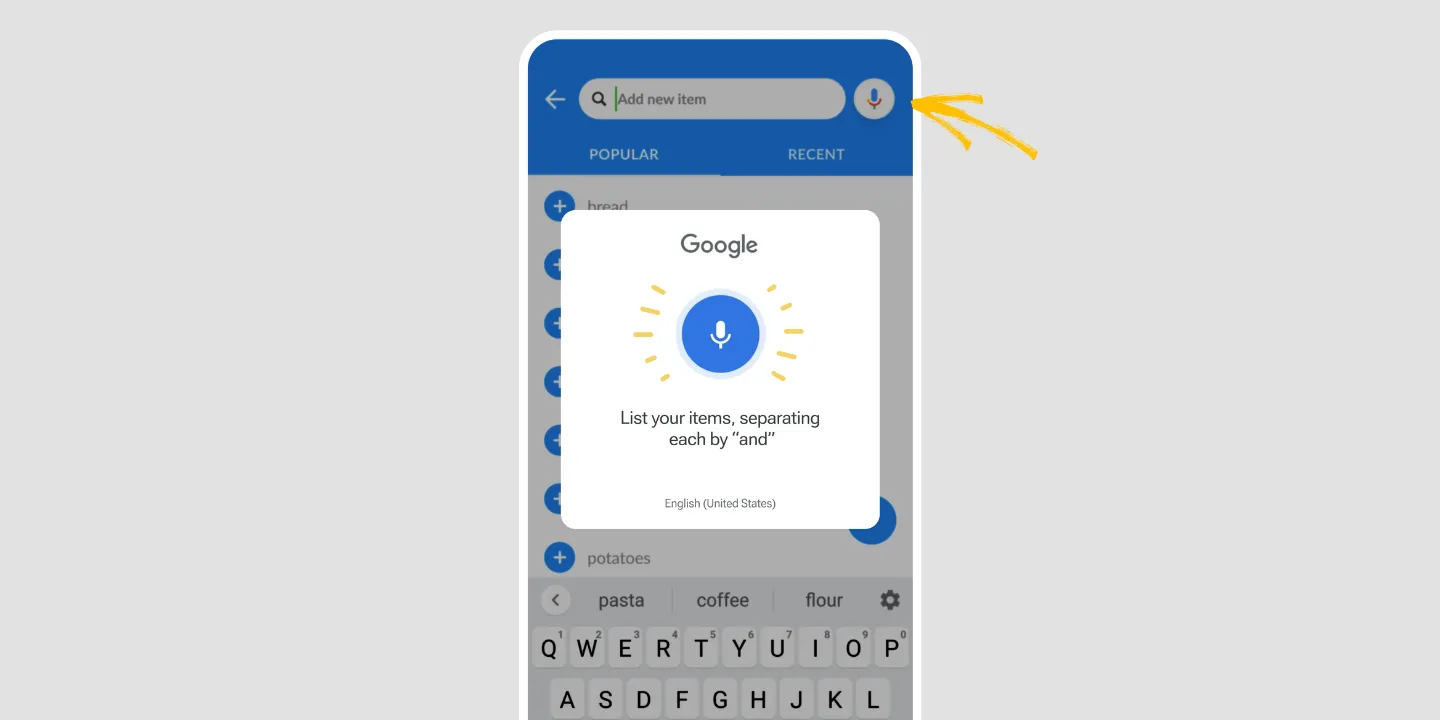
Suggestions aren’t limited to typing. With voice input, Listonic checks your history as you speak, so a dictated item is matched against what you actually buy rather than transcribed blind.
The two together are faster than either on its own: you say the list, and the app fills in the items it already knows you mean.
History, copying, and popular products are three different things
Easy to confuse, so worth separating.
History is yours and it works item by item, offered while you build a list. No looking anything up.
Copying takes a whole earlier list across in one move. Use it when a specific past list is the thing you want back, like last Christmas.
Product suggestions are about what shoppers in general reach for, which is what you want when your own history has nothing to say yet.
Where shopping history works
| Platform | Shopping history |
|---|---|
| Android | Yes |
| iPhone and iPad | Yes |
How it compares to other list apps
For how Listonic’s history and suggestions hold up against the way other apps reuse past purchases, see our head-to-head comparisons of the main grocery list apps.
FAQ
How does Listonic decide what to suggest?
Suggestions come from your own buying: what you add most often, and what you added recently. Those items are offered first as you build a list, which is why a regular weekly run fills in faster than a one-off list.
Can I remove something from my shopping history?
Anything can be deleted from your Listonic history with one tap, and it stops being suggested afterwards. What you buy is your business, and a suggestion you would rather not see again should take one action to be rid of.
How do I add several of the same item from a suggestion?
Tap the suggested product again. Each tap raises the quantity, so three taps put three of it on the list without opening the item to edit it.
Does my history work with voice input?
Listonic checks your history while you dictate, so a spoken item is matched against what you usually buy rather than being taken as raw text. Speaking and history together are faster than either alone.
How is this different from copying an old list?
History offers individual products as you type, without you looking anything up. Copying takes a whole earlier list across in one move. Use history for the regular weekly run and copying when a specific past list is the thing you want back.