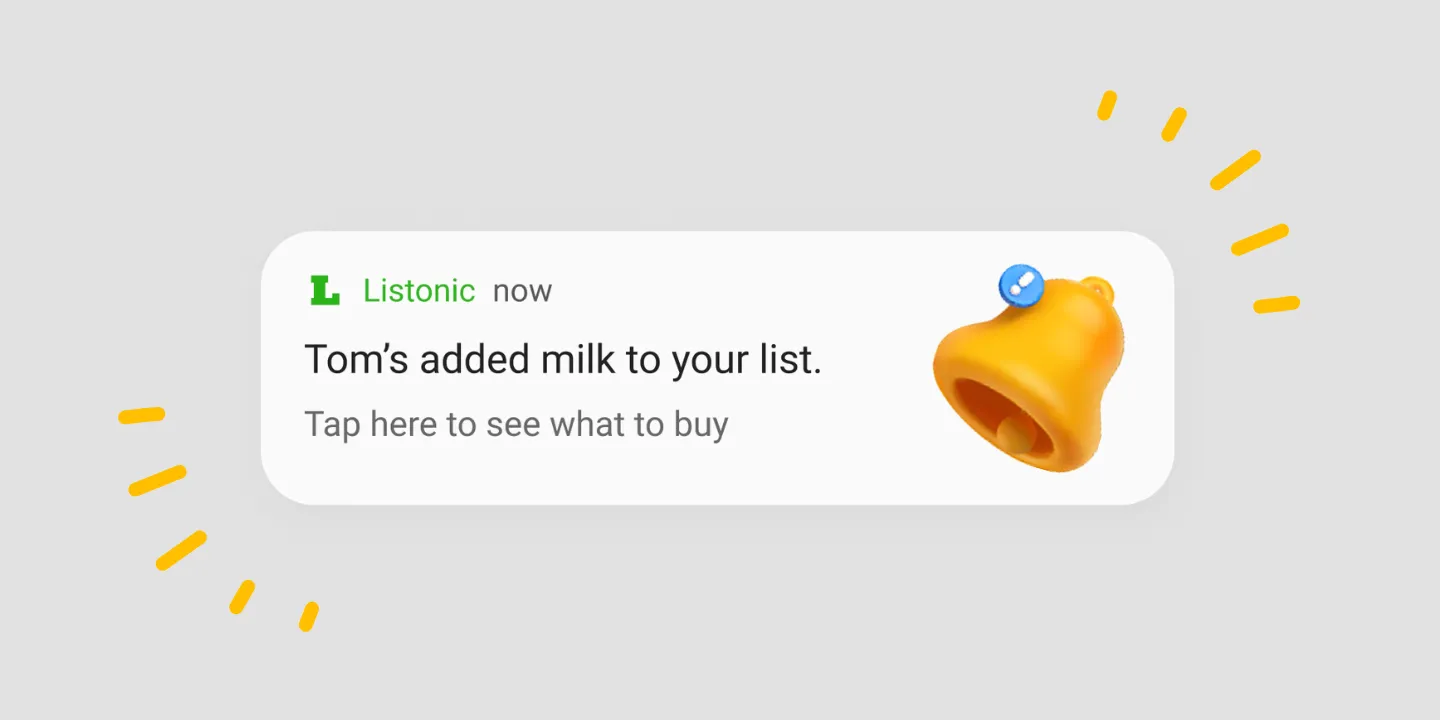
Alerts when someone changes your shared list
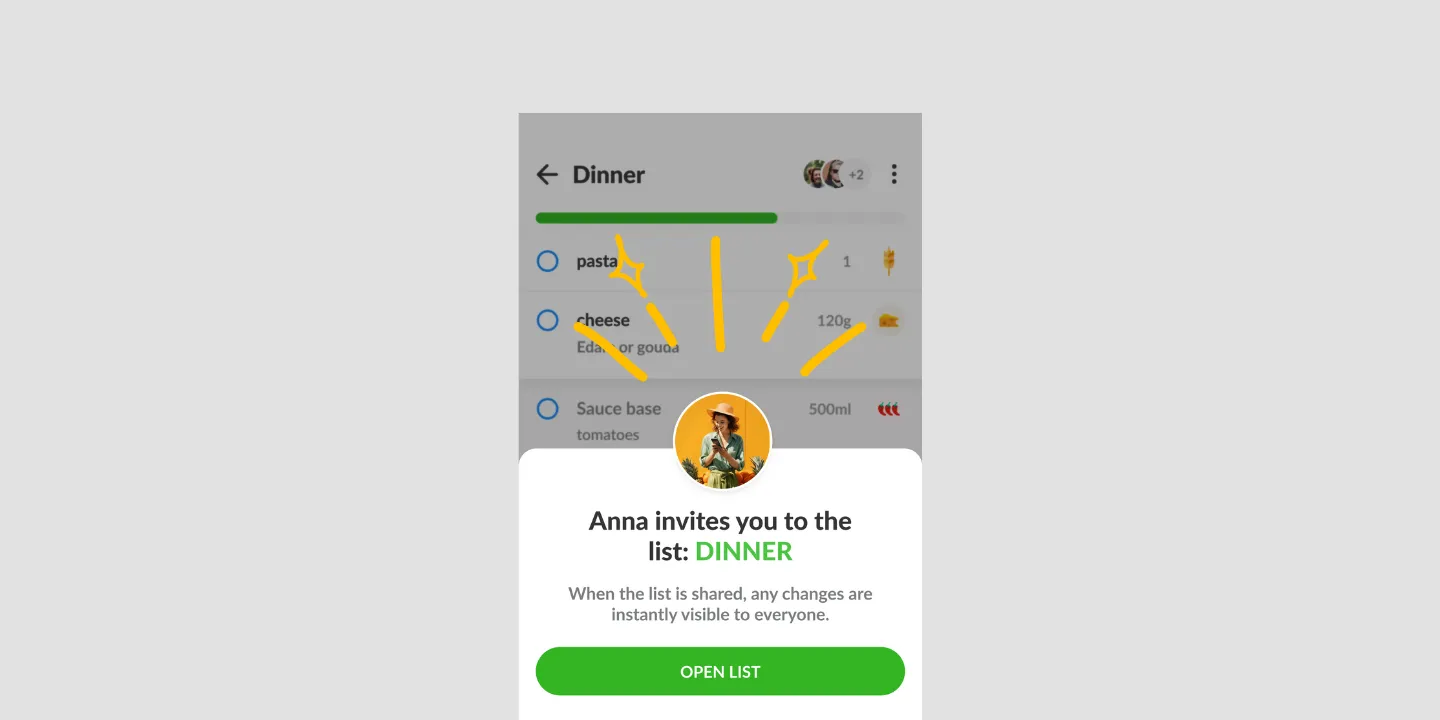
When somebody you share a list with adds an item, your copy changes straight away and you are told what changed, so the person at home and the person mid-aisle are looking at the same list. Listonic sends alerts about changes to shared lists and nothing else: no promotions, and no reminder to go shopping. They can be switched off entirely in the settings.
Key takeaways
- A change made by anyone on a shared list reaches everyone else immediately, and the alert says what was added rather than only that something was.
- Notifications exist for shared lists, so a list nobody else can edit generates none at all.
- Listonic does not send promotional alerts, and it does not send a reminder to go shopping at a set time or place.
- The whole thing can be switched off in the settings without affecting how lists sync.
One person is at home realizing the milk is gone. The other is already in the store. Whether that ends well depends entirely on whether the second person finds out, which is the whole job of a notification here.
What gets sent, and what it says
Somebody on a shared list adds an item. Your copy of the list updates, and you’re told what happened.
The alert names the change rather than announcing that there was one. “Someone added milk to your list” is actionable from the dairy aisle. “Your list was updated” would mean opening the app to find out, which is the step the notification exists to remove.
This is a feature of sharing
Worth stating plainly: on a list nobody else can edit, there’s nothing to notify you about.
Notifications are the part of shared lists that works when the app is closed. Real-time sync keeps two open lists identical; notifications are what reach the person whose phone is in a pocket. Together they’re what make it possible to add something at home while your partner is mid-aisle and have it land in time.
What Listonic doesn’t send
No promotions. Alerts describe changes to your lists. Listonic doesn’t use notifications to advertise to you.
No shopping reminders. There’s no “it’s Saturday, time to shop” and no alert when you walk past a supermarket. If a scheduled or location-based nudge is the thing you’re looking for, this isn’t it, and that’s worth knowing before you install anything on the strength of it.
Nothing about lists you don’t share, for the reason above.
Turning them off
The whole thing is a setting, and switching it off changes nothing about how lists work. Sharing still syncs, edits still land, everyone still sees the same list when they open it. You stop being told while the app is closed.
That suits people who shop from one list with one other person and open the app anyway. It suits a busy shared household considerably less.
Where notifications work
| Platform | Shared-list notifications |
|---|---|
| Android | Yes |
| iPhone and iPad | Yes |
How it compares to other list apps
For how Listonic’s alerts hold up against the way other apps handle shared-list updates, see our head-to-head comparisons of the main grocery list apps.
FAQ
What does Listonic send notifications about?
Changes to a list you share with somebody, such as an item being added. Listonic sends nothing else: no promotions, no nudges, no marketing.
Do I have to keep opening the app to see what changed?
Changes arrive as they happen, so a list edited at home reaches the phone in the store without anyone refreshing anything. That is the case the feature exists for.
Does Listonic remind me to go shopping?
No. There is no reminder set by time or triggered by arriving near a store. Listonic tells you when a shared list changes, which is a different thing from telling you to go and buy something.
Will I get notifications if I do not share my lists?
Not really, because there is nothing to report: alerts describe what other people did to a list you both have. A list only you can edit generates none.
Can I switch notifications off?
They can be turned off completely in the settings. Lists keep syncing either way; you stop being told about it while the app is closed.