Quantities, notes, and photos on every item
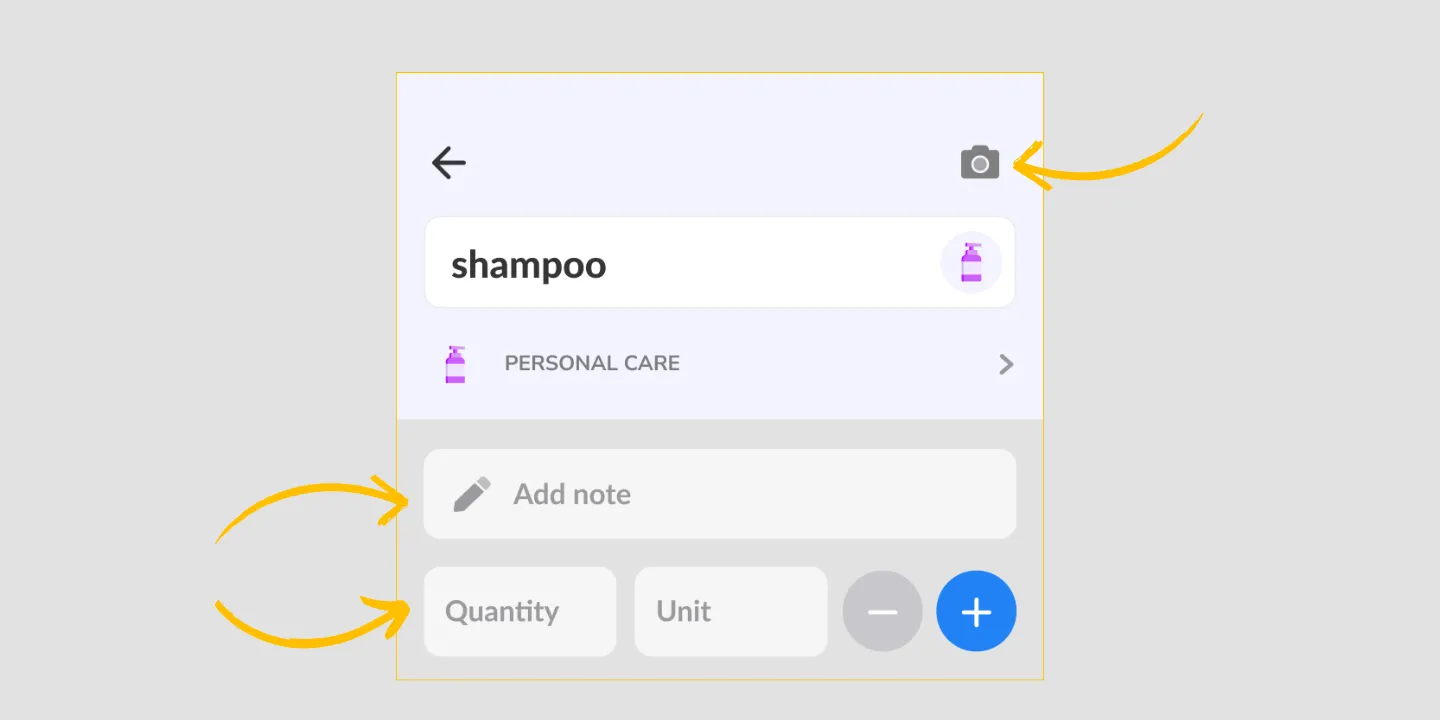
Every item on a Listonic list can carry a name, a price, a quantity, a unit, a note, and a photo, so whoever does the shopping brings back the right brand without a follow-up text. Prices and units are saved for the next list. Notes, photos, and quantities stay free to change, because those are the details that differ from one list to the next.
Key takeaways
- An item in Listonic is more than a word: it holds a quantity, a unit, a price, a note, and a photo of the exact product you mean.
- A photo attached to an item settles brand and size questions that a written note cannot, which matters most on a list somebody else is shopping from.
- Prices and units are remembered for next time, while notes, photos, and quantities stay free to change because they usually do.
- Details are per item, so you add them only where being wrong would actually cost you a return trip.
“Get shampoo” is not an instruction. It’s a guess, handed to whoever is standing in front of forty bottles. Listonic lets an item carry what you actually meant: how much, which unit, what it costs, a note, and a photograph of the exact thing.
What an item can hold
Six things, none of them required:
A name. The minimum, and often enough.
A quantity and a unit. 2 bottles, 1.5 kg, a dozen. The difference between buying enough and going back.
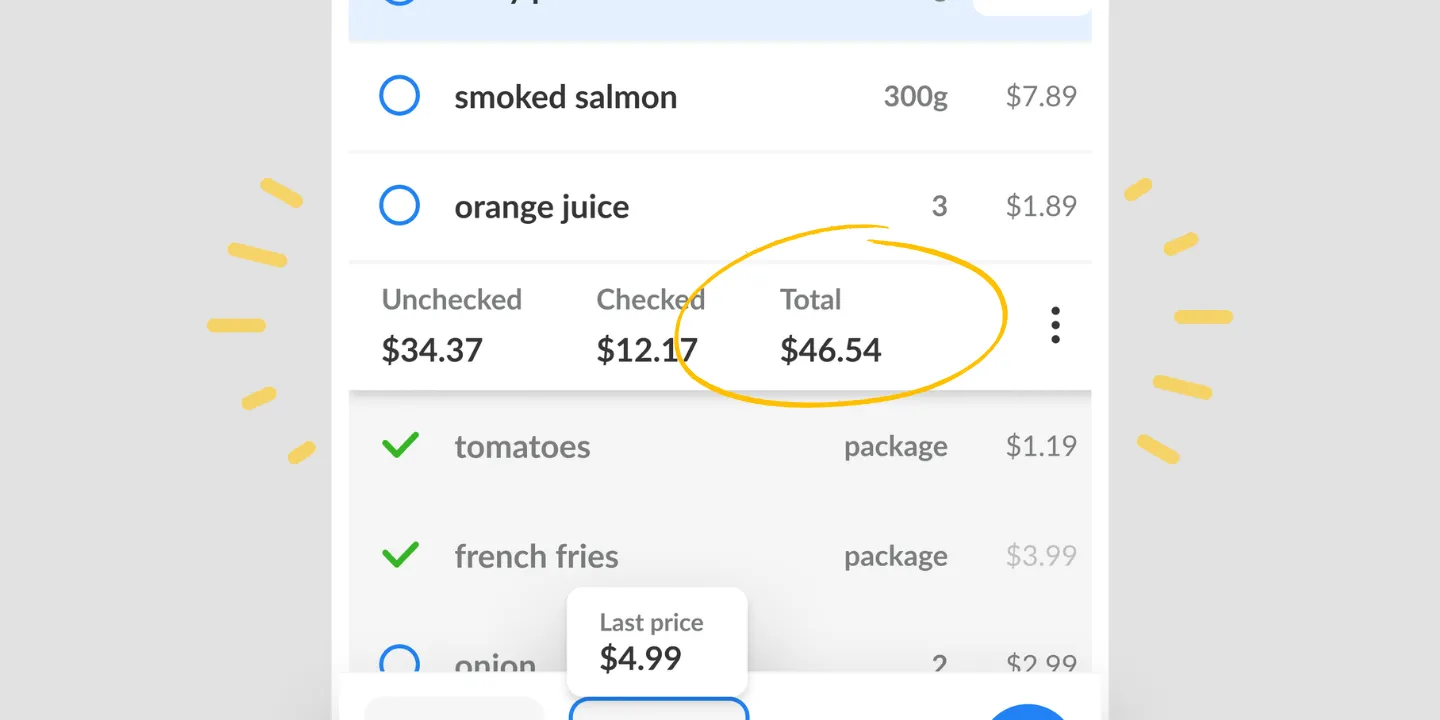
A price. What it costs, which then feeds the list total.
A note. The detail that doesn’t fit the name: the brand you’ll accept, the one you won’t, which store it’s cheaper at.
A photo. The thing that ends the argument.
The point is that details are optional per item. Most of a list stays one word long. You add the extra only where being wrong would cost a second trip.
A photo is worth the text message you didn’t send
Written descriptions of products fail in predictable ways. “The blue one” stops working when they’ve changed the packaging. “The big bottle” depends on what else is on the shelf.
A photo doesn’t have that problem. Attach a picture of the product and whoever is shopping matches it against the shelf, which takes a second and removes the whole exchange where they photograph three options and you pick one.
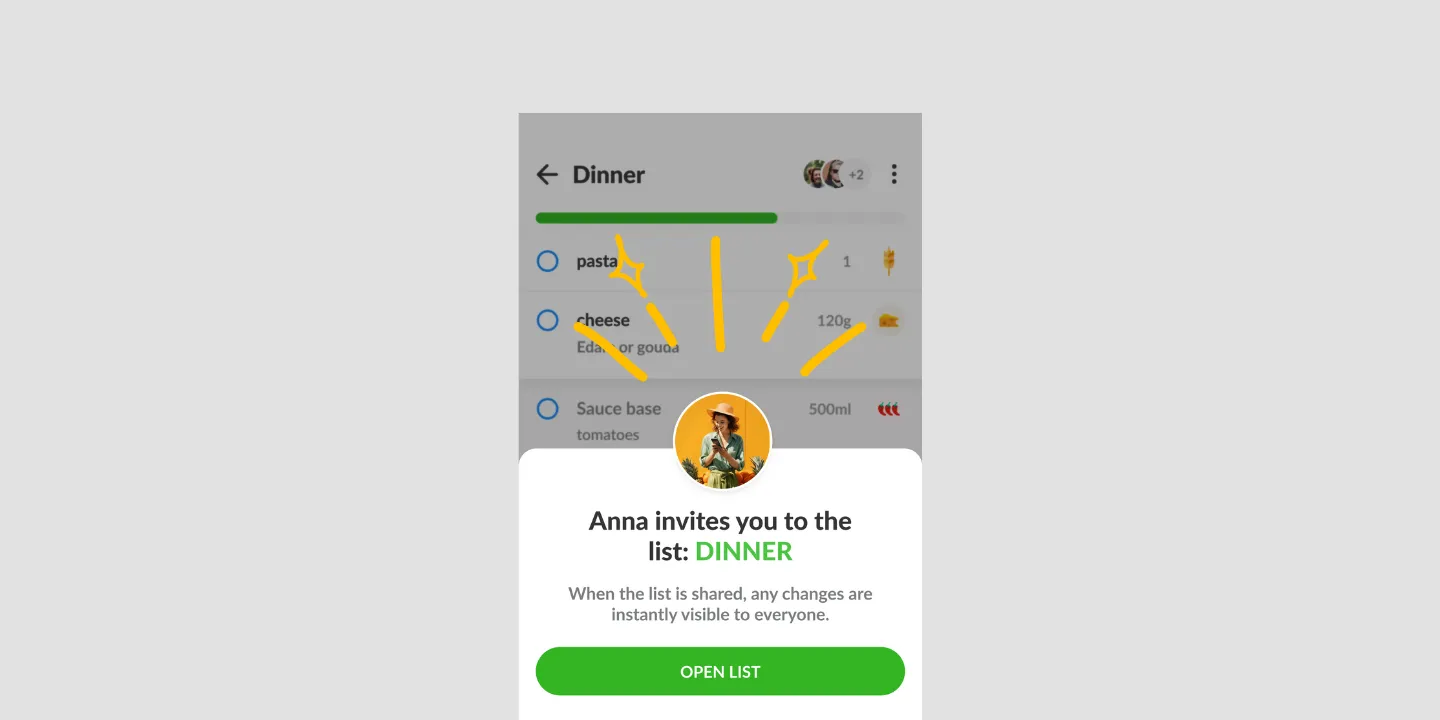
This is the detail that earns its place most on a shared list, because the person reading the item isn’t the person who wrote it.
Prices and units come back, notes and photos don’t
Listonic treats the two groups differently on purpose.
Saved for next time: prices and units. These are properties of the product. Milk costs what milk costs, and it comes in liters whoever is buying it.
Not carried over: notes, photos, and quantities. These belong to one particular trip. You wanted three this week and one next week, and the note about the party is not relevant in March.
It means the repetitive typing goes away without the app second-guessing the details that genuinely change.
Your photo, not our photograph
Two features in Listonic involve pictures and they point in opposite directions.
This one is a photo you take, attached to an item that’s already on your list, to say which product you mean.
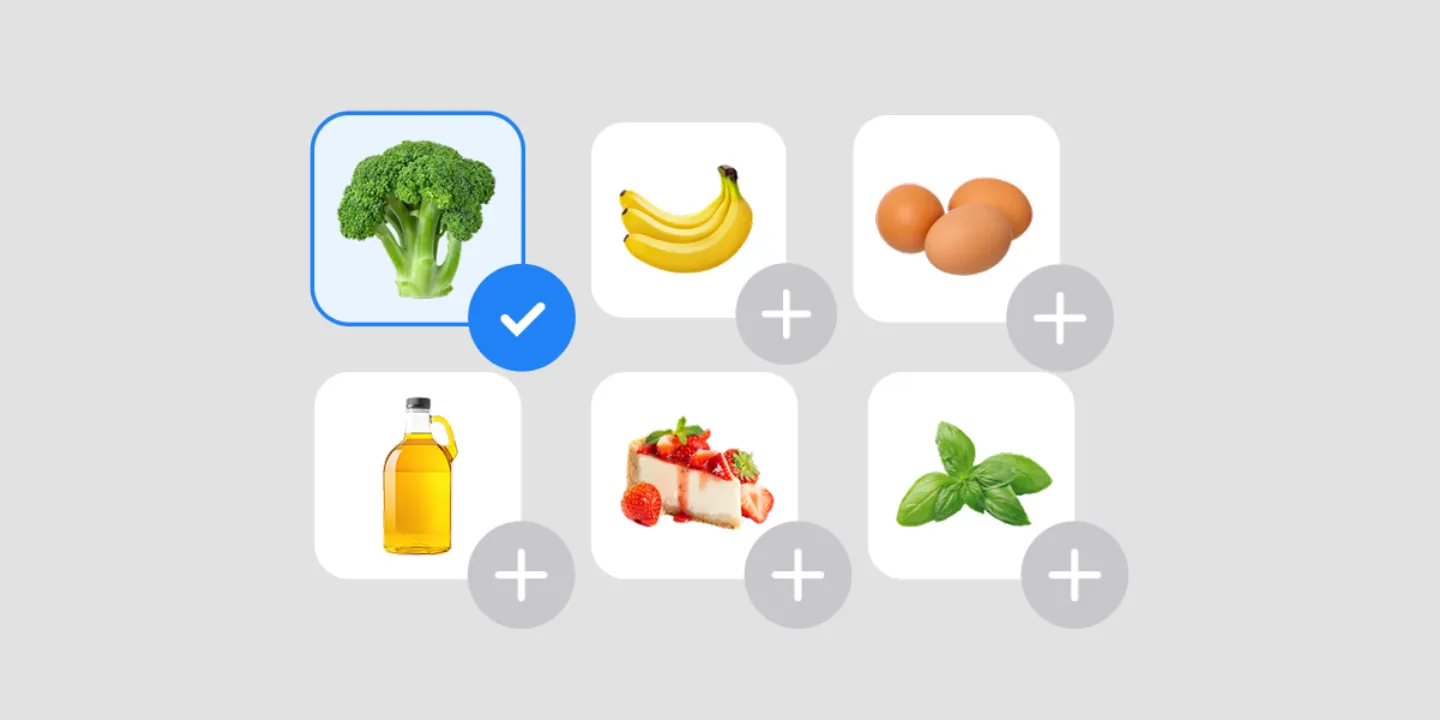
The product catalog is a grid of Listonic’s own photographs that you browse and add items from.
One identifies, the other finds. Reach for a photo when the item is already on the list and could still be bought wrong.
Where item details work
| Platform | Item details |
|---|---|
| Android | Yes |
| iPhone and iPad | Yes |
How it compares to other list apps
For how Listonic’s item detail holds up against what other apps let you attach, see our head-to-head comparisons of the main grocery list apps.
FAQ
How do I make sure somebody buys the right product?
Put a note on the item and attach a photo of the product you mean. The picture settles brand, size, and packaging in a way that a written description rarely does, which is what saves the text message from the aisle.
What can an item on a Listonic list hold?
A name, a price, a quantity, a unit, a note, and a photo. None of them are required, so an item can stay a single word until there is a reason for it not to.
Do I have to retype prices and units every week?
Prices and units are saved against the product and come back automatically. Notes, photos, and quantities are not carried over, because those are the details that usually change between one list and the next.
Is the photo mine or one of Listonic’s?
It is yours: a picture you attach to an item so the exact product is unambiguous. Listonic also has a catalog of its own product photographs, but that is for browsing and adding items rather than for pinning down a brand.
Where do the prices I add show up?
A price on an item feeds the running total for the whole list, so adding prices is also how the cost of the trip gets calculated.