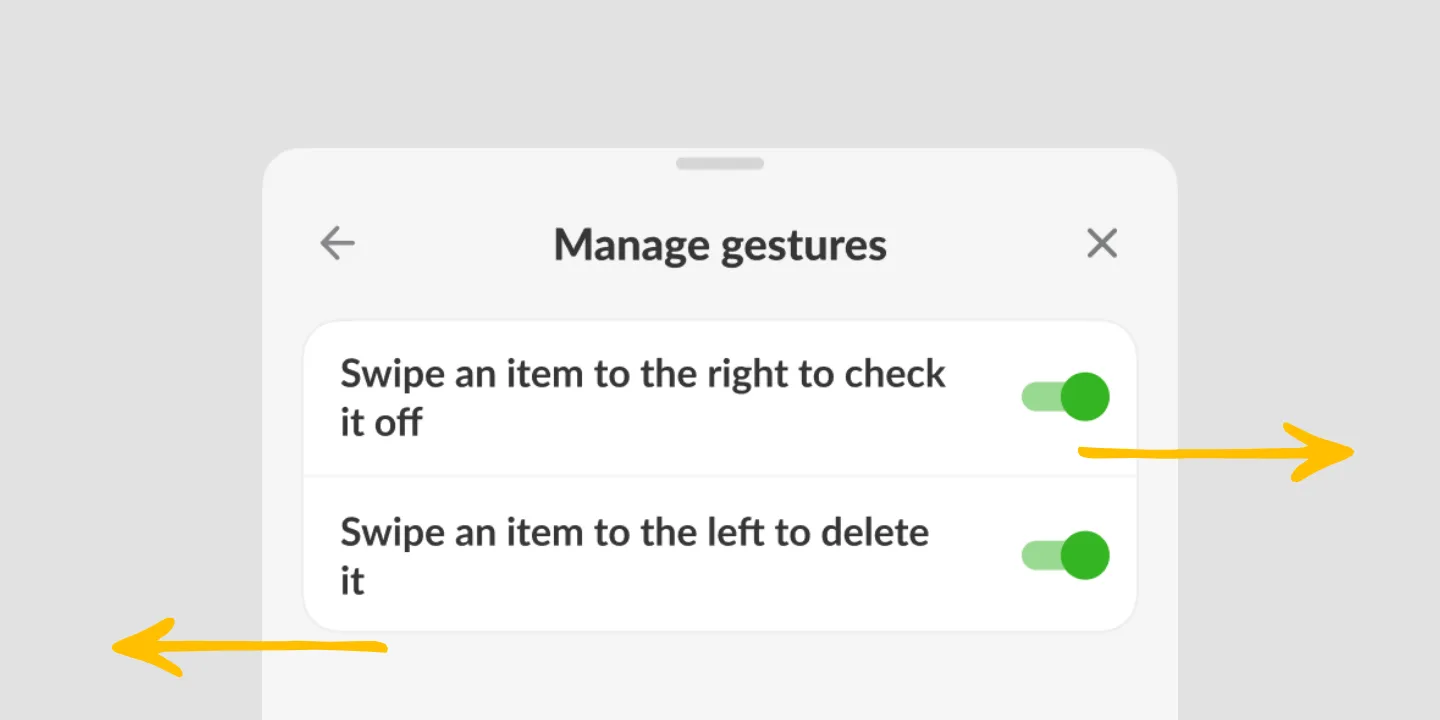
Tap or swipe to check items off your list
A tap or a swipe to the right marks an item bought in Listonic, so a list works one-handed while you are holding a basket, a child, or a coffee. Swiping left deletes an item instead. Both gestures can be switched off in the settings if you would rather the list stayed tap-only, which matters if you keep triggering them by accident.
Key takeaways
- Tapping an item or swiping it right marks it bought, and either works with the hand that is already holding the phone.
- Swiping an item left deletes it, which is the gesture worth knowing about before you discover it by accident.
- Swipe gestures can be turned off in the settings, leaving the list tap-only.
- This is the per-item gesture; finishing a whole list at once is a separate action.
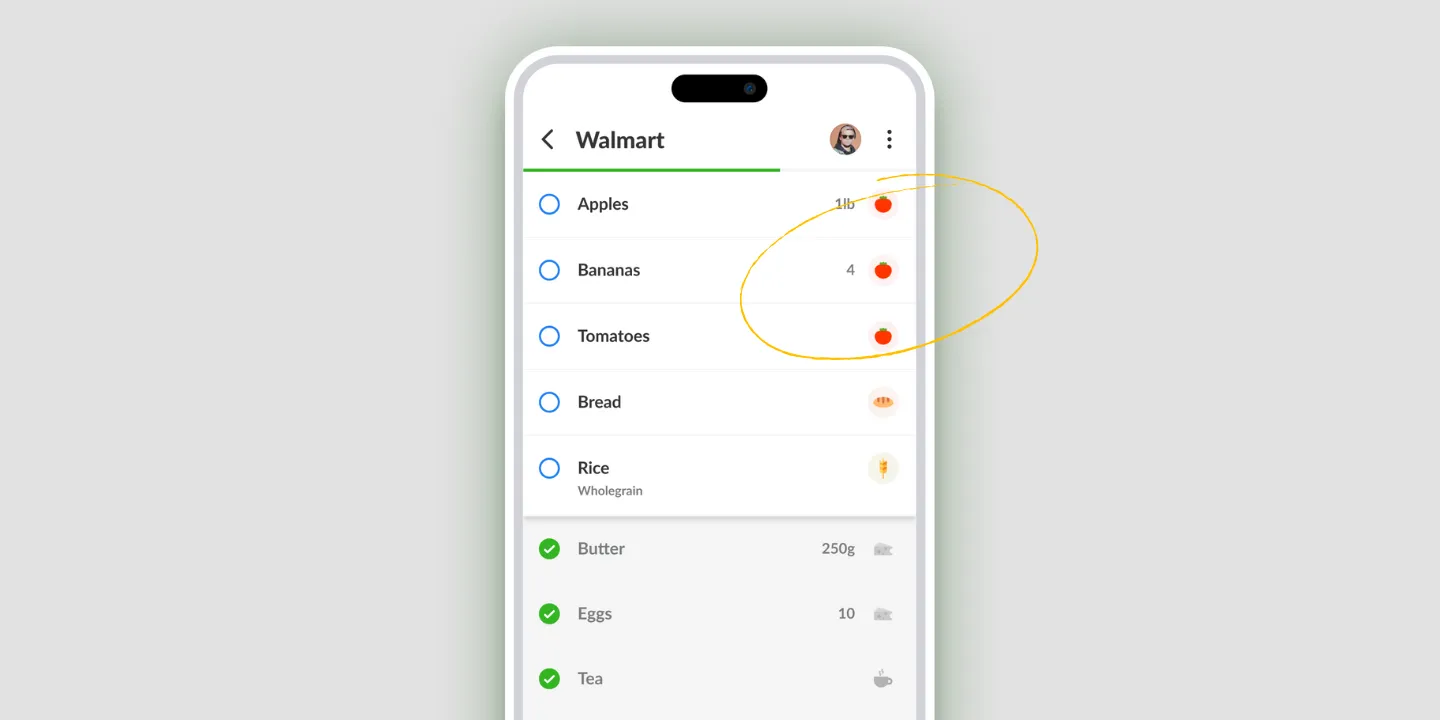
Shopping is a one-handed activity. The other hand has a basket in it, or a child, or a coffee you’re regretting. So checking an item off in Listonic is a tap or a swipe, done with the thumb that’s already on the screen.
Tap, or swipe right
Both mark an item bought. Tap it if the item is under your thumb; swipe it right if that’s more comfortable while you’re moving.
There’s no menu to open and no edit mode to enter first. It’s the action a shopping list gets used for more than any other, so it costs one gesture.
Swiping left deletes
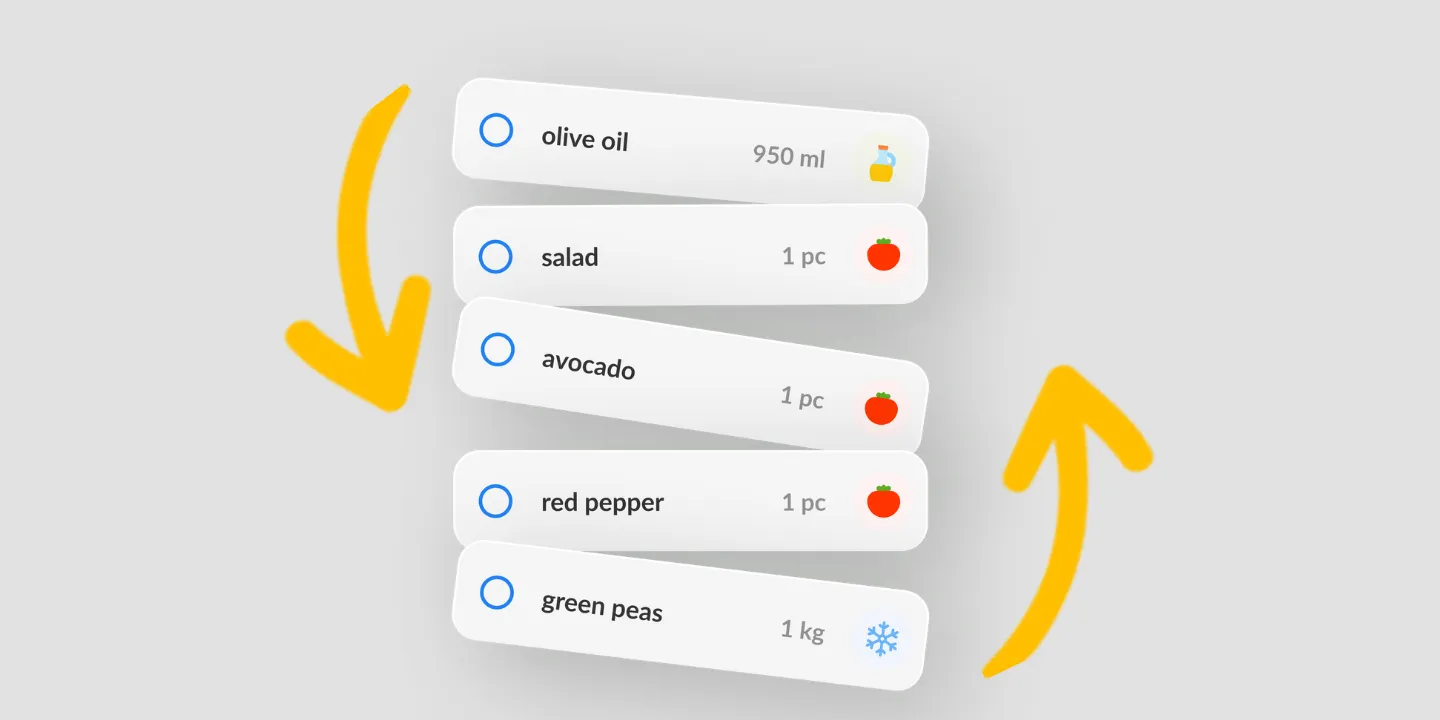
Worth knowing before you find out. The two swipes are opposite in effect and adjacent in practice: right marks an item bought, left removes it from the list.
Listonic’s own gesture screen spells this out, and it’s the single most useful thing to read before your first shop with the app.
Turning swipe off
Gestures suit some hands and not others. If you trigger them by accident, or find a reliable swipe hard to perform, swipe actions can be disabled in the settings and the list becomes tap-only.
Nothing else changes. Everything still works; it needs a deliberate tap rather than a movement you might make without meaning to.
Finishing the whole list at once
This page is about one item at a time, which is how a list gets used in the store. The end of a trip is a different problem: rather than tapping down twenty items you already bought, check the whole list off in one action.
Where gestures work
| Platform | Tap and swipe |
|---|---|
| Android | Yes |
| iPhone and iPad | Yes |
How it compares to other list apps
For how Listonic’s gestures hold up against the way other apps handle checking off, see our head-to-head comparisons of the main grocery list apps.
FAQ
How do I check an item off a Listonic list?
Tap the item, or swipe it to the right. Both mark it bought, and both are designed for the hand already holding the phone rather than for two-handed use.
What does swiping left do?
Swiping an item to the left deletes it from the list, as Listonic’s own gesture screen explains. It is worth knowing in advance, because the two swipes are opposite in effect and next to each other in practice.
Can I turn swiping off?
Swipe actions can be disabled in the settings, leaving the list tap-only. That is the setting to reach for if you trigger swipes by accident or find them hard to perform reliably.
Does checking off work when my hands are full?
That is what the gestures are for. One thumb marks an item bought while you are holding a basket or a child, without needing to steady the phone with a second hand.
Can I check off the whole list at once instead?
A separate action marks every item on the list complete in one move, which is the one to use at the end of a trip rather than tapping down the list.